

Finding the perfect tablet under $500 doesn’t mean compromising on performance, display quality, or build. Nowadays, the tablet market delivers impressive value across Apple, Samsung, and Amazon devices, each tailored to different user needs. What follows is a detailed look at the top five tablets in this price range based on expert reviews, technical specifications, and user feedback.
Disclosure: As an Amazon Associate, I earn from qualifying purchases. This means that if you click on a link and make a purchase, I may receive a small commission at no additional cost to you.
Quick Look
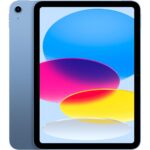
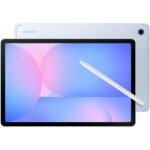
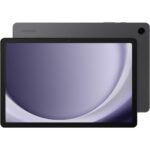
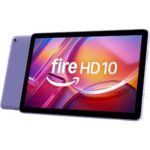
Table of Contents

Why You Need Tablets Under $500
Tablets under $500 are ideal for people who want a reliable, modern device for everyday tasks without paying premium prices. At this budget, you can now get strong performance, high-quality displays, and long software support that were once limited to expensive models.
Who Tablets under $500 Are For, and Who Should Skip Them
Tablets under $500 are perfect for students, remote workers, casual professionals, families, and anyone who uses a tablet for browsing, streaming, note-taking, online classes, emails, and light creative work. If you watch videos, read books, take notes, attend Zoom calls, or use productivity apps, this category offers more than enough power.
You may want to skip tablets under $500 if you do heavy video editing, advanced graphic design, or professional 3D work. Those tasks benefit from higher-end processors and displays found in premium tablets.
Key Problems Tablets under $500 Solve
One major problem these tablets solve is overpaying. Many users buy expensive tablets and never use their advanced features. Tablets under $500 focus on what most people actually need: smooth everyday performance, long battery life, and a screen that’s comfortable for hours of use.
They also solve portability issues. A tablet is lighter and easier to carry than a laptop while still handling daily tasks like studying, working, or entertainment in one device.
Main Benefits of Tablets under $500
The biggest benefit is value for money. At this level, you can expect:
• Smooth everyday performance with 6GB to 8GB of RAM
• Clear, sharp displays between 10 and 11 inches
• Battery life that comfortably lasts a full day
• Support for keyboards or styluses on many models
For most buyers, tablets under $500 deliver everything needed without unnecessary extras.
Buying Tips for Tablets Under $500
Knowing what to look for makes choosing the right tablet much easier, especially if you’re new to buying tablets.
What Actually Matters When Buying Tablets under $500
RAM is critical for smooth performance. For light use like browsing and videos, 4GB RAM is the minimum. For smoother multitasking, online classes, and productivity, 6GB to 8GB RAM is ideal and highly recommended.
Storage matters more than many people expect. 64GB is the bare minimum, but 128GB is far more comfortable, especially if you download apps, videos, or documents. If the tablet supports microSD expansion, that’s a big bonus.
Display quality is about more than size. A resolution of at least 1920×1200 (Full HD) ensures text looks sharp and videos look clear. Screen sizes between 10 and 11 inches are the best balance for comfort and portability.
Battery life should be at least 9–10 hours of mixed use. This ensures the tablet lasts through school, work, or travel without constant charging.
Specs and Features That Are Mostly Marketing Fluff
High camera megapixels don’t matter much on tablets. A basic front camera is fine for video calls, and rear cameras are rarely used.
Extremely high refresh rates sound impressive but don’t make a big difference for reading, videos, or studying. A standard 60Hz display is perfectly fine for most users.
Ultra-fast charging claims can also be misleading. Consistent battery life is far more important than charging speed at this price point.
Common Buying Mistakes to Avoid
Many beginners buy the cheapest option with only 4GB RAM and regret it later when the tablet slows down. Another common mistake is ignoring software support; tablets that receive regular updates stay usable much longer.
Buyers also forget about accessories. Choosing a tablet that supports a keyboard or stylus can significantly increase its usefulness for school or work.
Usage Tips for Tablets Under $500
Using tablets under $500 the right way helps them stay fast and reliable for years.
How to Get the Best Results from Tablets under $500
Keep at least 20–25% of storage free to maintain smooth performance. Regularly update the system and apps, as updates often improve speed and battery efficiency.
Use cloud storage for photos and videos to avoid filling up internal storage too quickly. Adjust screen brightness and enable battery-saving modes when needed.
Beginner Mistakes to Avoid
One common mistake is running too many apps at once. Tablets under $500 work best when focused on one or two tasks at a time.
Another mistake is using heavy desktop-style apps when lighter mobile alternatives work better and run more smoothly.
Pro Tips Most Users Don’t Know
Using split-screen mode for note-taking and browsing can boost productivity without slowing down the device. Lowering screen brightness by even 10–15% can significantly improve battery life.
Adding a simple Bluetooth keyboard can turn a tablet into a highly effective writing and study tool, something many beginners overlook.
Top 5 Tablets Under $500
#1 Apple iPad 11-inch (A16)
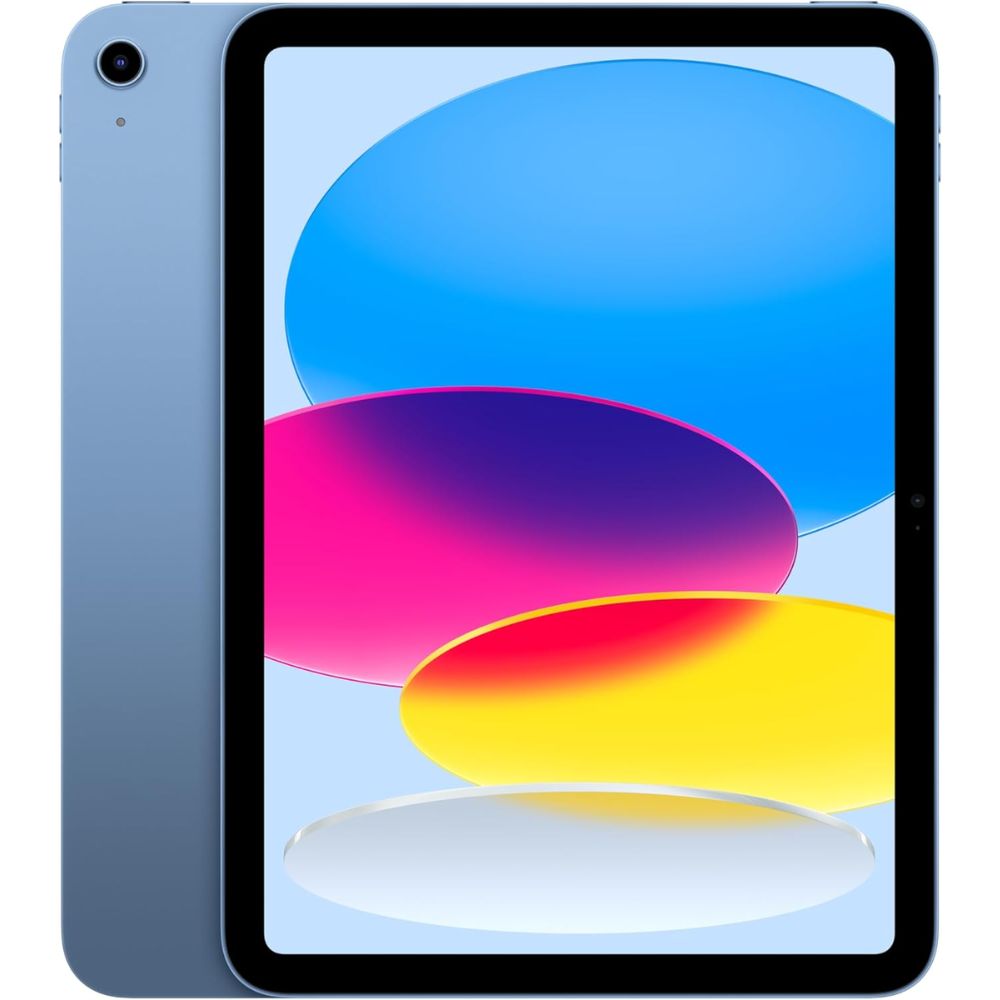
- A16 Bionic chip for fast performance across apps and multitasking
- 11-inch Liquid Retina display with great color accuracy and brightness
- iPadOS with access to a broad app ecosystem
- Long software support and reliable updates
- Lightweight and premium build quality
The Apple iPad with A16 Bionic continues to dominate the sub-$500 tablet segment in sheer performance and ecosystem support. The A16 chip delivers smooth multitasking, capable gaming, and responsive productivity performance, outperforming most Android counterparts in benchmarks. The display remains bright and color-rich, ideal for streaming and creative work, even though it’s limited to 60Hz refresh. Users also benefit from long-term software support, making this tablet a smart investment for years of everyday use.
Pros:
- Exceptional performance for the price
- Excellent app ecosystem
- Premium design and build
- Strong battery life
Cons:
- 60Hz display is dated compared to competitors
- No expandable storage
- Apple Pencil sold separately
Ideal for everyday users, students, and creatives who want a responsive tablet with strong performance and long software support.
#2 Samsung Galaxy Tab S10 FE
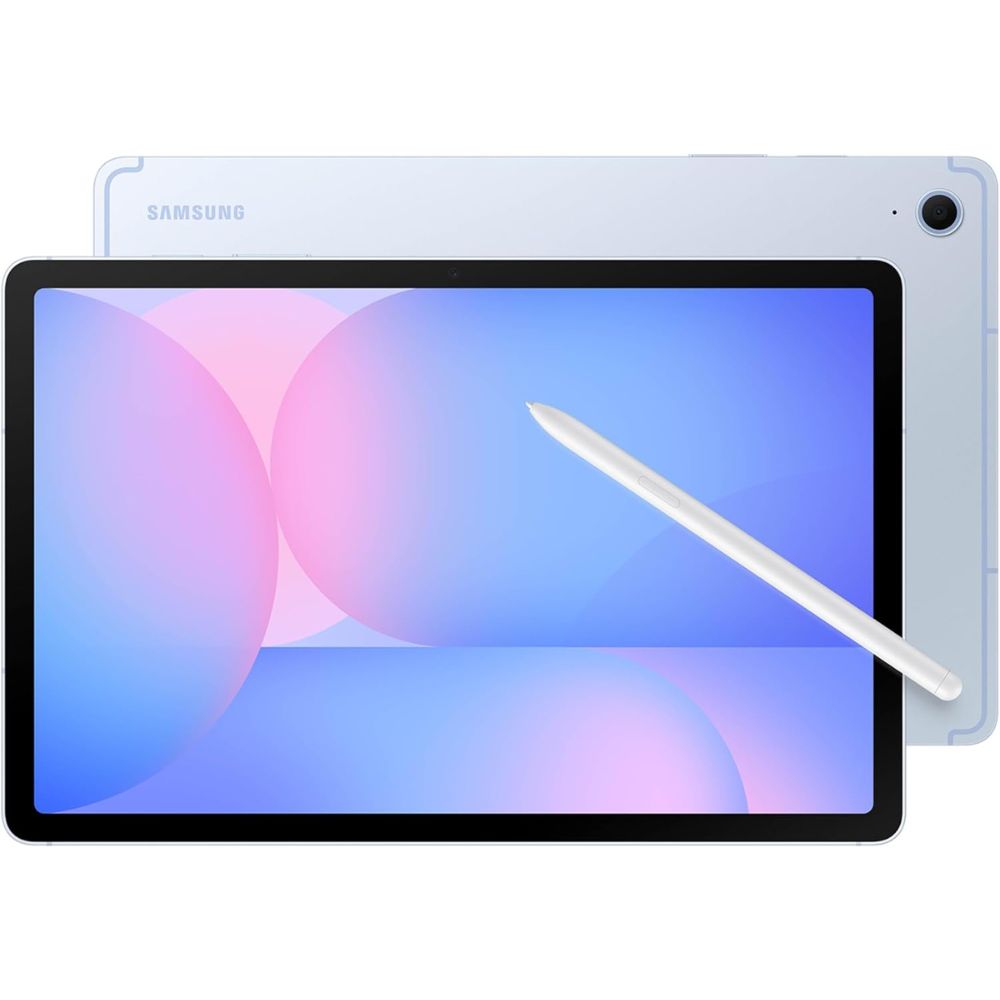
- 10.7-inch 2K display with sharp visuals
- S Pen included for creative and productivity tasks
- 8GB RAM for smooth multitasking
- Long battery life for all-day use
- Samsung One UI software with extensive Android features
The Galaxy Tab S10 FE strikes a compelling balance between performance and features in the sub-$500 category. Its high-resolution display and included S Pen set it apart from most competitors, making it a strong choice for note-taking, sketching, and productivity on the go. The tablet handles mainstream apps and multimedia tasks effectively, though its raw performance doesn’t match the Apple A16 chip. Water resistance and thoughtful software touches add durability and polish, appealing to Android enthusiasts.
Pros:
- S Pen included
- Bright, sharp display
- Excellent for productivity and creative tasks
- Good battery life
Cons:
- Mid-level performance vs. Apple iPad
- LCD panel instead of OLED
- Slight weight for extended use
Ideal for Android users, students, and creative users who want stylus support without stretching the budget.
#3 Samsung Galaxy Tab A9+ 11”
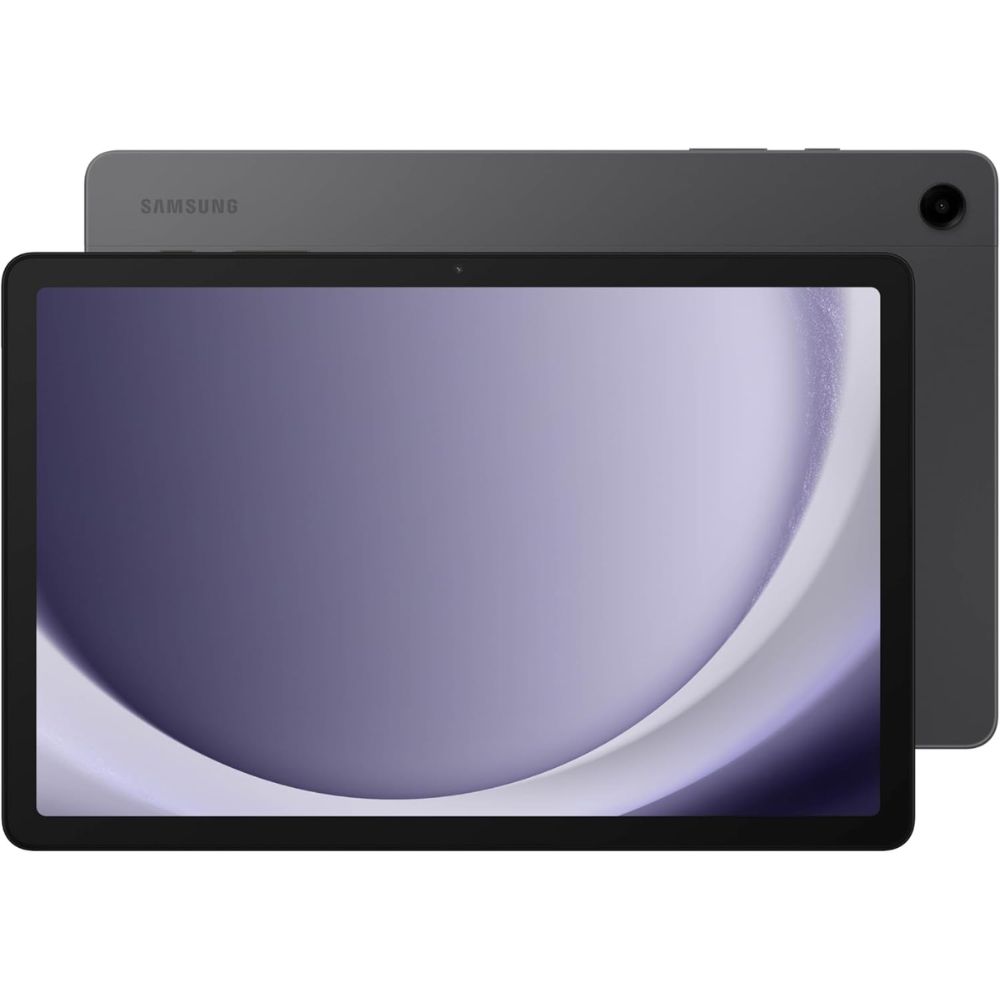
- Large 11-inch display with smooth refresh
- Long battery life for extended use
- Solid build quality with slim bezels
- Expandable storage up to 1TB
- Clean Samsung software and ecosystem support
The Galaxy Tab A9+ delivers a thoughtful mix of features that make it a top choice for everyday tablet users. Its large screen and smooth refresh rate create an enjoyable viewing experience for streaming and productivity. Thanks to a generous battery and expandable storage, it’s versatile for travel or extended use. The Snapdragon chip and RAM configurations handle documents, browsing, and videos with ease, though heavy multitasking can be limited on lower-RAM variants.
Pros:
- Great battery life
- Expandable storage
- Large, enjoyable display
- Comfortable design
Cons:
- Mid-tier performance for demanding apps
- Basic cameras
- Charging can be slow
Perfect for families, students, and casual users seeking solid overall performance and flexibility in a budget-friendly Android tablet.
#4 Amazon Fire HD 10
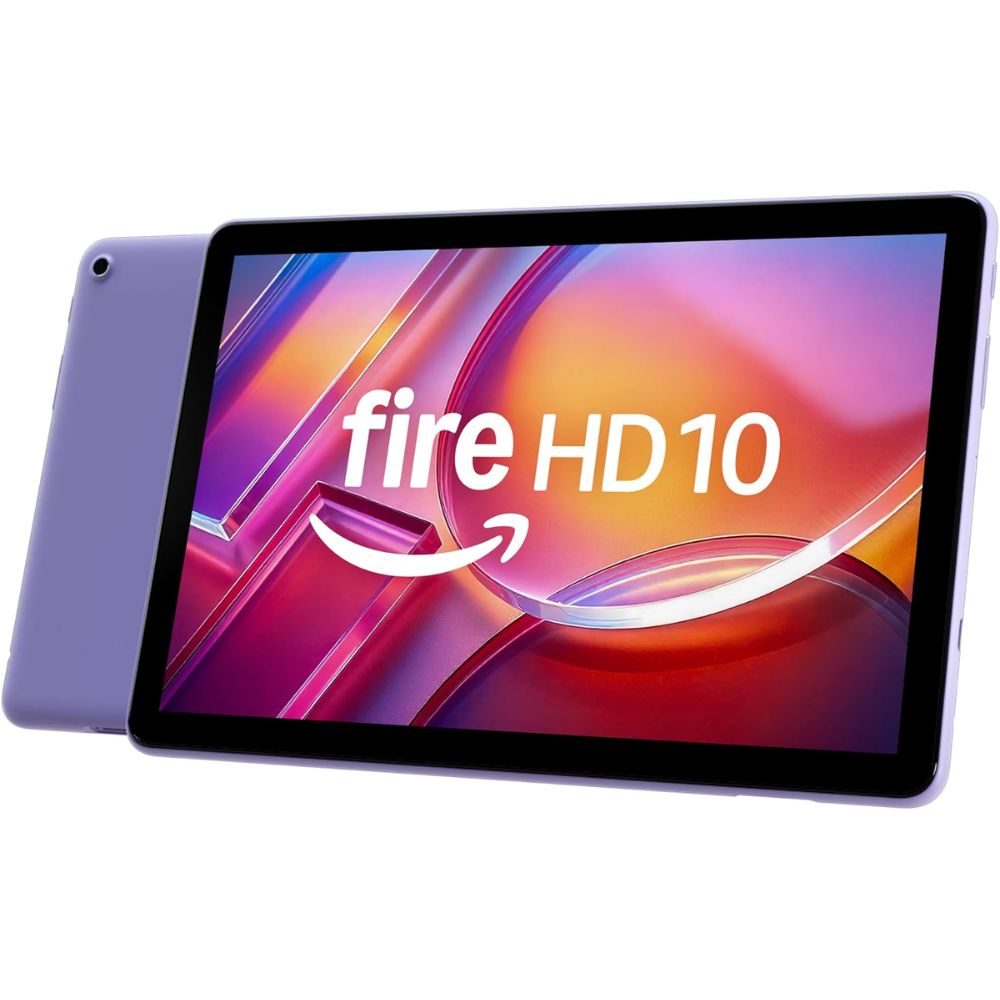
- 10.1-inch Full HD display for video and browsing
- Alexa integration for voice control
- Expandable storage via microSD
- Long battery life for media playback
- Lightweight and kid-friendly
The Amazon Fire HD 10 focuses on delivering a great entertainment experience at a very accessible level. Its bright Full HD screen and integration with Alexa make it ideal for streaming shows, browsing, and casual use. While Fire OS is more limited than full Android or iPadOS (lacking Google services by default), it performs well for Amazon apps and media consumption. Expandable storage and parental controls further cement it as a strong family tablet.
Pros:
- Excellent media-centric experience
- Expandable storage
- Alexa hands-free support
- Great battery life
Cons:
- Limited app ecosystem without sideloading
- Lower performance for heavy tasks
- Basic hardware
Best suited for media lovers, families, and casual users who mainly want streaming, browsing, and Alexa features.
#5 Apple iPad Mini (2024)
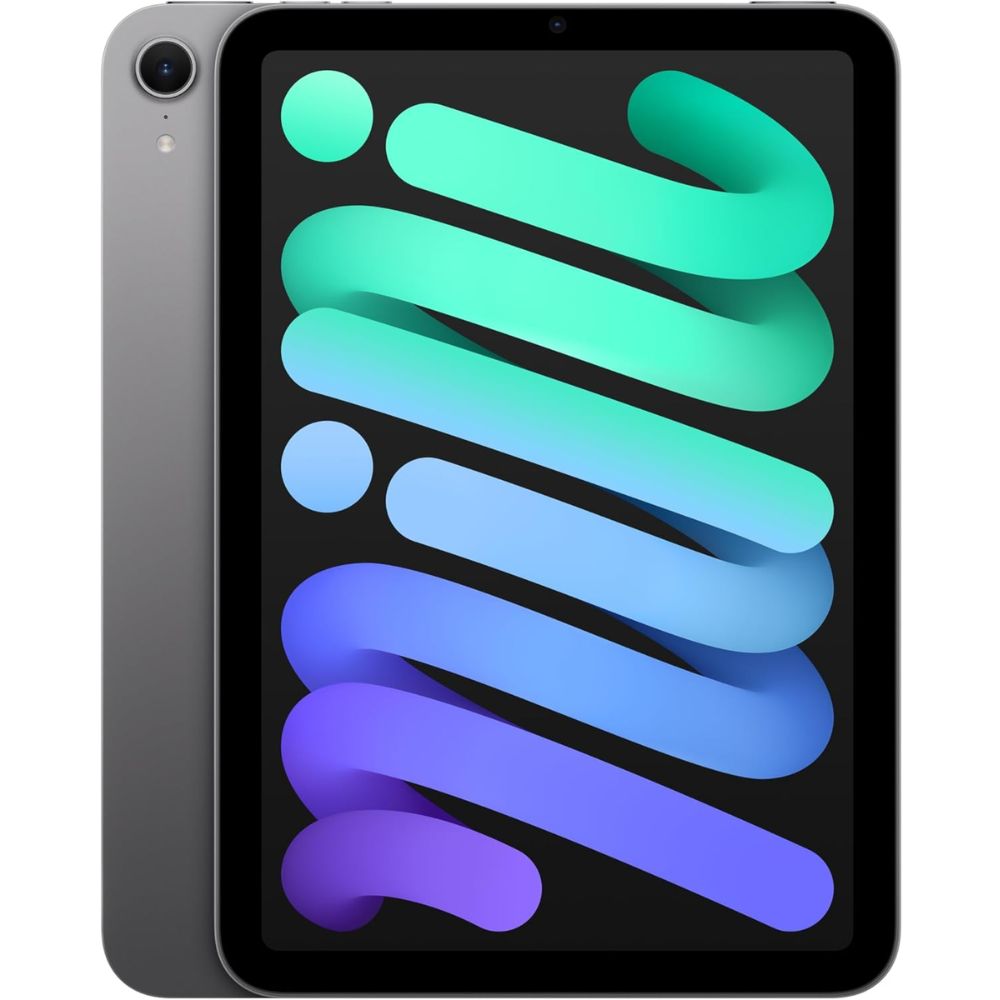
- Compact 8.3-inch Liquid Retina display
- A17 Pro chip for responsive performance
- Apple Pencil Pro support
- Premium build quality
- Versatile for travel and on-the-go use
The 2024 iPad Mini brings flagship performance into a ultraportable form factor. Its A17 Pro chip ensures snappy responsiveness and capable handling of everyday and creative tasks. The compact screen makes it ideal for reading, travel, or quick productivity bursts, and Apple Pencil Pro support elevates note-taking and sketching experiences. Compared to larger tablets, its pocketable form and power set it apart as the best premium compact choice in this segment.
Pros:
- Pocketable and powerful
- Excellent build quality
- Apple Pencil Pro compatibility
- Great performance
Cons:
- Smaller screen for media
- Pencil Pro sold separately
- Higher performance might be more than casual users need
Perfect for travelers, students, and creative users who want premium performance in a compact package.
FAQ
Are tablets under $500 powerful enough for work?
Yes, modern tablets like the iPad with A16 and Samsung Galaxy Tab S10 FE can handle productivity tasks, document editing, and multitasking with confidence.
Can I use a stylus with these tablets?
Most support styluses: the Galaxy Tab S10 FE includes the S Pen, while Apple devices support Apple Pencil (sold separately) for drawing and notes.
Which tablet lasts longest between charges?
Samsung Galaxy Tab A9+ and Fire HD 10 often deliver longer battery life due to efficient hardware and optimized software.
Do these tablets get software updates?
Apple devices receive long software support for several years. Samsung also offers extended Android updates on newer models like the S10 FE and A9+.
Are these tablets good for gaming?
The iPad models excel for gaming thanks to Apple’s optimized hardware, while Android tablets handle casual gaming well but may lag on more demanding titles