
Windows tablets have evolved into powerful, flexible devices that bridge the gap between traditional laptops and ultra-portable tablets. With full desktop software support, touch and pen input, and detachable keyboard options, modern Windows tablets are ideal for productivity, creativity, and on-the-go computing. In this guide, we’ve analyzed expert reviews, technical specifications, and real user feedback to bring you the top Windows tablets worth considering today.
Disclosure: As an Amazon Associate, I earn from qualifying purchases. This means that if you click on a link and make a purchase, I may receive a small commission at no additional cost to you.

Quick Look
Why You Need a Good Windows Tablet
The Core Benefits
A high-quality Windows tablet offers far more than basic portability. Key benefits include:
• Boost Productivity: Run full desktop applications like Microsoft Office, design tools, and business software without compromise.
• Enhance Flexibility: Switch seamlessly between tablet, laptop, and desktop-style workflows using detachable keyboards and stands.
• Unlock Creativity: Touchscreens and pen support make Windows tablets ideal for drawing, note-taking, and content creation.
• Stay Connected Anywhere: Optional LTE and modern Wi-Fi standards ensure reliable connectivity on the move.
• Reduce Device Clutter: A single Windows tablet can replace both a laptop and a traditional tablet for many users.
Buyer’s Guide: How to Choose the Right Windows Tablet
Key Considerations Before You Buy
• Form Factor: Decide whether you want a pure tablet or a 2-in-1 with keyboard support for laptop-style work.
• Processor Type: ARM processors offer better battery life, while Intel chips provide broader software compatibility.
• Display Quality: Screen size, resolution, and brightness directly impact productivity and comfort.
• Battery Life: Essential for travel and mobile work without constant charging.
• Connectivity Options: LTE, Wi-Fi standards, and ports affect flexibility and long-term usability.
In-Depth Analysis
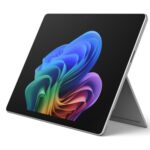
#1 Microsoft Surface Pro 2-in-1 Laptop/Tablet (2024)
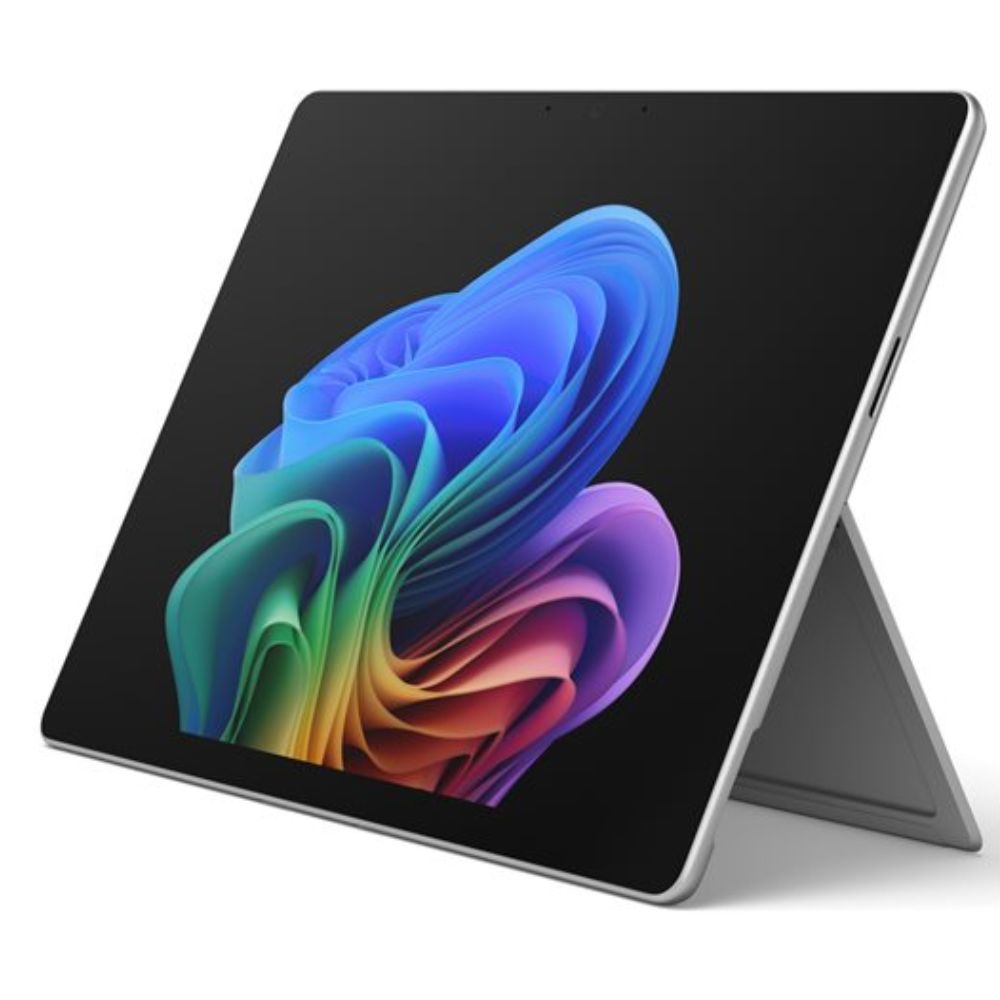
- Premium 2-in-1 design with detachable keyboard support for laptop or tablet use.
- AI-enhanced Windows Copilot experiences and strong multitasking performance.
- Snapdragon X Plus processor for fast, efficient performance.
- High-resolution PixelSense touchscreen with responsive pen and touch input.
- All-day battery life that supports long productivity sessions.
The 2024 Surface Pro represents a major step forward for Windows tablets, combining premium hardware with efficient ARM-based performance. Reviews consistently highlight its smooth multitasking, responsive touch experience, and impressive battery life. Windows 11 runs fluidly, and AI-powered features enhance everyday tasks such as writing, search, and productivity workflows. While some legacy applications may still favor x86 processors, most users report a fast, polished experience for work and creative use.
Pros:
- Excellent productivity and multitasking
- Flexible 2-in-1 usability
- Long battery life
- Strong support for touch and pen input
Cons:
- Add-ons (keyboard/pen) sold separately
- Windows on ARM may have occasional app compatibility quirks
This Windows tablet is ideal for professionals, students, and creatives who want a premium, future-ready device that adapts to multiple workflows.
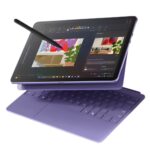
#2 Microsoft Surface Pro 2-in-1 Laptop/Tablet (2025)
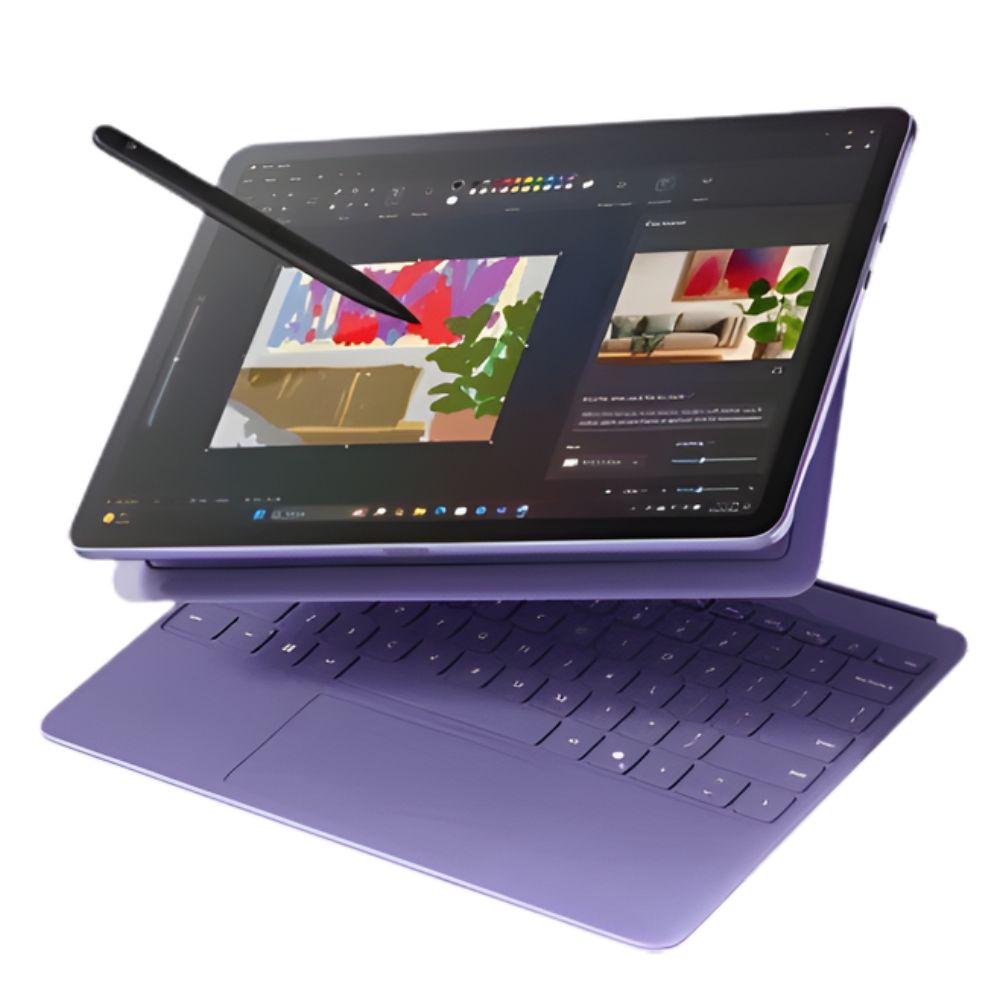
The 2025 Surface Pro refines the Windows tablet experience by focusing on efficiency, mobility, and AI-powered features. Expert reviews praise its responsive performance for productivity tasks, lightweight chassis, and seamless Windows Copilot integration. While it doesn’t target heavy professional workloads, it excels at everyday multitasking, media consumption, and creative note-taking. The smaller display makes it easier to carry but slightly less immersive for extended desk work.
Pros:
- Well-rounded performance
- Portable and sleek
- Good battery life
- Supports modern AI Windows features
Cons:
- Slightly smaller screen than other models
- Performance constrained in heavy workflows
Best suited for mobile professionals, students, and users who prioritize portability and modern Windows AI tools.
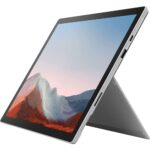
#3 Microsoft Surface Pro 7+ Tablet 2-in-1 LTE Advanced
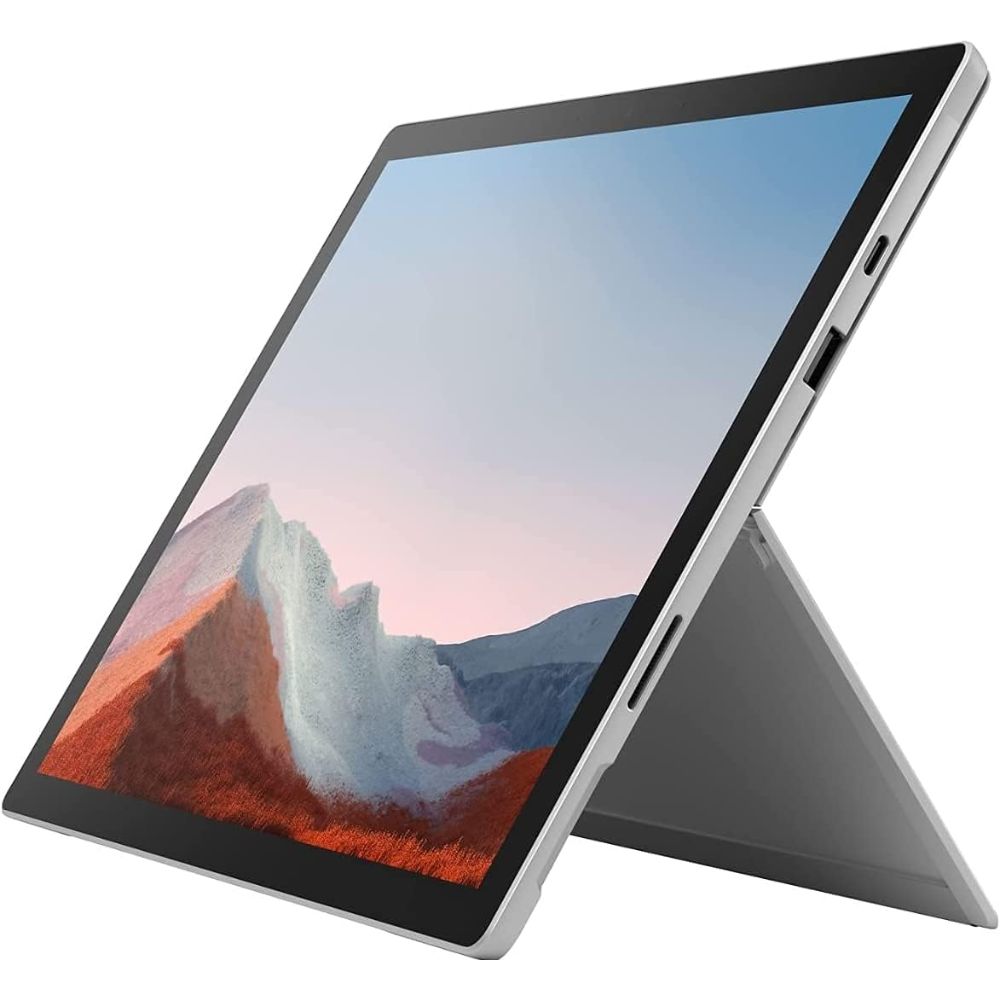
The Surface Pro 7+ remains a favorite among business users thanks to its LTE connectivity and enterprise-friendly features. Reviews note its reliability, strong compatibility with legacy Windows applications, and flexible storage options. Performance is solid for office work, remote collaboration, and business software, though it doesn’t match newer ARM-based models in battery efficiency. Its durability and connectivity make it especially useful for professionals who work on the move.
Pros:
- LTE connectivity
- Expandable/removable storage
- Solid performance for business tasks
Cons:
- Older CPU generation
- Accessories required to unlock full laptop potential
Ideal for business professionals, remote workers, and travelers who need constant connectivity and dependable Windows performance.
#4 Microsoft Surface Pro 7 Tablet 2-in-1 Intel i7
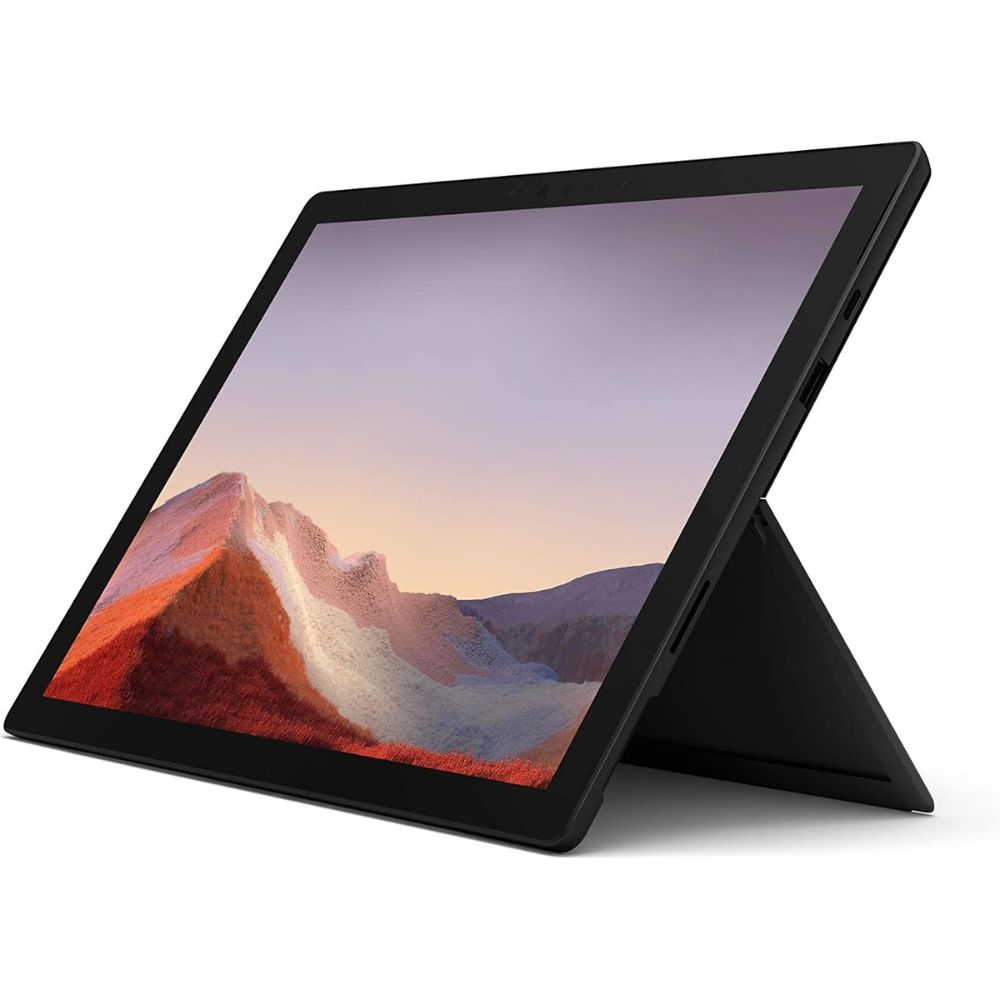
Despite its age, the Surface Pro 7 with Intel i7 continues to perform reliably as a Windows tablet. Users appreciate its full compatibility with desktop software, stable performance, and familiar design. However, reviews often mention increased heat and shorter battery life compared to newer models. It remains a practical choice for users who rely on older or specialized Windows programs.
Pros:
- Full Windows software compatibility
- Strong performance for typical workloads
- Great touch and pen experience
Cons:
- Older design and components
- Battery life falls behind modern ARM models
Best for users who depend on traditional Windows applications and prefer a proven Intel-based Windows tablet.
#5 Fusion5 10.1″ Windows 11 Professional Tablet PC
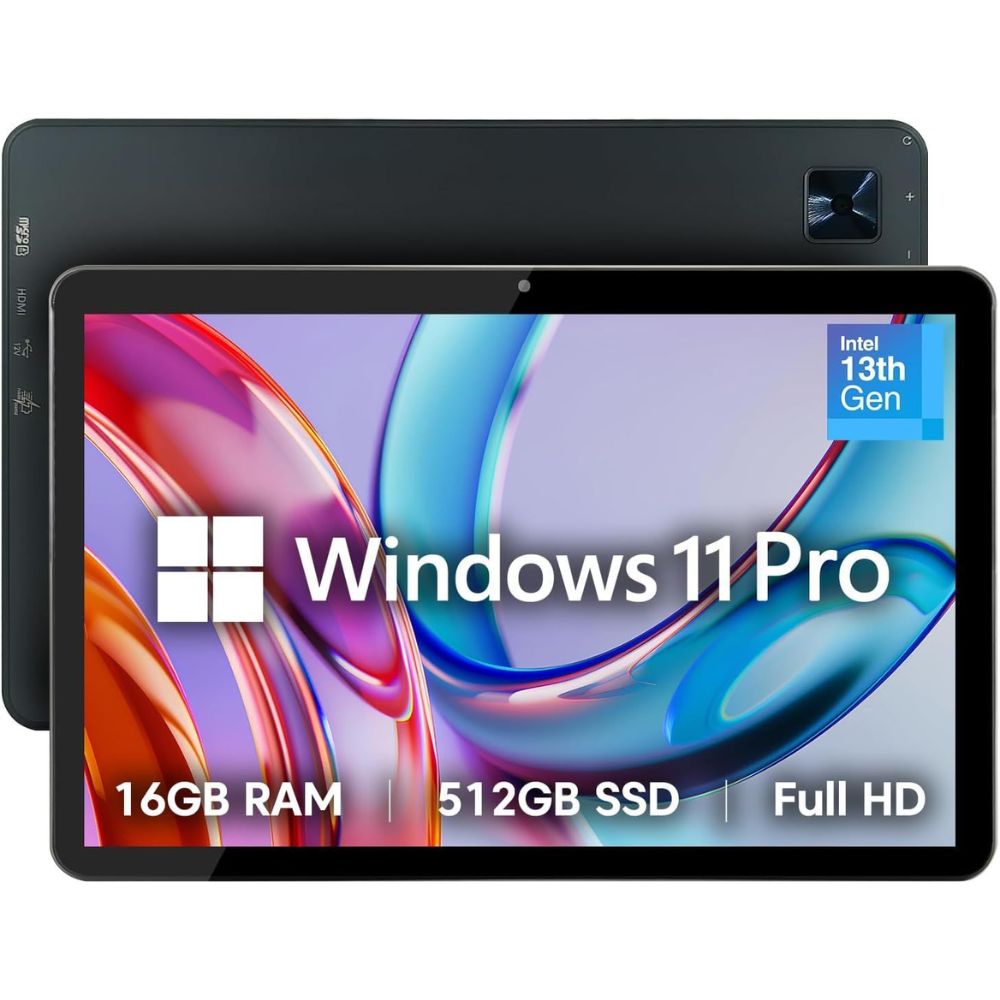
The Fusion5 Windows tablet delivers full Windows functionality in an affordable, compact form factor. Reviews highlight its surprisingly strong multitasking performance for office work, browsing, and media consumption. While it lacks the premium design and polish of Surface devices, it offers excellent everyday usability. Battery life and build quality reflect its budget positioning, but functionality remains its strongest selling point.
Pros:
- Full Windows 11 Professional support
- Compact and lightweight
- Good performance for daily tasks
Cons:
- Display and build feel more budget than premium
- Not ideal for heavy content creation
Perfect for students, casual users, and anyone seeking a functional Windows tablet without premium hardware.
FAQ
Can a Windows tablet replace a laptop?
For many users, yes. Modern Windows tablets handle productivity, creative work, and multitasking when paired with a keyboard.
Are Windows tablets good for students?
Absolutely. They support full desktop apps, note-taking with a pen, and portable study setups.
Is Windows on ARM reliable now?
ARM-based machines often excel in battery life and efficiency, while Intel/AMD systems have broader app compatibility and stronger raw performance for demanding apps.
Do I need Windows Professional?
Most everyday applications run smoothly, though some specialized or older software may still work best on Intel-based tablets.
Do Windows tablets support external monitors?
Yes, most models support external displays via USB-C or HDMI for desktop-style setups.
What accessories are worth buying?
A keyboard, stylus, and protective case significantly improve usability and longevity.