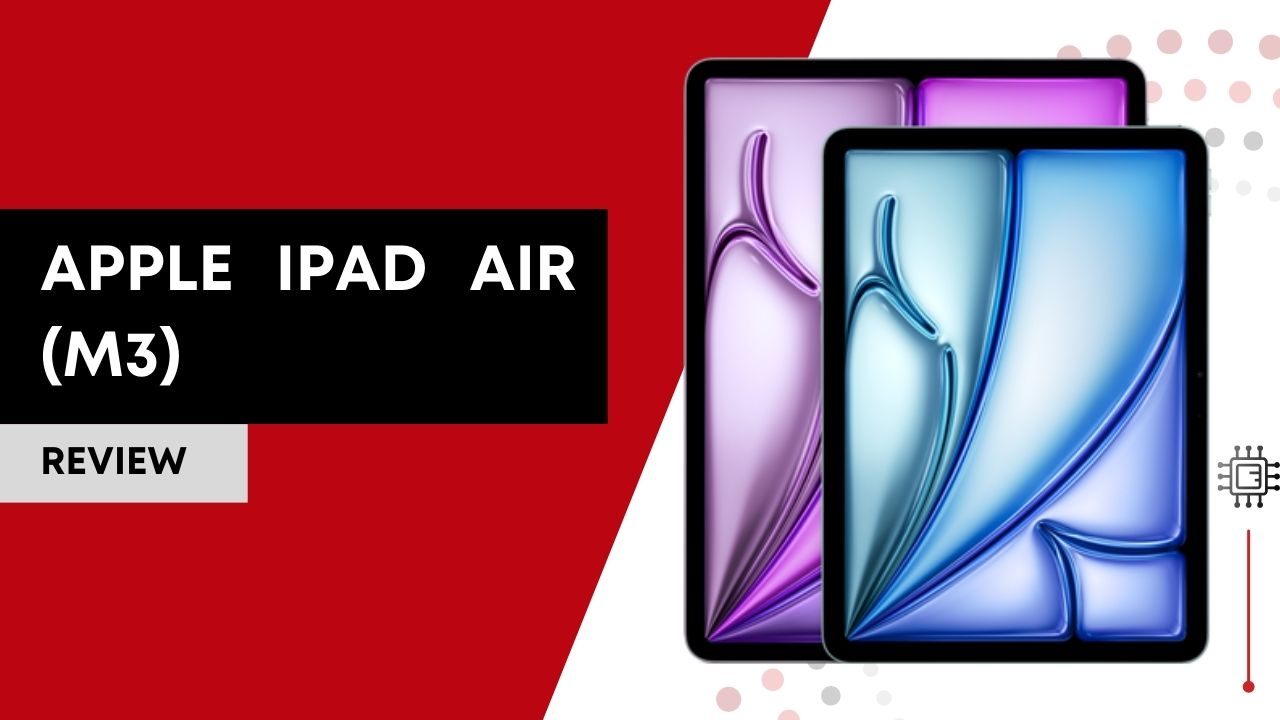

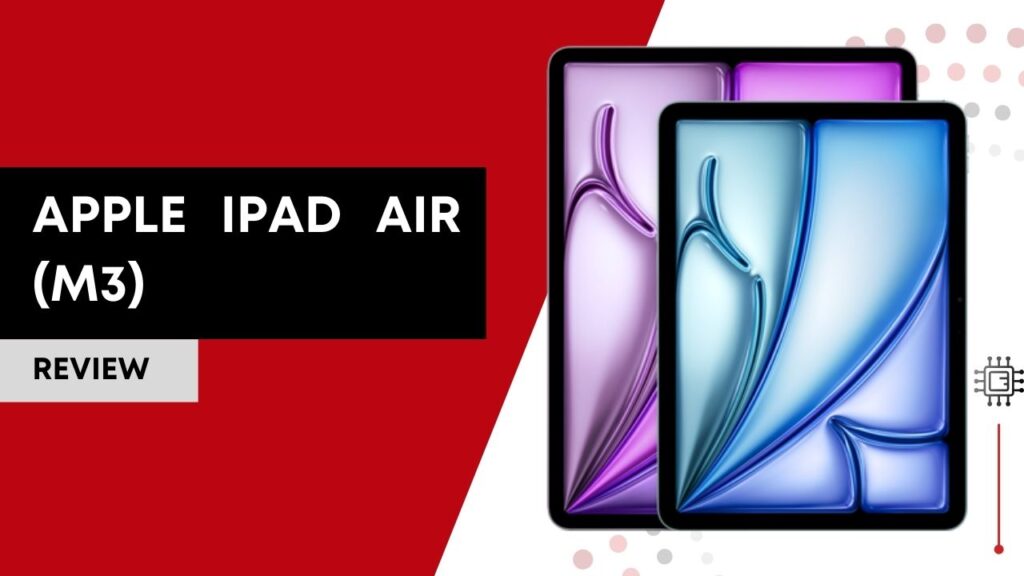
The Apple iPad Air (M3, 2025) is Apple’s latest mid-range tablet, blending Pro-level performance with sleek portability. Powered by the M3 chip, it brings advanced graphics and AI capabilities to the Air lineup. It impresses with its vibrant Liquid Retina display and accessory ecosystem, but user reports raise questions about battery consistency.
Disclaimer: This review is a comprehensive synthesis of professional reviews, technical breakdowns, and real-user feedback from forums, Reddit threads, user reviews on retailer sites, and expert comparisons. I’ve not used this camera firsthand; everything here reflects what the broader online community actually says about the device. This post contains Amazon affiliate links, and I may earn a commission if you make a purchase.
Table of Contents

Key Features
Apple iPad Air (M3) boasts a next-generation M3 chip, an 8-core CPU, 9-core GPU, and 16-core Neural Engine, which delivers a significant performance uplift compared to the older M1 and A-series chips. Benchmarks and tech reviews suggest about ~35% faster multithreaded CPU performance and ~40% faster graphics compared to the M1 iPad Air, bringing features like hardware-accelerated mesh shading and ray tracing (first for the Air line) to this tablet tier.
The Liquid Retina display on both 11-inch and 13-inch models retains Apple’s crisp 264 ppi panels, wide P3 color gamut, True Tone, and anti-reflective coating, meaning colors are rich and accurate, and the screen remains very usable outdoors.
Storage options range from 128 GB all the way to 1 TB, which is rare in non-Pro tablets and great for creatives dealing with large media files or local video projects.
The Apple iPad Air M3’s battery, while technically capable of handling roughly near-10-hour usage in ideal tests, has become a flashpoint among users, with many reporting battery life inconsistencies and faster than expected drain in real-world conditions.
Wireless connectivity (Wi-Fi 6E and optional 5G) and USB-C support with accessory compatibility (Apple Pencil Pro, Apple Pencil USB-C, Magic Keyboard) broaden the Air’s versatility for productivity and creative workflows.
What Real Owners Are Saying
Praise:
Many users genuinely appreciate the Apple iPad Air M3’s speed and responsiveness, especially for demanding tasks like editing photos or video, multitasking, and creative apps. “This thing flies through pro-level apps like Procreate and LumaFusion much faster than my old Air,” one user shared on Reddit. “Browsing, videos, and multitasking feel instantly snappy.”
Recurring Complaints:
However, a recurring and serious theme in user threads involves battery life and heat. For example, one M3 owner noted:
“I’ve noticed the battery drains quickly even with normal use… and it overheats significantly even at 20–25% brightness.”
Another echoed:
“It seems it dies of battery quick… I can’t get 10 hours with it for sure even with basic browsing.”
Heat and battery complaints aren’t universal; some users report excellent battery life, but the volume of reports suggests variability and possible software influence. Many threads tie the issues to recent iPadOS versions, with users troubleshooting and hoping patches will improve the experience.
Other user feedback includes mixed impressions about warmth while browsing or streaming and variable experience with pencil responsiveness under certain conditions.
Best Settings & Best Practice Tips for Apple iPad Air (M3, 2025)
The Apple iPad Air (M3) is powerful out of the box, but a few smart adjustments can noticeably improve battery life, heat management, and everyday performance.
Battery & Power Optimization
Enable Low Power Mode when you don’t need peak performance, especially for browsing, reading, or note-taking.
Make sure Optimized Battery Charging is turned on in Settings → Battery to help preserve long-term battery health.
Limit unnecessary background activity by reducing Background App Refresh for apps you rarely use, and avoid keeping screen brightness at maximum unless needed.
Heat & Performance Stability
To reduce heat during extended use, enable Reduce Motion under Settings → Accessibility → Motion. This slightly lowers GPU workload without affecting usability.
Keep iPadOS updated, as Apple regularly improves power and thermal management through software updates. If you use a Magic Keyboard, removing it during heavy tasks can also help the device cool more effectively.
Apple Pencil & Productivity Tips
If you use Apple Pencil Pro, fine-tune pressure sensitivity in Settings → Apple Pencil for better comfort during long sessions. Disable Scribble if you don’t rely on handwriting-to-text to avoid accidental input.
Use Split View for most multitasking needs, as it’s more battery-efficient than Stage Manager. Reserve Stage Manager for desk-style workflows with a keyboard and mouse.
Performance Hygiene
Review app permissions and set Location Services to While Using where possible. Trim unnecessary notifications, as frequent background wake-ups can quietly drain the battery.
A simple but effective habit: restart the iPad every week or two. Many users report smoother performance and fewer background issues after regular reboots.
With the right settings, the Apple iPad Air M3 delivers excellent performance and a smoother, more consistent experience. A few small tweaks go a long way in minimizing battery and heat complaints while getting the most out of Apple’s most powerful Air yet.
The Competitive Landscape
Below is how the Apple iPad Air M3 stacks up against its closest rival, the iPad Air (M2, 2024).
| Feature | iPad Air (M3, 2025) | iPad Air (M2, 2024) |
|---|---|---|
| CPU / GPU | M3 (8-core CPU / 9-core GPU) | M2 (8-core CPU / 10-core GPU) |
| Neural Engine | 16 cores | 16 cores |
| Graphics Features | Mesh shading, ray tracing | Standard GPU performance |
| Performance Boost | Up to ~35–40% faster vs M1 | Solid performance but slower than M3 |
| Battery Life (rated) | ~10 hrs (varies) | ~10+ hrs (generally stable) |
| Apple Intelligence | Full support | Full support |
| Starting Price | ~$599 / $799 | ~$599 / $799 |
Note: The M3 delivers a clear performance edge for creative workflows and future-proofed tasks (including Apple Intelligence features). However, battery life appears slightly more unpredictable in practice compared to the well-reviewed M2 model.
Who Should Pick Which?
- If raw performance, future-proofing, and creative workflows are priorities, the Apple iPad Air M3 is worth it.
- If consistent battery life and a slightly more predictable user experience matter more, and peak performance isn’t critical, the iPad Air M2 remains a compelling alternative.
Who This Is For (And Who It’s Not For)
Great fit for:
- Creators who want powerful performance without paying Pro prices.
- Students, professionals, and productivity users who’ll connect keyboards and styluses for frequent multitasking.
- Anyone who values Apple Intelligence features and future software support.
Not ideal for:
- Users whose primary need is long, predictable battery life with minimal thermal output, especially if they mostly consume media.
- Buyers who just want basic browsing and video streaming at a lower cost (a standard iPad covers that very well).
FAQ
Is the Apple iPad Air (M3) worth upgrading to from an older iPad Air?
If you’re using an iPad Air with an A-series chip or even the M1, the M3 iPad Air offers a noticeable jump in performance, especially for multitasking, creative apps, and future Apple Intelligence features. However, if you already own the M2 iPad Air and are satisfied with its performance, the upgrade is less compelling unless you specifically need the M3’s advanced graphics capabilities.
Does the Apple iPad Air (M3) support professional apps like video and photo editors?
Yes. Based on widespread reviews and user feedback, the Apple iPad Air M3 comfortably handles demanding apps such as Procreate, Affinity Photo, LumaFusion, and Adobe Lightroom. The M3 chip provides enough headroom for creative workflows, though users who work with very large projects for long periods may still prefer the iPad Pro for thermal stability and sustained performance.
How is the real-world battery life on the Apple iPad Air (M3)?
Officially, Apple rates the iPad Air M3 for around 10 hours of mixed usage, but real-world user reports are mixed. Some users achieve close to that figure with light tasks, while others report faster battery drain during browsing, streaming, or multitasking. Battery performance appears to vary depending on usage patterns and iPadOS optimization, making it one of the most debated aspects of this device.