
Disclosure: As an Amazon Associate, I earn from qualifying purchases. This means that if you click on a link and make a purchase, I may receive a small commission at no additional cost to you.
Table of Contents
Remote work has made portable monitors an essential productivity tool for professionals who need flexibility without sacrificing screen space. Whether you’re a digital nomad, business traveler, or working from home, the right portable display can significantly improve multitasking and efficiency. In this guide, we explore the top 5 best portable monitors for remote work productivity based on expert insights, technical specifications, and real-world user feedback.
Quick Look
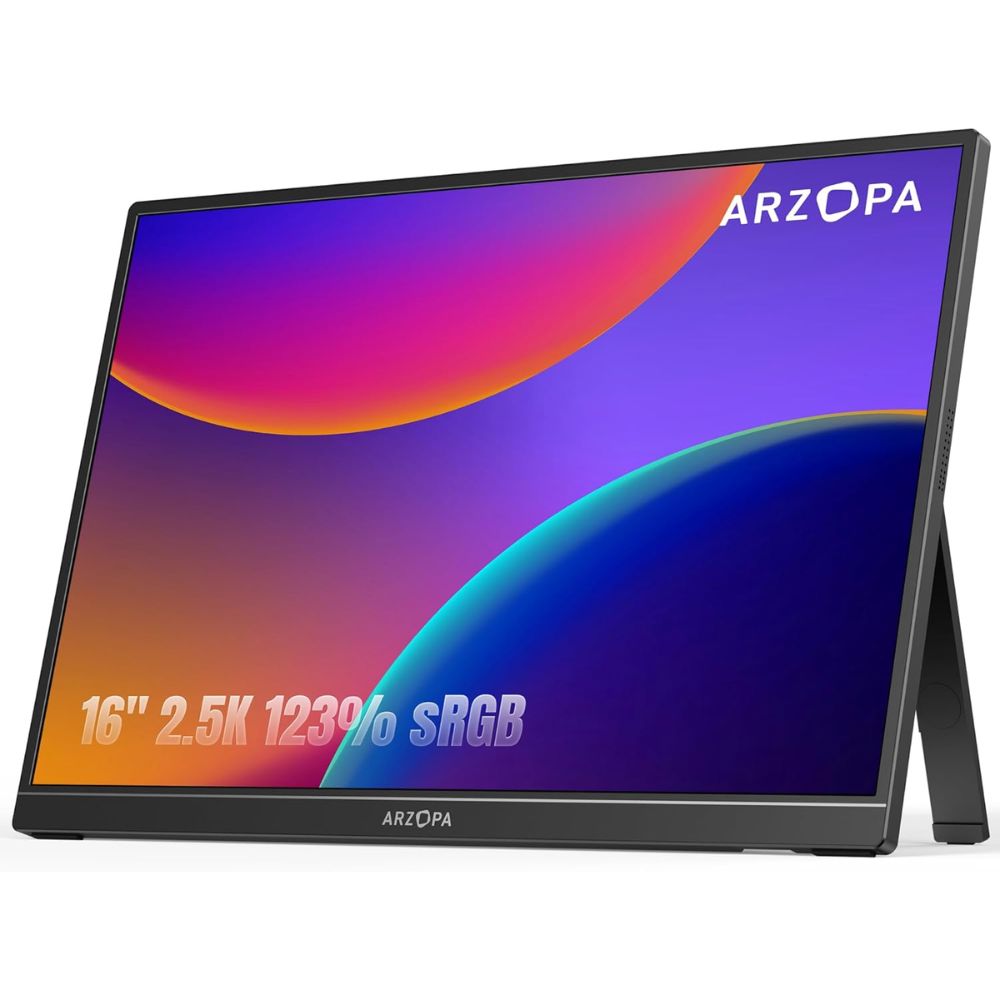
Best Overall
ARZOPA
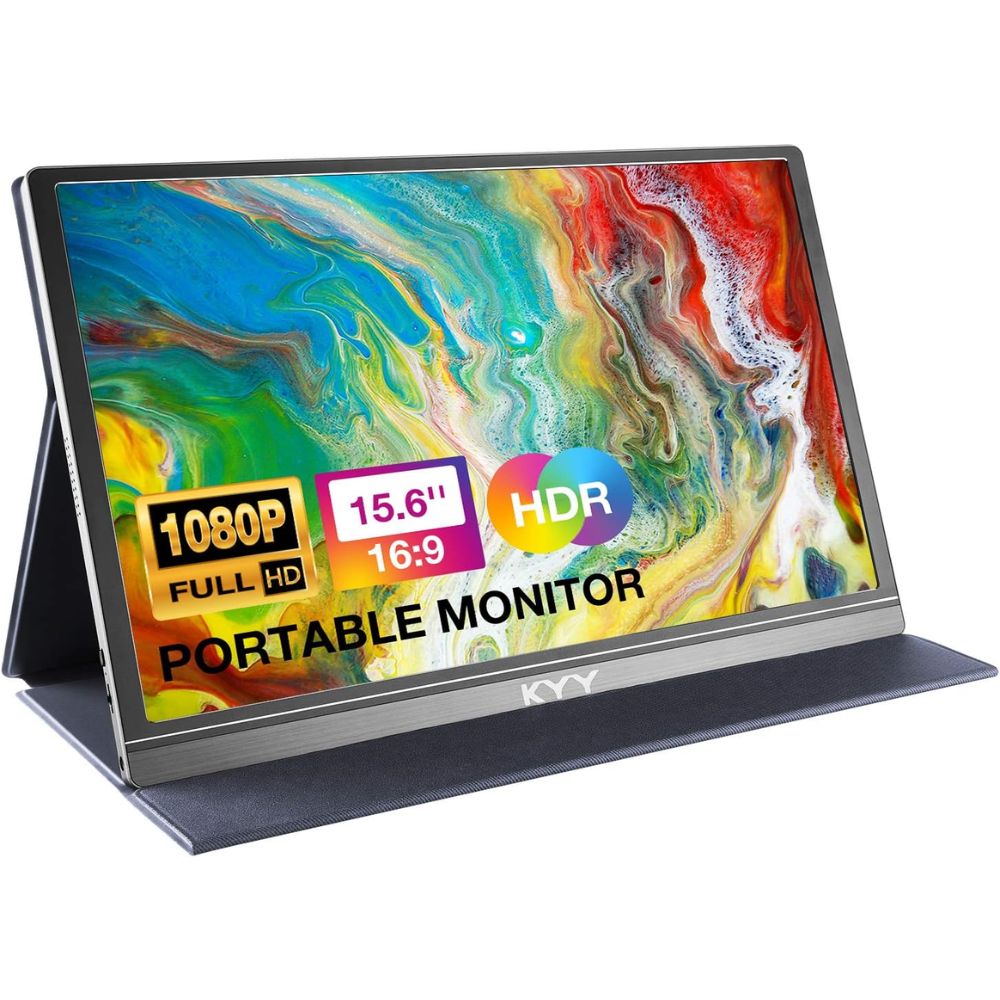
Best Budget
KYY
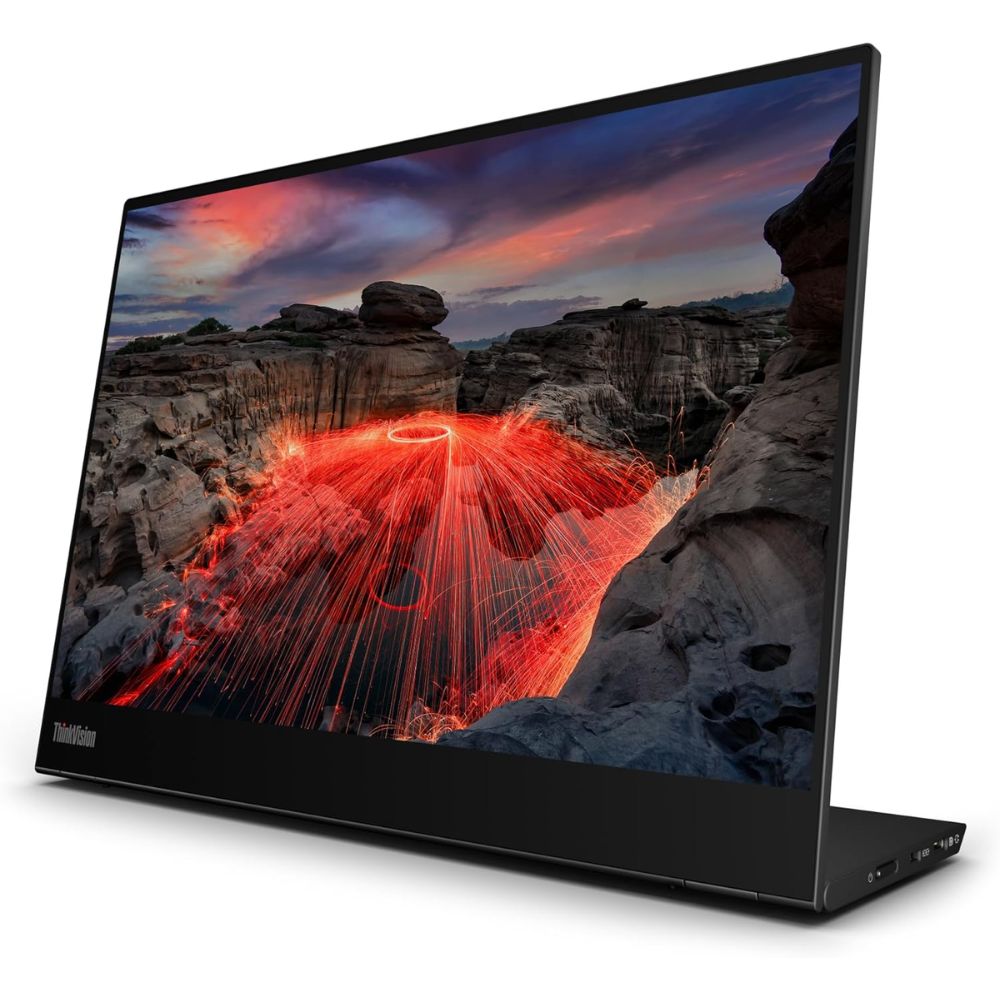
Best Premium
Lenovo ThinkVision
Best for Remote Work
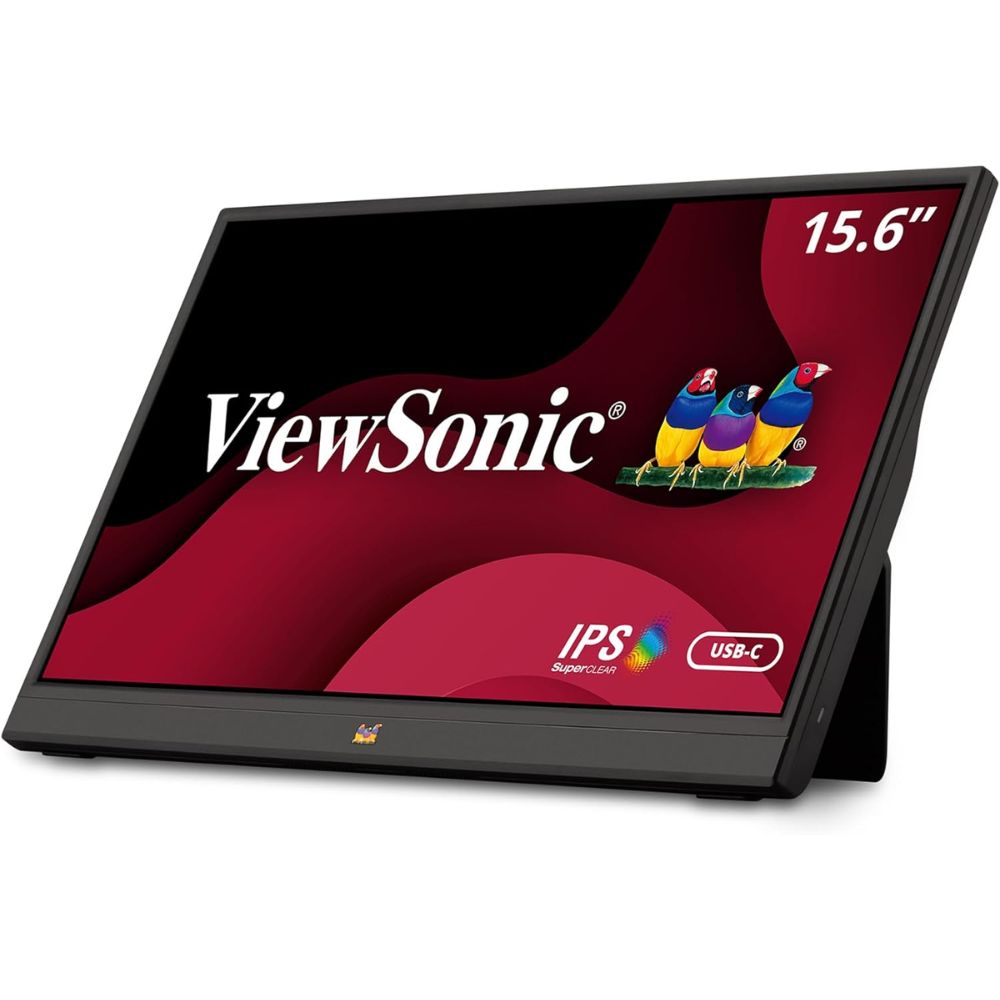
ViewSonic VA1655
Best for Gaming
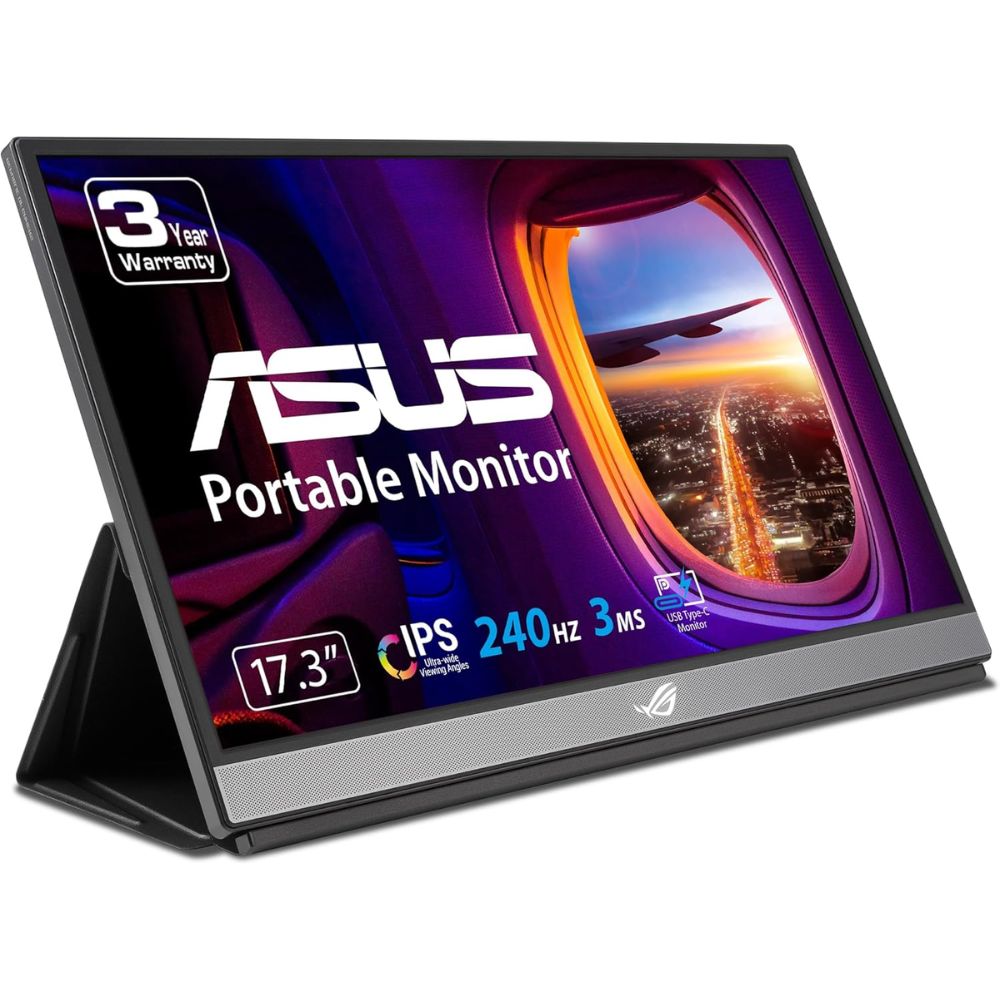
ASUS ROG Strix

Best Overall Portable Monitor
ARZOPA Z1RC 16” 2.5K Portable Monitor
Why We Picked This
The ARZOPA Z1RC 16” 2.5K portable monitor stands out as the best overall choice thanks to its impressive 2.5K resolution and vibrant IPS panel that delivers sharp visuals and accurate colors.
Users consistently highlight its excellent balance between performance and portability, making it ideal for both work and entertainment. The 16-inch display provides ample screen real estate without feeling bulky, while its slim design ensures easy travel. With USB-C and HDMI connectivity, it offers seamless compatibility across laptops, smartphones, and gaming consoles.
Its eye-care technology reduces strain during long work sessions, making it perfect for productivity-focused users. Whether you’re editing documents, streaming content, or extending your workspace, this monitor delivers reliable performance across multiple use cases.
Best for
- Remote workers needing a high-resolution second screen
- Students and professionals for multitasking
- Travelers who want a lightweight yet powerful display
- General productivity and media consumption
Pros:
- Crisp 2.5K resolution for enhanced clarity
- Lightweight and travel-friendly design
- Wide compatibility with USB-C and HDMI
- Good color accuracy for everyday tasks
Cons:
- Not ideal for high-refresh-rate gaming
- Built-in speakers are average
Order Yours Today
Best Budget Portable Monitor
KYY 15.6” FHD Portable Monitor K3
Why We Picked This
The KYY 15.6” FHD Portable Monitor K3 is one of the best budget portable monitors, offering excellent value without sacrificing essential features. Its Full HD resolution delivers clear visuals for everyday tasks like browsing, document editing, and video streaming.
Users frequently praise its plug-and-play simplicity, making it a great option for beginners or those who want a hassle-free setup. The slim and lightweight build makes it easy to carry in a backpack, while its durable smart cover doubles as a stand for added convenience.
Despite its affordable positioning, it supports multiple connectivity options including USB-C and HDMI, ensuring compatibility with a wide range of devices. It’s an ideal choice for users who need a reliable secondary display without overspending.
Best for
- Budget-conscious users
- Students and casual users
- Basic office work and web browsing
- Secondary display for laptops
Pros:
- Affordable with solid performance
- Lightweight and portable
- Easy plug-and-play setup
- Versatile connectivity options
Cons:
- Standard color accuracy
- Not suitable for advanced creative work
- Average brightness levels
Order Yours Today
Best Premium Portable Monitor
Lenovo ThinkVision M14t Gen 2
Why We Picked This
The Lenovo ThinkVision M14t Gen 2 is a premium portable monitor designed for professionals who demand precision, portability, and advanced functionality.
Its standout feature is the touchscreen capability combined with stylus support, making it ideal for designers, note-takers, and creative professionals. The Full HD IPS panel delivers excellent color accuracy and brightness, while Lenovo’s build quality ensures durability and a sleek, modern aesthetic.
Users appreciate its ergonomic stand that allows flexible viewing angles, enhancing comfort during long work sessions. With dual USB-C ports, it offers seamless connectivity and pass-through charging, reducing cable clutter. Its lightweight design makes it perfect for business travelers who need a high-end portable display solution without compromise.
Best for
- Creative professionals and designers
- Business users and executives
- Digital note-taking and presentations
- Premium portable workstation setups
Pros:
- Touchscreen with stylus support
- Excellent build quality and design
- Ergonomic adjustable stand
- Reliable USB-C connectivity
Cons:
- Higher price positioning
- Limited to Full HD resolution
- Not designed for gaming
Order Yours Today
Best Portable Monitor for Remote Work
ViewSonic VA1655 15.6” Portable Monitor
Why We Picked This
The ViewSonic VA1655 is purpose-built for remote work and productivity, offering a reliable and efficient portable display solution. Its Full HD IPS panel ensures consistent color performance and wide viewing angles, which is essential for collaborative tasks and presentations.
Users value its simplicity and durability, making it a dependable choice for daily work use. The monitor features USB-C connectivity for quick setup and reduced cable clutter, along with a protective case that doubles as a stand. Its lightweight design and compact form factor make it easy to carry between home, office, and travel locations.
Whether you’re attending virtual meetings, managing spreadsheets, or multitasking across applications, this monitor enhances workflow efficiency significantly.
Best for
- Remote workers and freelancers
- Office productivity and multitasking
- Business travel and hybrid work setups
- Presentations and collaboration
Pros:
- Reliable performance for work tasks
- Lightweight and easy to carry
- Simple USB-C connectivity
- Durable design
Cons:
- Basic feature set
- Average audio quality
- Not ideal for gaming or creative work
Order Yours Today
Best Portable Monitor for Gaming
ASUS ROG Strix XG17AHPE 17.3” 240Hz Portable Gaming Monitor
Why We Picked This
The ASUS ROG Strix XG17AHPE is one of the best portable gaming monitors, delivering an exceptional 240Hz refresh rate that ensures ultra-smooth gameplay. Its 17.3-inch Full HD IPS display offers immersive visuals with fast response times, making it ideal for competitive gamers.
Users consistently praise its performance, especially when paired with gaming laptops or consoles, as it provides a noticeable advantage in fast-paced games. The built-in battery enhances portability, allowing extended gaming sessions without constant power access. With adaptive sync technology, it reduces screen tearing and enhances visual fluidity.
Its premium design, combined with versatile connectivity options, makes it a powerful choice for gamers who want high performance on the go.
Best for
- Competitive gamers and esports enthusiasts
- High refresh rate gaming on the go
- Console and laptop gaming setups
- Entertainment and immersive viewing
Pros:
- Ultra-smooth 240Hz refresh rate
- Large immersive display
- Built-in battery for portability
- Excellent gaming performance
Cons:
- Premium positioning
- Larger size reduces portability slightly
- Overkill for basic productivity tasks
Order Yours Today
Portable Monitors vs Tablets vs Desktop Monitors
When choosing between a portable monitor, a tablet, or a desktop monitor, the decision largely depends on your workflow, mobility needs, and performance expectations. A portable monitor is designed as a lightweight secondary display that enhances productivity on the go, making it ideal for remote work, travel, and multitasking. Tablets, on the other hand, are standalone smart devices with touch functionality, apps, and built-in operating systems, offering versatility beyond just display use. Desktop monitors are larger, more powerful displays built for permanent setups, delivering superior screen size, color accuracy, and performance for demanding tasks like gaming, design, and office work.
Key Differences
- Portability
- Portable monitors are slim, lightweight, and travel-friendly
- Tablets are highly portable but function as independent devices
- Desktop monitors are bulky and designed for fixed setups
- Functionality
- Portable monitors act as secondary screens for laptops, phones, or consoles
- Tablets can run apps, browse, and function independently
- Desktop monitors serve as primary displays for PCs
- Performance and Display Quality
- Portable monitors offer good resolution and decent color accuracy
- Tablets provide sharp displays but are limited in screen size
- Desktop monitors deliver the best performance, higher refresh rates, and superior color accuracy
- Connectivity
- Portable monitors support USB-C and HDMI for plug-and-play use
- Tablets rely on wireless or limited wired connections
- Desktop monitors offer multiple ports and advanced connectivity options
- Use Case Flexibility
- Portable monitors are ideal for remote work, travel, and dual-screen setups
- Tablets are suited for entertainment, note-taking, and casual productivity
- Desktop monitors excel in gaming, professional editing, and office environments
Which One Should Be Chosen?
If your priority is mobility and productivity, the best portable monitor is the ideal choice, especially for remote workers, students, and professionals who need a second screen anywhere. If you want an all-in-one device for entertainment, light work, and app usage, a tablet offers greater versatility. However, if you work from a fixed setup and need maximum performance, larger screens, or high refresh rates, a desktop monitor is the better long-term investment. Ultimately, portable monitors strike the perfect balance between flexibility and functionality, making them the go-to option for modern hybrid work and travel-friendly setups.
Things to Consider When Choosing the Best Portable Monitors for Your Needs
1. Display Quality and Resolution
One of the most important factors when choosing the best portable monitor is display quality. Higher resolutions like Full HD (1920×1080) or 2.5K provide sharper visuals, better text clarity, and improved overall viewing experience. If you’re using a portable monitor for productivity tasks like coding, writing, or spreadsheets, a higher resolution can reduce eye strain and increase efficiency. For creative work such as photo editing or design, color accuracy and an IPS panel are essential. Always balance resolution with your device’s capability to ensure smooth performance.
2. Portability and Build Design
A key advantage of portable monitors is mobility, so weight, thickness, and overall design matter significantly. The best portable monitors are lightweight, slim, and easy to carry in a laptop bag without adding bulk. Look for models with durable builds and protective covers that double as stands for convenience. If you travel frequently or work remotely, a compact and sturdy design ensures your monitor can handle daily movement while maintaining usability in different environments.
3. Connectivity and Compatibility
Connectivity plays a crucial role in how seamlessly your portable monitor integrates with your devices. Most modern portable monitors feature USB-C and HDMI ports, enabling plug-and-play functionality with laptops, smartphones, and gaming consoles. USB-C is especially valuable as it can handle both power and video through a single cable. Before choosing a monitor, ensure it is compatible with your primary devices to avoid connectivity issues and maximize efficiency in your setup.
4. Intended Use and Performance Needs
Your specific use case should guide your decision when selecting the best portable monitor. For general productivity and remote work, a standard 60Hz display with good resolution is sufficient. Gamers, however, should look for higher refresh rates like 144Hz or 240Hz for smoother gameplay. If you need a monitor for presentations or business use, features like built-in speakers and adjustable stands can be beneficial. Understanding how you plan to use the monitor ensures you choose a model that aligns with your performance expectations and daily workflow.
Final Verdict
If you’re looking for one of the best portable monitors that balances performance, portability, and value, the ARZOPA Z1RC 16” 2.5K stands out as the top overall pick for most users. It delivers excellent display quality while remaining practical for everyday use.
For budget-conscious buyers or students, the KYY 15.6” K3 offers reliable performance without unnecessary extras. Professionals and creatives will appreciate the premium features of the Lenovo ThinkVision M14t Gen 2, especially its touchscreen functionality. Remote workers can confidently choose the ViewSonic VA1655 for consistent productivity, while gamers will get the most value from the ASUS ROG Strix XG17AHPE with its ultra-smooth refresh rate.
Ultimately, the best portable monitor depends on how and where you plan to use it. Choose based on your primary needs, and once you do, upgrading your workflow with a portable display is an easy decision you won’t regret.
FAQs About Portable Monitors
What is the best portable monitor for productivity?
The ARZOPA Z1RC 16” 2.5K portable monitor is an excellent choice due to its high resolution and larger screen size, making multitasking easier and more efficient.
Are portable monitors worth it for remote work?
Yes, portable monitors significantly improve productivity by allowing dual-screen setups anywhere, which is especially useful for remote workers and freelancers.
What should I look for in a portable monitor?
Key factors include resolution, screen size, connectivity options, portability, and refresh rate depending on whether you prioritize work, travel, or gaming.
Can portable monitors work with smartphones?
Many portable monitors support USB-C connectivity, allowing them to work with compatible smartphones for extended displays or mobile productivity.
Is a high refresh rate important for portable monitors?
A high refresh rate like 240Hz is mainly beneficial for gaming. For general productivity and media use, a standard 60Hz display is sufficient.