
Disclosure: As an Amazon Associate, I earn from qualifying purchases. This means that if you click on a link and make a purchase, I may receive a small commission at no additional cost to you.
Table of Contents
If you spend long hours at your desk, you’ve likely experienced back pain, neck strain, or reduced productivity from sitting too much. A desk converter is one of the simplest ways to transform your workspace without replacing your entire desk, helping improve posture, energy levels, and overall ergonomics. In this guide, we break down the top best desk converters based on expert reviews, real user feedback, and technical specifications, so you can confidently choose the right one for your setup.
Quick Look
Best Overall
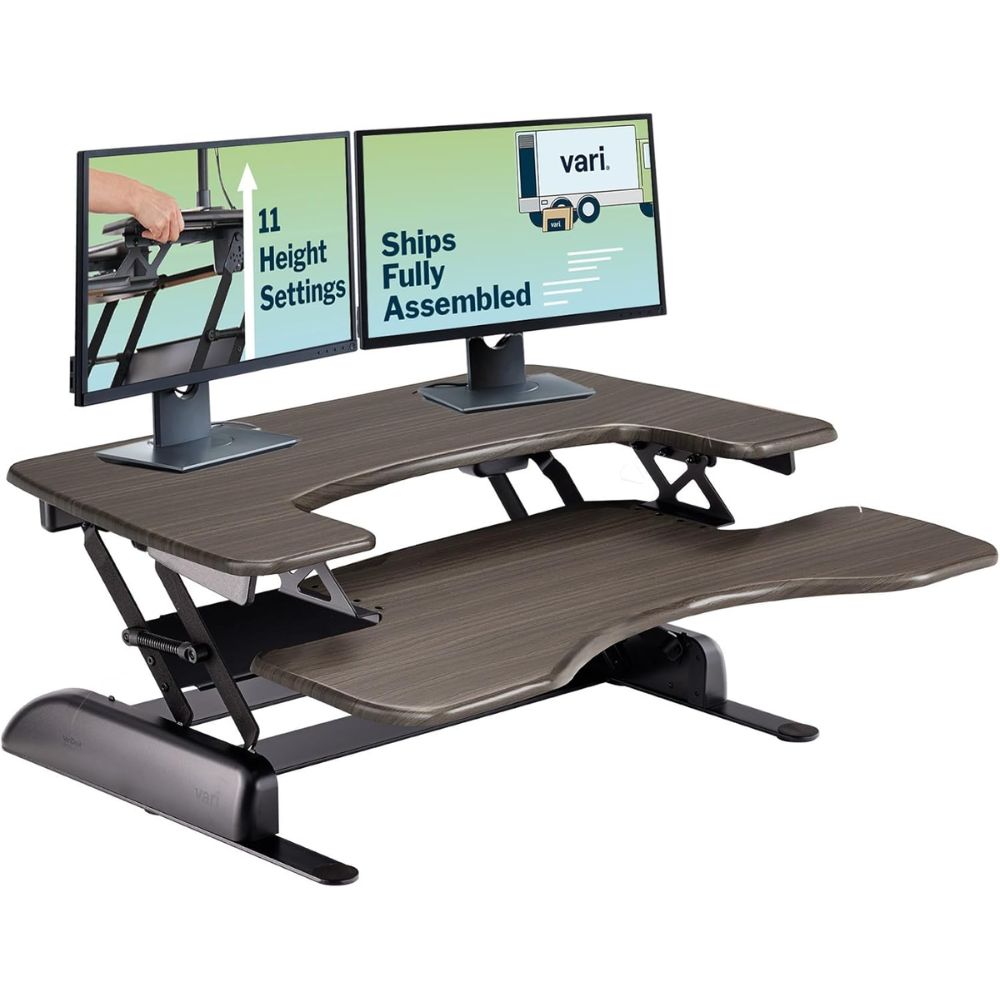
VariDesk
Best Budget
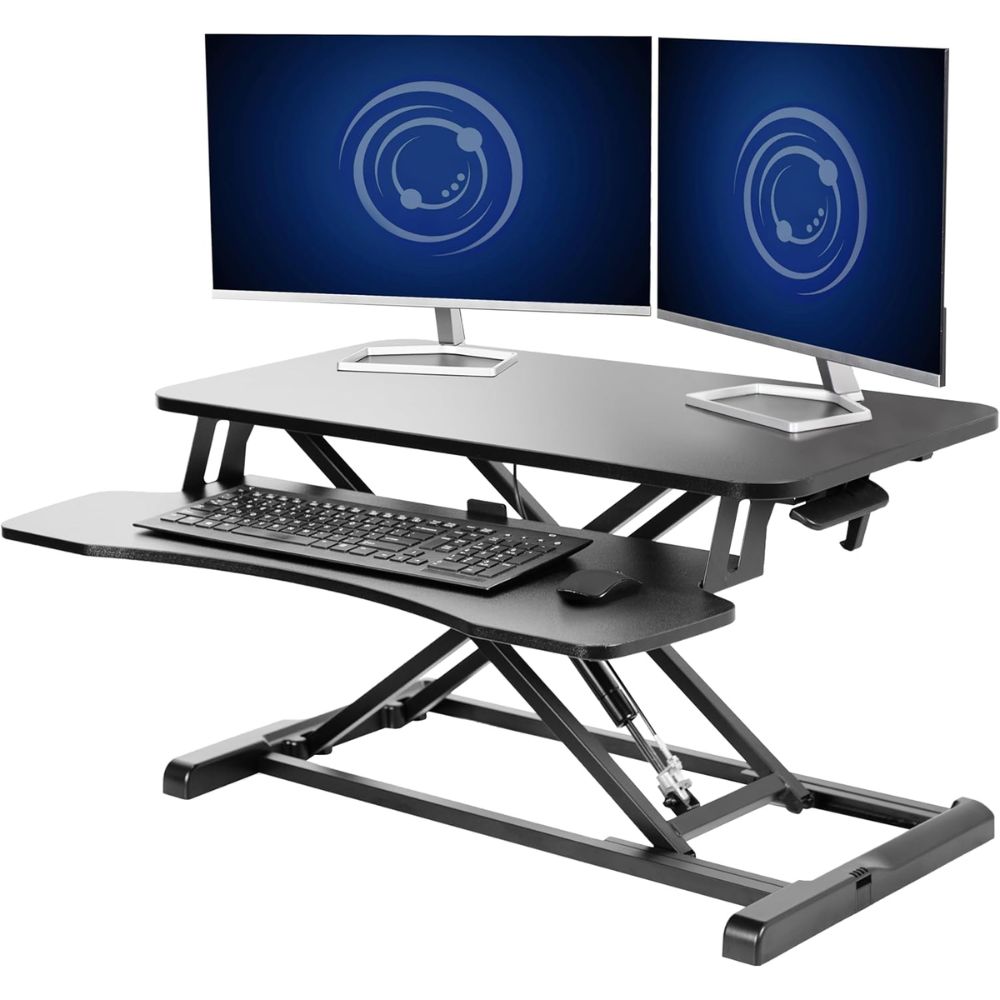
VIVO
Best Premium
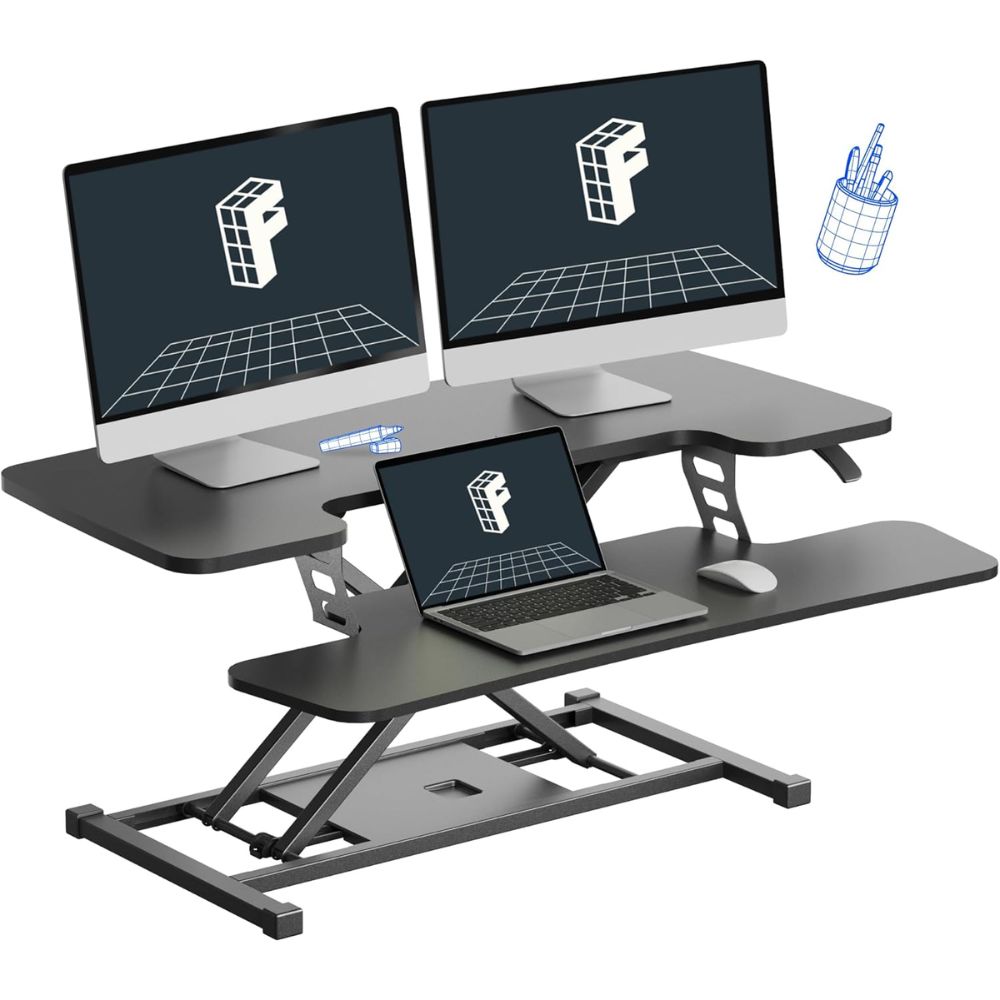
FlexiSpot
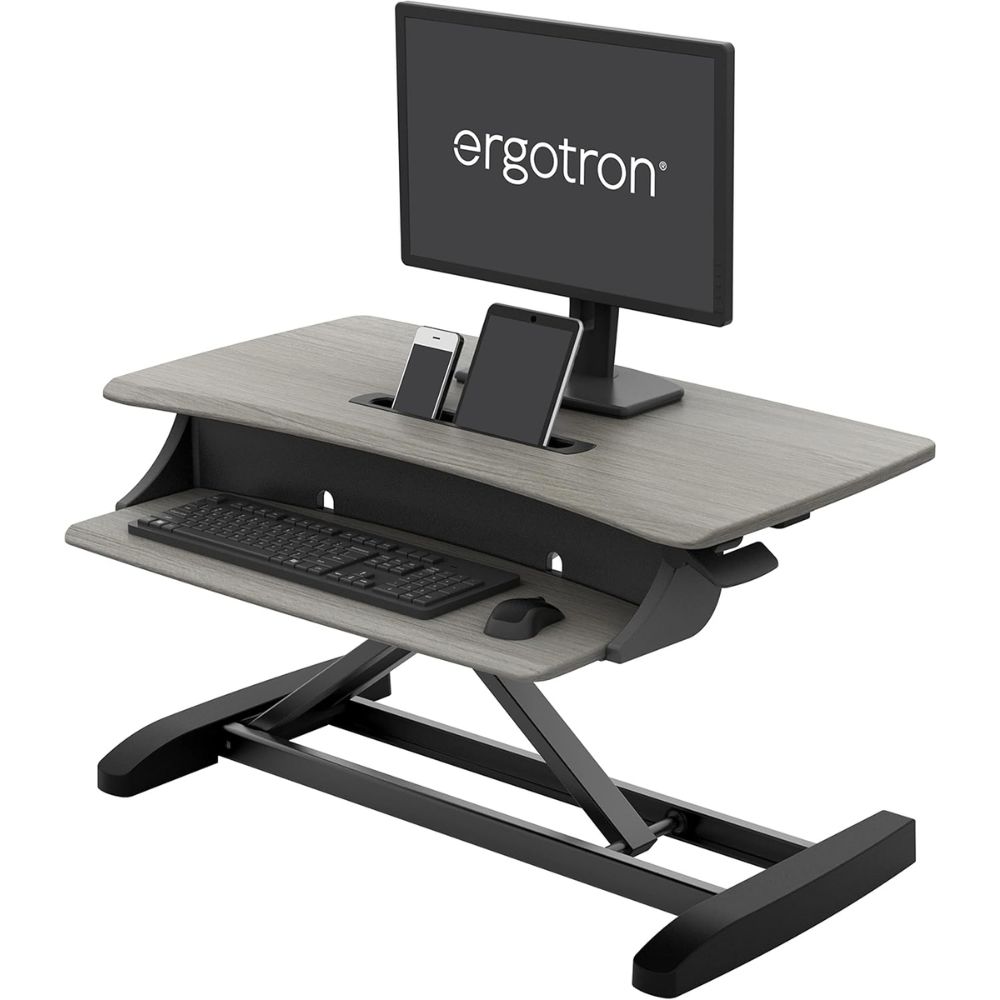
Best for Small Desks
Ergotron
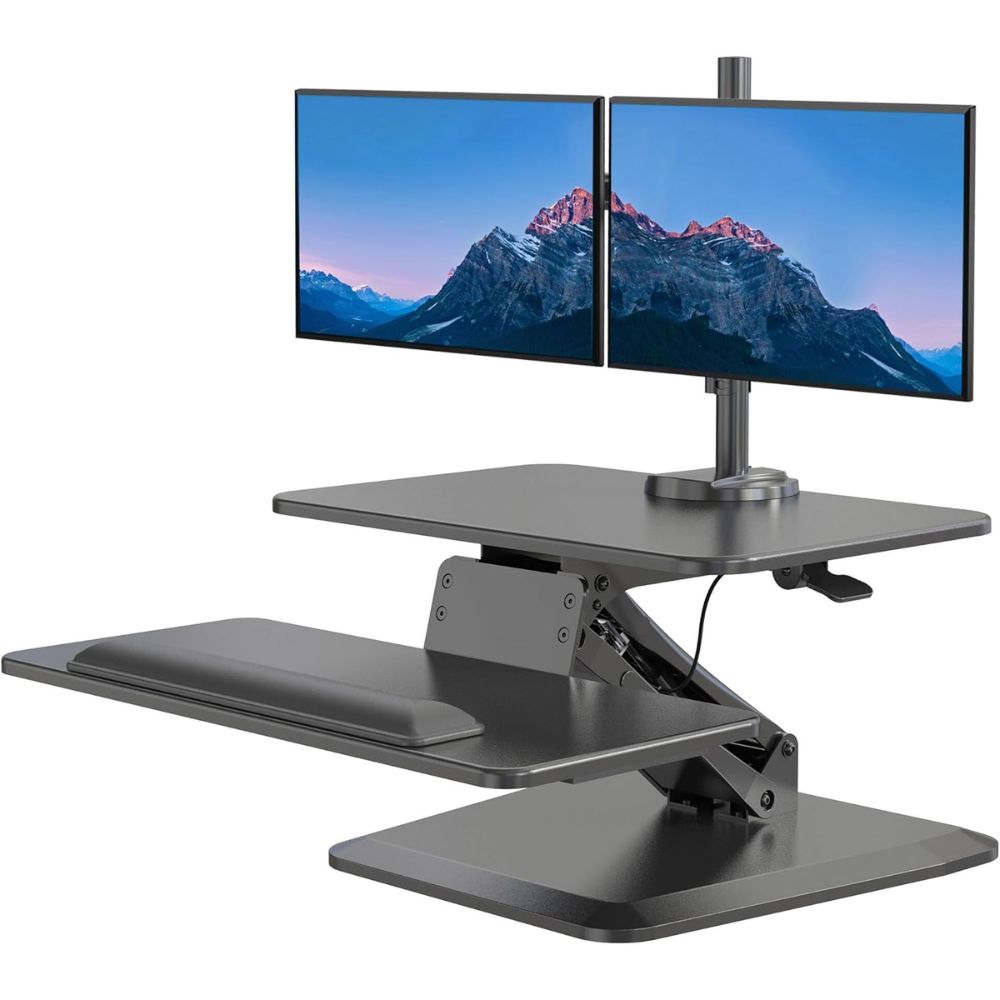
Best for Dual Monitor Setups
Mount-It

Best Desk Converter Overall
VariDesk Pro Plus 36
Why We Picked This
The VariDesk Pro Plus 36 consistently ranks as the best overall standing desk converter thanks to its exceptional build quality, stability, and spacious two-tier design.
It features a spring-assisted lift mechanism with 11 height settings, allowing smooth transitions without removing your equipment. The large 36-inch surface easily supports dual monitors, making it ideal for professional workstations. Users frequently praise its rock-solid stability and fully assembled setup, which eliminates installation hassles. Its durable steel frame and weighted base reduce wobble even at full height, ensuring a reliable ergonomic experience.
Additionally, the dual-tier structure promotes better posture by separating monitor and keyboard levels. This converter is also widely recognized for long-term durability and consistent performance across different work environments.
Best for
- Dual monitor office setups
- Professionals seeking premium build quality
- Users wanting plug-and-play convenience
- Long working hours requiring ergonomic stability
Pros:
- Excellent stability at all heights
- Fully assembled out of the box
- Spacious two-tier design
- Smooth height adjustment
Cons:
- Requires more desk depth
- Keyboard tray extends outward
- Slightly bulky for small desks
Order Yours Today
Best Budget Desk Converter
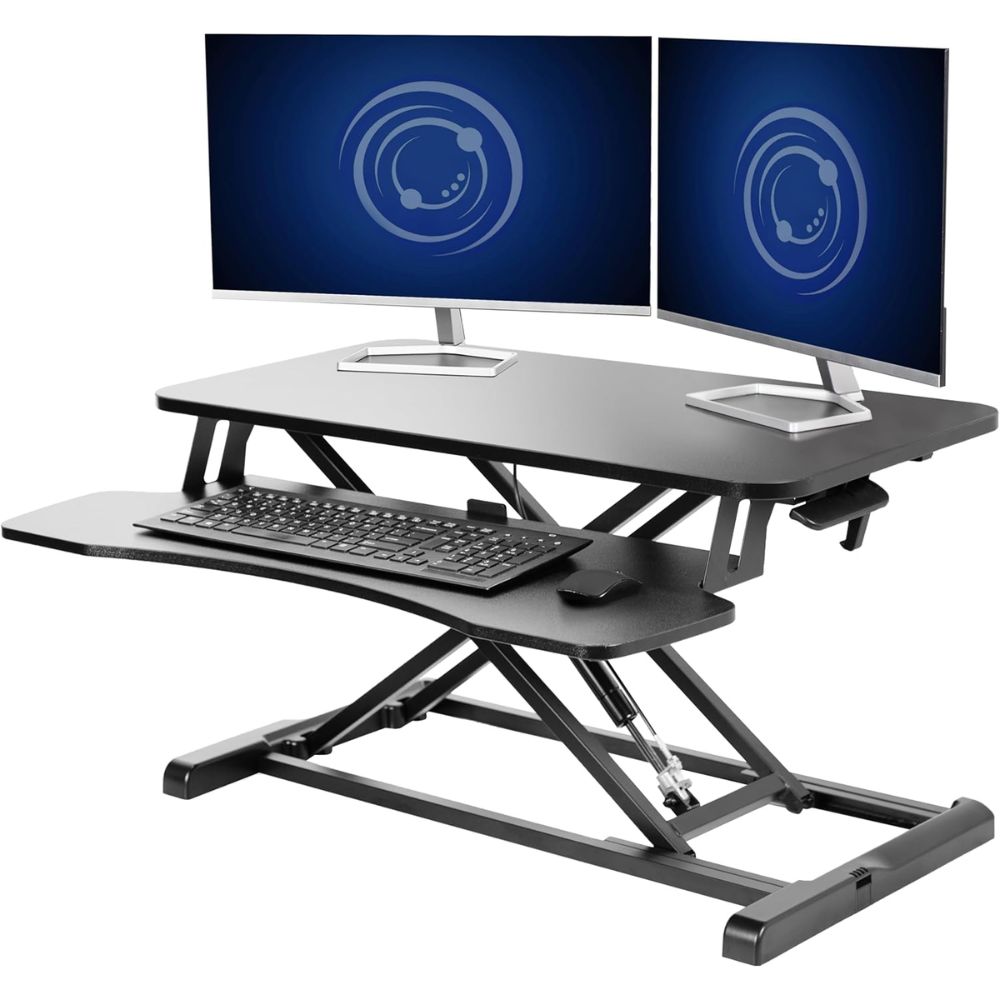
VIVO 32-inch Standing Desk Converter
Why We Picked This
The VIVO 32-inch Standing Desk Converter stands out as the best budget-friendly option without sacrificing essential performance.
It features a pneumatic lift system with a stable X-frame design that moves vertically, making it ideal for smaller desks and tighter spaces. Despite its lower cost, users consistently report solid build quality and smooth height adjustments. The converter supports a monitor and laptop setup comfortably, offering excellent value for entry-level users. Its compact footprint ensures efficient use of space while maintaining ergonomic functionality.
Reviewers highlight its reliability and ease of use, especially for first-time standing desk users. Additionally, the range of available sizes and configurations adds flexibility for different workspace needs.
Best for
- Budget-conscious buyers
- Small home offices
- Beginners transitioning to standing desks
- Single monitor or laptop setups
Pros:
- Affordable and great value
- Smooth pneumatic lift
- Compact vertical design
- Easy to use
Cons:
- Some assembly required
- Limited workspace compared to premium models
- Not ideal for heavy dual setups
Order Yours Today
Best Premium Desk Converter
FlexiSpot Electric (EM7 Series)
Why We Picked This
The FlexiSpot EM7 Series is a premium electric standing desk converter designed for users who want effortless height adjustments and advanced functionality.
Equipped with a motorized lift system, it allows smooth, one-touch transitions between sitting and standing positions. Its high weight capacity supports heavier multi-monitor setups, making it ideal for power users. The detachable keyboard tray adds flexibility, while the sturdy frame ensures stability during operation.
Users consistently praise its quiet motor, ease of use, and modern design. Compared to manual converters, the EM7 offers a more seamless and convenient ergonomic experience. It’s especially beneficial for users who frequently switch positions throughout the day.
Best for
- Premium home office setups
- Multi-monitor workstations
- Users wanting electric adjustment
- Frequent sit-stand transitions
Pros:
- Motorized height adjustment
- High weight capacity
- Smooth and quiet operation
- Modern design
Cons:
- Heavier than manual converters
- Higher cost category
- Requires power source
Order Yours Today
Best Desk Converter for Small Desks & Tight Spaces
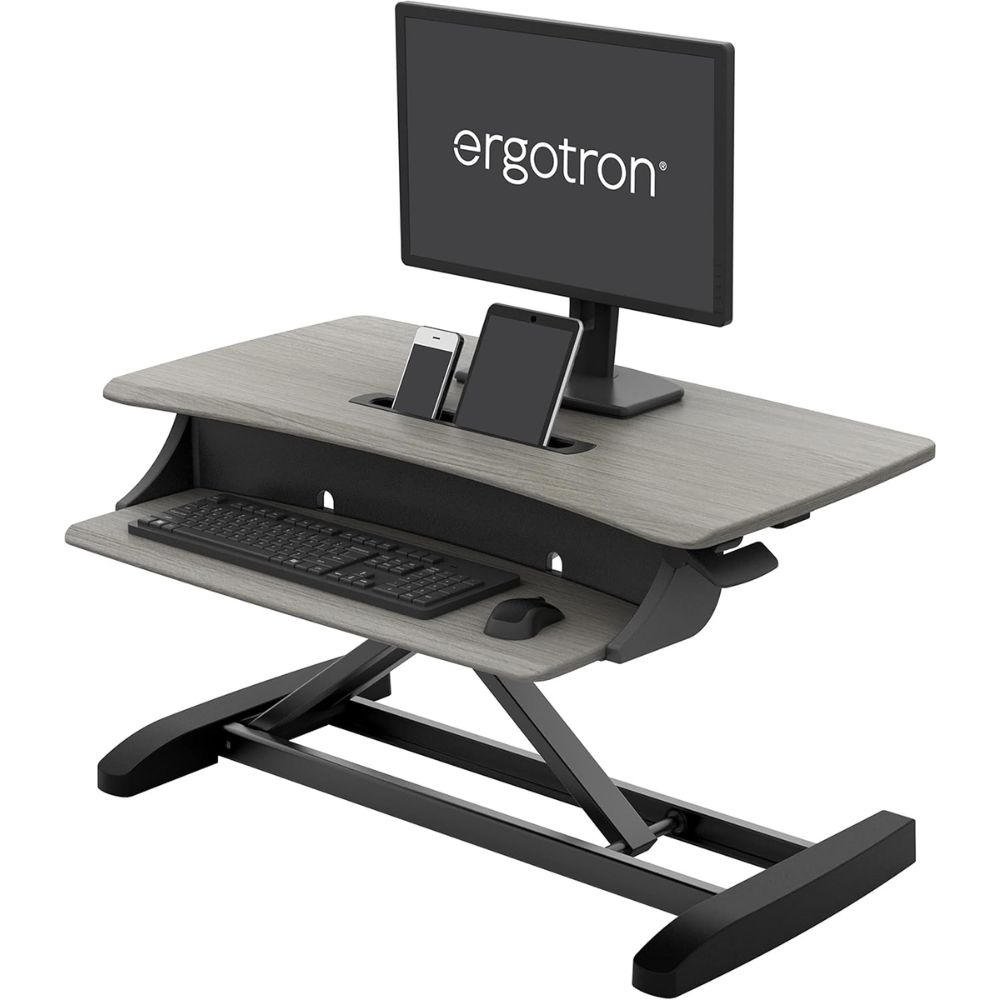
Ergotron WorkFit-Z Mini
Why We Picked This
The Ergotron WorkFit-Z Mini is specifically designed for compact workspaces, offering a sleek, space-saving solution without compromising functionality.
Its minimalist footprint makes it ideal for small desks, cubicles, or shared work environments. Despite its size, it provides efficient organization with integrated device slots and a stable structure. Users appreciate its modern aesthetic and ease of setup, which allows quick integration into existing workstations.
The vertical lift mechanism ensures smooth adjustments while maintaining a small footprint. It’s particularly popular among users who need a clutter-free, streamlined desk setup.
Best for
- Small desks and compact workspaces
- Minimalist setups
- Laptop users
- Shared office environments
Pros:
- Compact and space-saving
- Stylish modern design
- Easy setup
- Smooth adjustment
Cons:
- Limited workspace area
- Not suitable for dual monitors
- Lower weight capacity
Order Yours Today
Best Desk Converter for Dual Monitor Setups
Mount-It! Standing Desk Converter (Dual Monitor)
Why We Picked This
The Mount-It! Standing Desk Converter is purpose-built for dual monitor setups, offering a wide surface area and integrated features for productivity.
Its spacious design accommodates multiple screens, making it a strong choice for multitasking professionals. The sturdy construction ensures stability even with heavier equipment, while cable management features help maintain a clean workspace. Users appreciate its functionality and value, particularly for multi-device environments. It also supports ergonomic positioning, reducing strain during long work sessions.
Compared to other converters, it excels in providing workspace flexibility for demanding setups.
Best for
- Dual monitor setups
- Multitasking professionals
- Tech-heavy workstations
- Office productivity
Pros:
- Large workspace
- Supports dual monitors
- Good stability
- Integrated cable management
Cons:
- Takes up more desk space
- Heavier design
- May require setup time
Order Yours Today
Desk Converters vs Standing Desks
A standing desk converter and a full standing desk both aim to improve ergonomics and reduce the negative effects of prolonged sitting, such as back pain and poor posture. A standing desk converter sits on top of your existing desk, allowing you to switch between sitting and standing without replacing your workspace, while a standing desk is a complete desk system with built-in height adjustability. Choosing between the two depends largely on your budget, available space, and how committed you are to a long-term ergonomic upgrade.
Key Differences
- Standing desk converters are placed on top of existing desks, whereas standing desks replace your entire workstation
- Converters are more budget-friendly, while standing desks require a higher upfront investment
- Standing desks offer a wider height adjustment range for better full-body ergonomics
- Converters are compact and ideal for small home office setups, while standing desks require more space
- Standing desks provide better stability and weight capacity for multi-monitor setups
- Converters are portable and easy to set up, whereas standing desks require assembly and are less mobile
Which One Should You Choose?
If you’re looking for a cost-effective, space-saving solution to upgrade your home office ergonomics, a standing desk converter is the best choice, especially for beginners or smaller setups. However, if you want maximum stability, a larger workspace, and a long-term investment in comfort and productivity, a full standing desk is the better option. Ultimately, the right choice depends on your workflow, equipment needs, and how much flexibility you want from your sit-stand workstation.
How to Choose the Best Desk Converter for Your Needs
1. Height Adjustment Range and Ergonomics
One of the most critical factors when choosing a desk converter is the height adjustment range. A good sit-stand desk converter should allow you to position your monitor at eye level and your keyboard at elbow height to maintain proper posture. Limited height adjustability can lead to neck strain, wrist discomfort, and poor ergonomics over time. Look for models with smooth lift mechanisms, whether pneumatic, spring-assisted, or electric, that allow easy transitions between sitting and standing. This is especially important if multiple users will share the workstation, as flexibility ensures a more personalized ergonomic setup.
2. Workspace Size and Desk Compatibility
Not all desk converters are created equal when it comes to surface area. You need to consider how much workspace you require for your daily tasks. If you use dual monitors, a wide desk converter with a spacious top platform is essential. On the other hand, compact models are better suited for small desks or minimalist setups. Additionally, ensure the converter fits comfortably on your existing desk without overhang or crowding. Choosing the right size helps maintain productivity while avoiding a cluttered workspace.
3. Weight Capacity and Build Quality
The weight capacity of a desk converter determines how much equipment it can safely support. High-quality converters typically feature sturdy steel frames and stable lifting mechanisms that can handle monitors, laptops, and accessories without wobbling. If you’re using a dual monitor setup or heavier equipment, prioritize models with higher weight limits and reinforced construction. User reviews often highlight stability as a key factor, so opting for a well-built converter ensures long-term durability and a safer working environment.
4. Ease of Use and Adjustment Mechanism
The ease of switching between sitting and standing positions can significantly impact your daily workflow. Desk converters come with different adjustment mechanisms, including manual lift, pneumatic systems, and electric motors. Manual options are more affordable but may require more effort, while electric converters offer seamless, one-touch adjustments. Smooth and quiet operation is also important, especially in shared or professional environments. Choosing a user-friendly sit-stand desk converter encourages consistent use, helping you fully benefit from an ergonomic workstation.
Final Verdict
Choosing one of the best standing desk converters is a smart and practical upgrade for most home office setups, especially if you want to improve posture and reduce back pain without replacing your entire desk.
For beginners, budget-conscious users, or those working with limited space, a standing desk converter offers excellent flexibility and value. If you’re a professional with a dual monitor setup or heavier equipment, investing in a more stable, high-capacity converter will significantly enhance your productivity and comfort. Meanwhile, users seeking a permanent, fully optimized ergonomic solution may still prefer a full standing desk.
Ultimately, if you want an easy, effective way to transition into a healthier sit-stand workflow, choosing from the best standing desk converters is the fastest and most efficient decision you can make.
Curious about Home Office Setup? We’ve broken it down in detail here.
FAQs About Desk Converters
What is a desk converter and how does it work?
A desk converter is a height-adjustable platform placed on top of your existing desk. It allows you to switch between sitting and standing positions without replacing your desk, improving ergonomics and reducing strain.
Are desk converters worth it?
Yes, desk converters are a cost-effective way to improve posture, reduce back pain, and increase productivity without investing in a full standing desk. They are especially beneficial for long desk hours.
What should I look for in a desk converter?
Key factors include stability, height adjustment mechanism (manual vs electric), workspace size, weight capacity, and ease of setup. Stability and smooth adjustment are the most important for long-term use.
Can a desk converter hold dual monitors?
Many models, such as the VariDesk Pro Plus 36 and Mount-It! converter, are specifically designed to support dual monitors, but always check weight capacity and surface size before purchasing.
Is electric or manual better?
Electric converters offer convenience and smooth transitions, while manual converters are more affordable and reliable. The best choice depends on your budget and how often you switch positions.