
Samsung has long led the TV market with cutting-edge displays, smart features, and sleek designs that elevate home entertainment. In this post, we review the top 5 Samsung TVs across different living spaces and use-contexts. Our insights are drawn from expert reviews, user feedback, and official technical specifications.
Disclosure: As an Amazon Associate, I earn from qualifying purchases. This means that if you click on a link and make a purchase, I may receive a small commission at no additional cost to you.
Quick Look
Table of Contents

Top 5 Samsung TVs
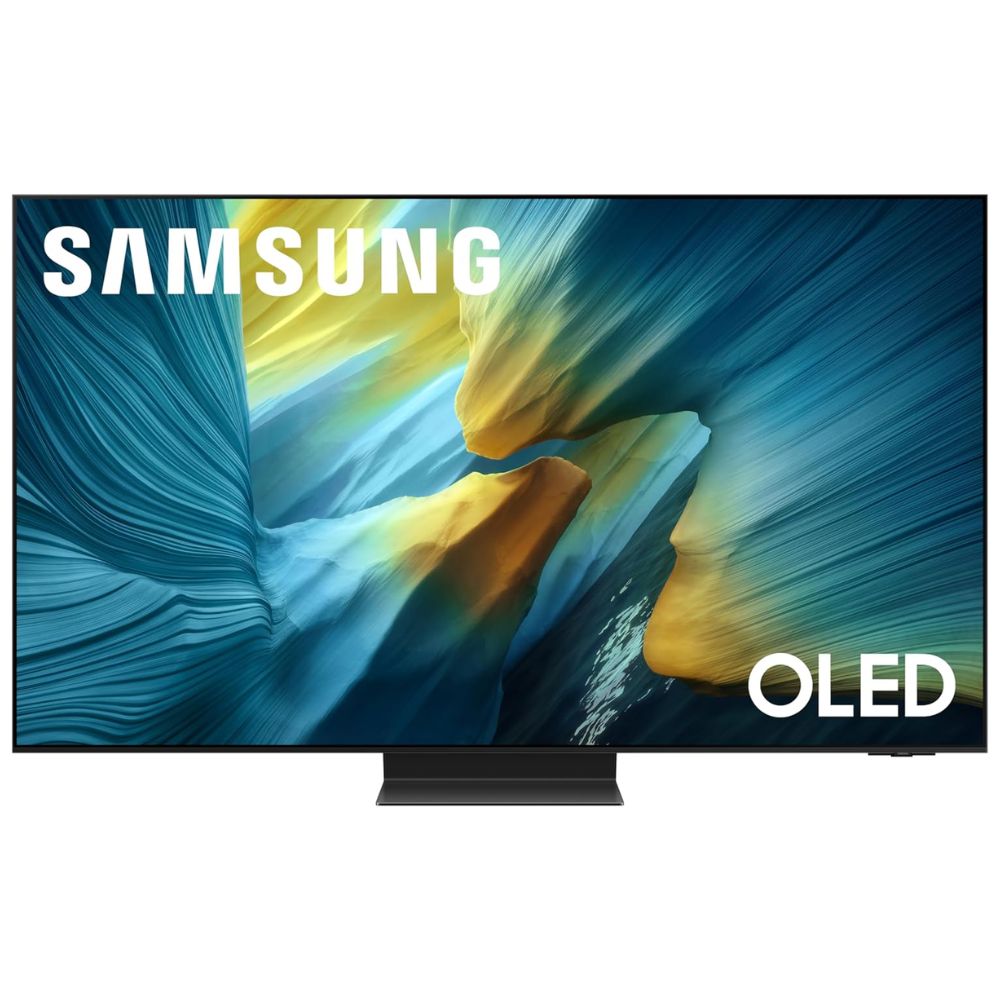
#1 Samsung S95F QD-OLED 4K Smart TV
- Premium QD-OLED panel with self-illuminating pixels for deep blacks and rich color.
- 4K resolution with 165Hz refresh support for smooth motion and gaming.
- NQ4 AI Gen3 Processor for smart upscaling and picture optimization.
- Glare-Free display coating for reduced reflections.
- Dolby Atmos & Object Tracking Sound Plus for immersive audio.
The Samsung S95F sets a benchmark for flagship performance in 2025. Its quantum dot-enhanced OLED panel delivers exceptional contrast with true blacks and wide color volume, making movies and HDR content pop with lifelike intensity. The anti-glare screen adds practicality, ensuring impressive picture quality even in rooms with ambient light.
Performance in motion is excellent thanks to a high 165Hz refresh capability, which complements its powerful NQ4 AI Gen3 processor. This not only boosts clarity and color accuracy but also provides sophisticated upscaling for lower-res content, a major benefit for dynamic content like sports or action films.
User feedback highlights its cinematic prowess and smart functionality, though some note that Samsung’s Tizen interface can feel cluttered compared to rival platforms. Audio performance is impactful, yet many enthusiasts still pair it with an external sound system for a truly theatre-like experience.
Pros:
- Outstanding picture quality with deep blacks and vibrant colors
- Excellent motion handling and gaming readiness
- Sleek design with glare-reducing screen
Cons:
- Tizen OS may feel overwhelming for some users
- Built-in audio is good but not reference-level
This model suits discerning viewers who want the ultimate all-around TV experience for movies, gaming, and everyday viewing with minimal compromise.
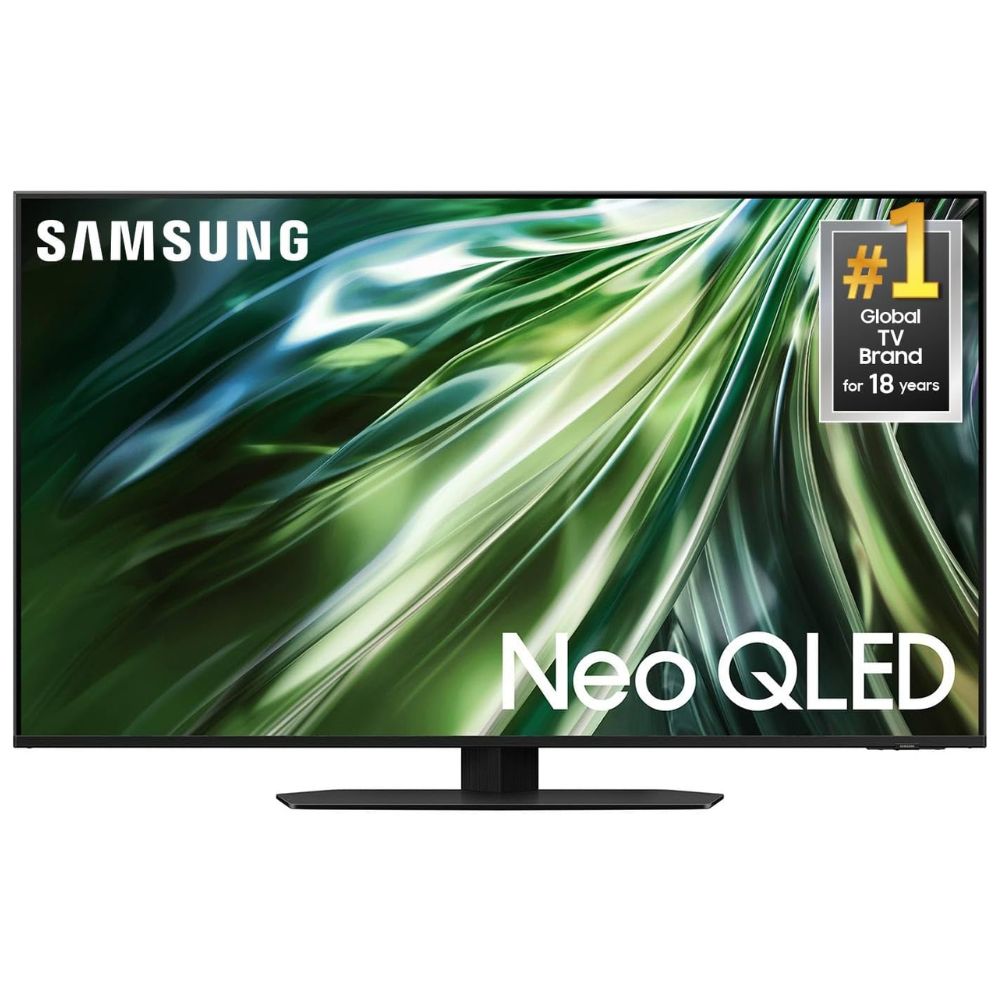
#2 Samsung QN90D Neo QLED 4K Smart TV
- Neo QLED Mini-LED panel with Quantum Matrix tech for sharp contrast.
- Glare-free display for bright environments.
- NQ4 AI Gen3 Processor with 4K AI Upscaling Pro.
- Motion Xcelerator with up to 165Hz refresh support.
- Dolby Atmos and Q-Symphony for immersive sound.
The Samsung QN90D Neo QLED shines in bright rooms thanks to its advanced mini-LED backlight and powerful anti-glare technology, which helps counteract reflections and maintain punchy highlights. Its Neo Quantum HDR+ engine delivers deep contrast and vibrant color reproduction across a wide range of content.
With robust 4K AI upscaling and motion enhancements built into its Gen3 processor, the QN90D handles everything from cinematic scenes to fast sports action with minimal blur. This makes it an excellent pick for families or multi-purpose living spaces where lighting conditions vary throughout the day.
Reviewers appreciate its balanced performance and smart streaming capabilities, though picture depth and black levels don’t quite match top-tier OLED models. Sound quality is engaging but, like many flat screens, benefits from a dedicated soundbar for richer playback.
Pros:
- Excellent brightness and reflection handling
- Strong contrast and color for varied content
- Solid all-around smart TV performance
Cons:
- Black levels can fall short of OLED
- Audio lacks depth without external sound
Ideal for households with bright living spaces and diverse viewing needs, from movies to live sports.
#3 Samsung Q7F QLED 4K Smart TV
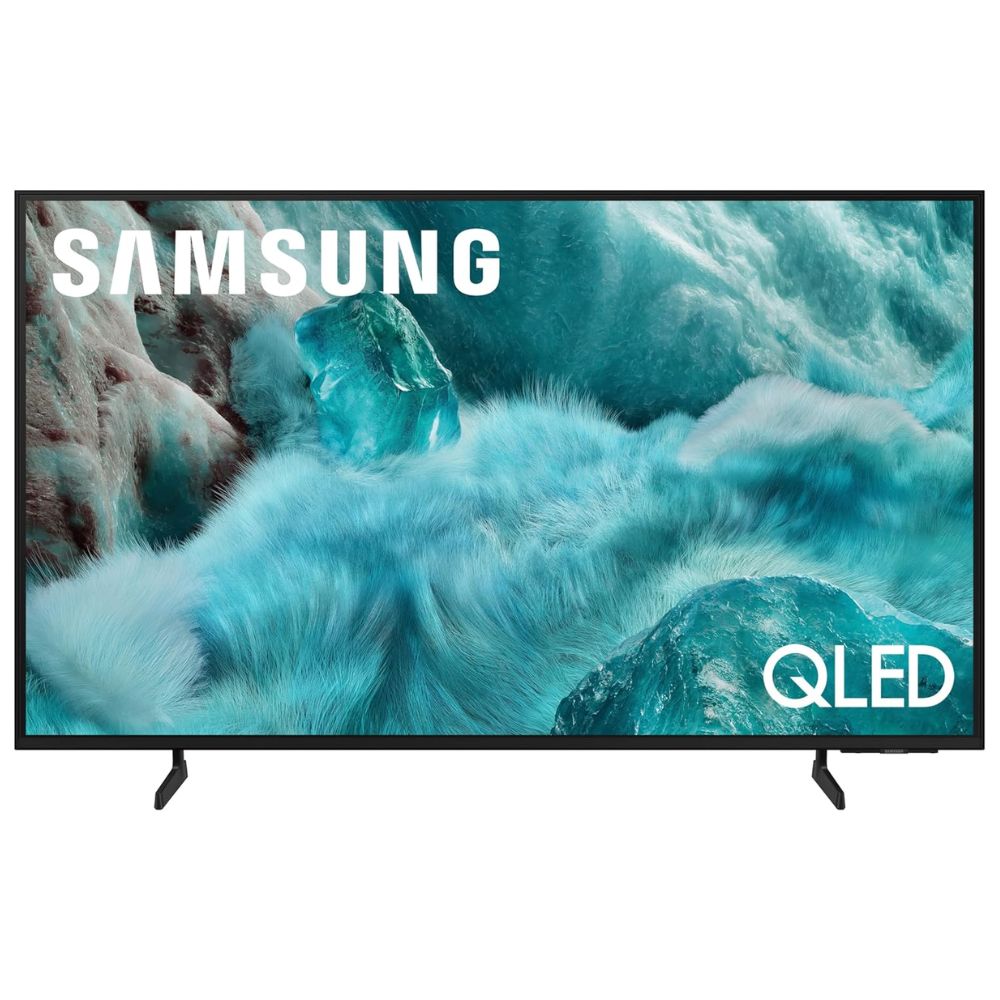
- QLED display with vibrant color reproduction.
- Tizen smart platform with broad app support.
- 4K resolution with HDR10+ support.
- Sleek, slim design to complement home setups.
- Integrated gaming and motion features.
The Samsung Q7F QLED TV represents a balanced choice for users who want solid picture quality, smart features, and everyday usability without the bells and whistles of flagship models. Its Quantum Dot-enabled panel brings brighter, more saturated colors to movies, shows, and streaming apps.
While refresh rates and motion handling aren’t as advanced as higher-end models, the Q7F still delivers a dependable 4K experience for most viewers. Its Tizen smart platform integrates popular streaming services with ease, though some users report the interface can be busy or cluttered.
User feedback is mixed, with many appreciating the balance of features and performance, while some note that competing models offer sharper contrast or faster refresh options in this category. Still, for many general use cases, the Q7F strikes a compelling balance.
Pros:
- Vibrant colors with QLED technology
- Smooth smart TV experience
- Stylish design suits most living rooms
Cons:
- Standard refresh rate limits motion fluidity
- Not ideal for serious gamers
Best for everyday viewers who want good performance and color quality without flagship complexity.
#4 Samsung Crystal UHD U8000F
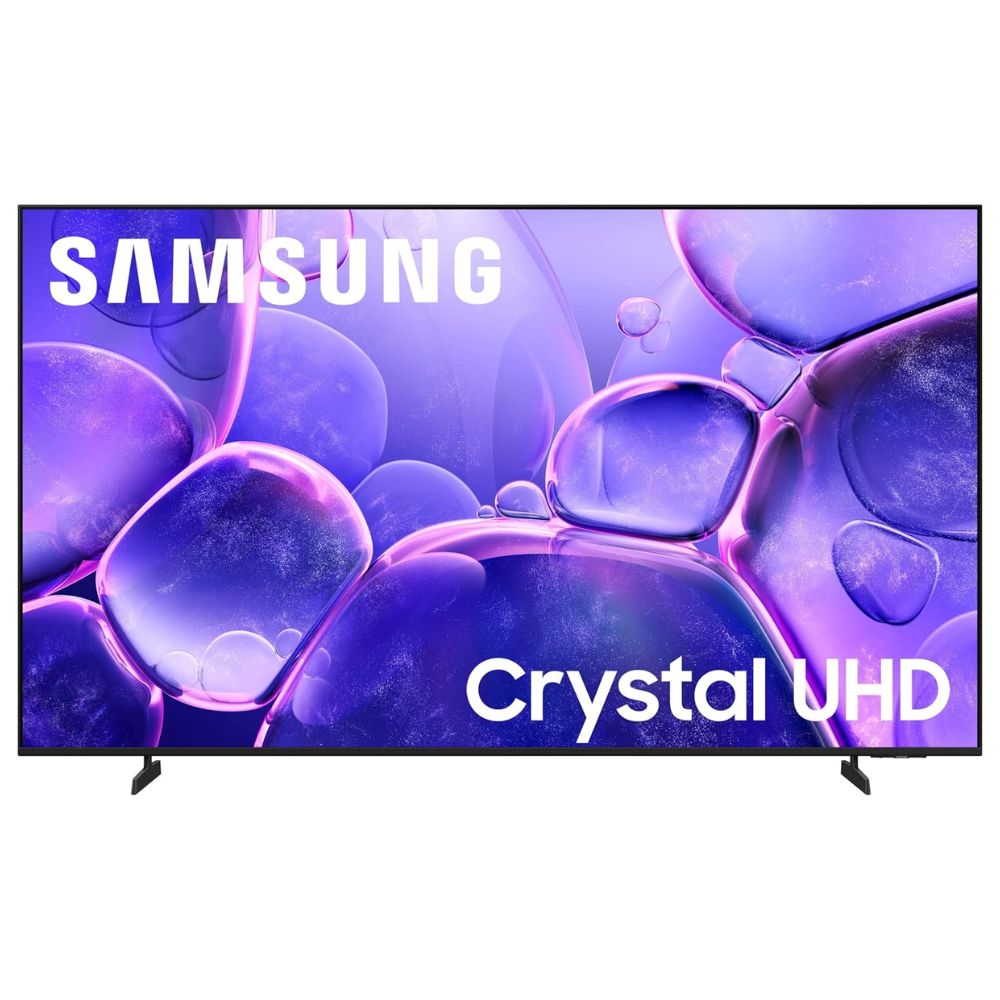
- 4K Crystal Processor for enhanced clarity and upscaling.
- HDR10+ support for dynamic range.
- Tizen smart platform with broad streaming access.
- Slim metal design with clean aesthetic.
- Samsung Knox security and Smart Hub features.
The Crystal UHD U8000F is Samsung’s approachable 4K TV that delivers crisp picture quality and intuitive smart capabilities for everyday entertainment. Its Crystal Processor optimizes colors and upscales content toward 4K quality, making it a solid fit for casual TV watching or streaming.
HDR10+ support adds dynamic contrast when viewing compatible content, though peak brightness and motion handling are limited compared to higher-end models. This makes the U8000F a great choice for passive daytime viewing rather than competitive gaming or deep-dark room cinema.
The Tizen ecosystem brings a wide range of apps and personalization options, while the metal design keeps the aesthetic modern. Overall feedback suggests it performs very well for general media consumption, though advanced features and premium picture tech are understandably absent at this tier.
Pros:
- Solid 4K picture for everyday use
- Intuitive smart platform
- Modern, slim aesthetic
Cons:
- Limited refresh and motion performance
- HDR and brightness are modest
Perfect for viewers who want reliable, smart 4K performance for shows, films, and casual use.
#5 Samsung The Frame 4K Smart TV
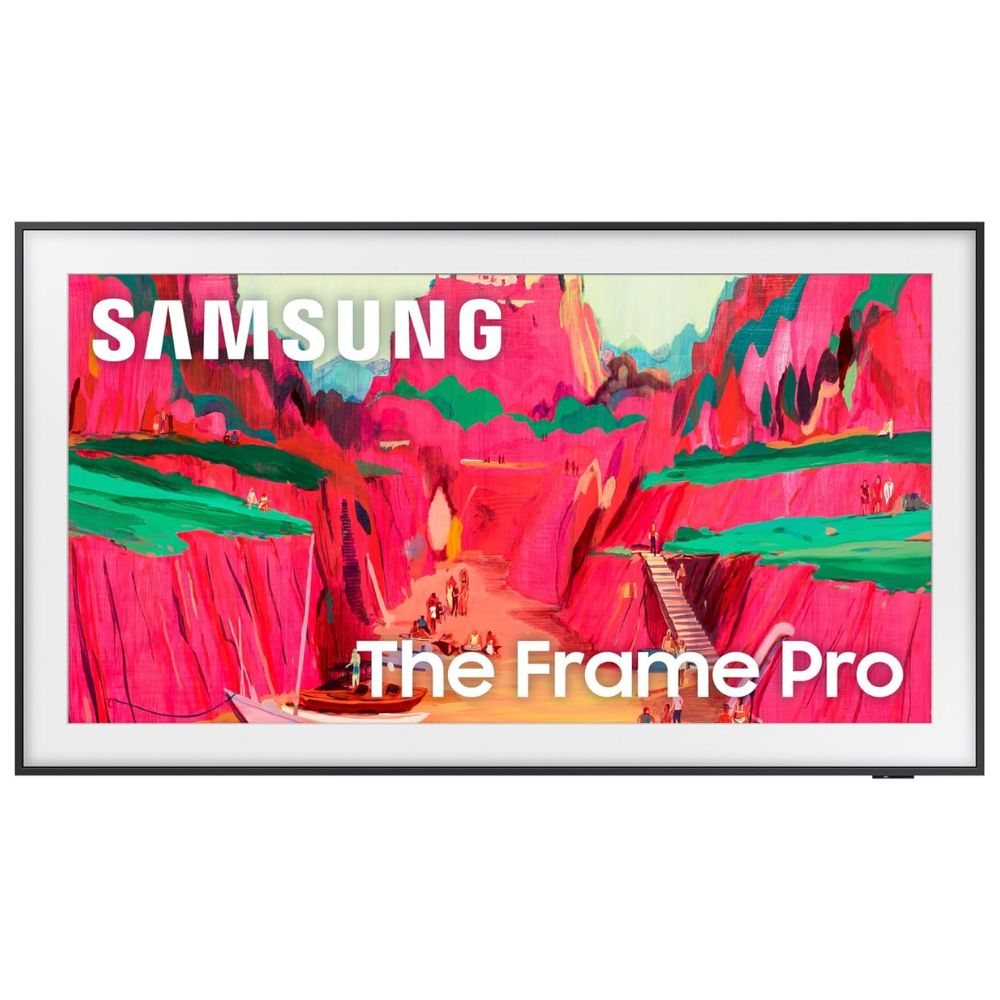
- QLED 4K panel with vibrant color and HDR support.
- Art Mode transforms TV into wall art when idle.
- Anti-reflective matte finish for gallery visuals.
- Slim, customizable bezels for style integration.
- Tizen smart OS with smart home ecosystem.
Samsung’s The Frame turns living spaces into curated art galleries when not in active viewing, blending functional TV capabilities with aesthetic elegance. Art Mode displays artwork and photos with adjustable brightness and anti-glare finish that mimics framed art in natural light.
Picture performance is vibrant thanks to QLED technology, and the smart OS supports all major streaming apps. The customizable bezels help match your décor, making this an ideal choice for design-conscious homeowners.
User reviews often highlight The Frame’s seamless transition between entertainment and art, though picture performance and refresh rates are not as robust as premium models focused purely on video performance. This trade-off is part of its lifestyle appeal.
Pros:
- Unique Art Mode for décor integration
- Vibrant QLED visuals
- Customizable frame design
Cons:
- Not as strong for high-end motion performance
- Art store subscription may be required for full features
Perfect for style-focused viewers who want a TV that doubles as wall art.
Comparison Table
| Model | Display Type | Resolution | Refresh Rate | HDR Support | Smart OS | Best For |
|---|---|---|---|---|---|---|
| Samsung S95F QD‑OLED 4K Smart TV | QD‑OLED | 4K (3840×2160) | Up to 165Hz | HDR10+, HLG | Tizen | Premium all‑around performance |
| Samsung QN90D Neo QLED 4K Smart TV | Neo QLED (Mini‑LED) | 4K (3840×2160) | 100Hz (up to 165Hz) | Neo Quantum HDR+ | Tizen | Bright rooms & general use |
| Samsung Q7F QLED 4K Smart TV | QLED | 4K (3840×2160) | 60Hz | HDR10+ | Tizen | “Sweet spot” value + features |
| Samsung Crystal UHD U8000F | Crystal UHD LED | 4K (3840×2160) | 60Hz | HDR10+ | Tizen | Everyday / budget pick |
| Samsung The Frame 4K Smart TV | QLED | 4K (3840×2160) | 60Hz | HDR10+ | Tizen | Style & décor / Art Mode |
Buying Tips for Samsung TVs
When you’re ready to choose a Samsung TV, knowing what truly matters versus what’s just marketing noise can save you time, confusion, and buyer’s regret. TVs are packed with specs, acronyms, and numbers, but only some of them directly impact your real-world experience. This section breaks down the essentials, highlights features that are often overhyped, and points out common mistakes that new buyers make.
What Actually Matters When Buying a Samsung TV
- Display Technology
One of the biggest factors in picture quality is the panel type. Samsung uses several key technologies:
• QD-OLED – Found in premium models like the Samsung S95F. QD-OLED panels have self-emissive pixels, meaning each pixel emits its own light and can turn off individually. This leads to near-infinite contrast and true blacks.
• Neo QLED Mini-LED – Used in models like the QN90D. Mini-LED means thousands of tiny backlight zones controlled precisely for higher contrast and peak brightness often above 1,500 nits. Great for bright rooms.
• QLED (standard LED with quantum dots) – Common in mid-range TVs like the Q7F. Quantum dots boost color volume and saturation but rely on backlights, so contrast isn’t as deep as self-emissive panels.
• Crystal UHD – Entry level (like the U8000F). Solid 4K resolution but lacks quantum dots or mini-LEDs, resulting in moderate brightness and contrast.
- Resolution and HDR Support
Make sure the TV supports true 4K resolution (3840 x 2160); this is standard across the Samsung lineup. HDR (High Dynamic Range) formats matter too:
• HDR10+ – Samsung’s preferred dynamic HDR format that adjusts brightness frame-by-frame for richer highlights and deeper shadows.
• Dolby Vision – Not supported on Samsung TVs; this isn’t a deficiency if you value the onboard Samsung ecosystem, but it’s worth knowing if you care about format compatibility.
- Refresh Rate and Gaming Specs
If you watch fast sports or play games:
• Look for 120Hz or higher refresh rates; this provides smoother motion than standard 60Hz.
• HDMI 2.1 ports enable 4K at 120Hz, Variable Refresh Rate (VRR), and Auto Low Latency Mode (ALLM), important for gaming consoles and PC gaming.
- Processor and Upscaling
Samsung’s AI Gen3 processors (like NQ4) enhance picture clarity and upscale lower-resolution content toward native 4K. A stronger processor means better handling of older HD content, sharper text, and cleaner edges.
Specs or Features That Are Marketing Fluff
- Ambient Mode vs. Art Mode Terminology
Features like Ambient Mode or fashion names for art galleries, such as The Frame’s Art Mode, can sound impressive, but they don’t influence picture quality during regular viewing. They’re fun extras, but not essential.
- Infinite Contrast / Ultra Color Phrases
Buzzwords that imply “infinite contrast” or “ultra color” often paint broad strokes. What truly matters is contrast ratio (difference between darkest and brightest spots) and color volume percentages in independent tests. Focus on confirmed performance numbers rather than catchy names.
- Extra Apps or Brand Partnerships
Most smart TVs will run Netflix, YouTube, Disney+, Amazon Prime Video, and common streaming apps. Paying attention to precise app branding can be fluff; what matters is a TV with fast app responsiveness, regular updates, and voice control support.
Common Buying Mistakes to Avoid
- Mistake 1: Choosing Size Over Suitability
Bigger isn’t always better. A TV that’s too large for your viewing distance can strain your eyes. As a rule of thumb:
• At 4K resolution, sit about 1.5 times your TV’s diagonal size away.
Example: For a 65-inch Samsung TV, 1.5 × 65 = ~98 inches (about 8 feet) is an ideal starting point.
- Mistake 2: Ignoring Ambient Lighting Conditions
Some TVs look great in dark rooms but wash out in bright environments. If your living room gets strong sunlight, prioritize high peak brightness, anti-glare coatings, and Neo QLED technology.
- Mistake 3: Overvaluing Smart Extras
Features like built-in cameras, fitness integration, or decorative art libraries sound cool, but if your priority is clean picture quality and everyday viewing, focus first on panel performance, refresh rates, and processor strength.
- Mistake 4: Not Checking Input Lag and Gaming Features
Gamers often overlook input lag when fixated on picture specs. If you play with consoles or a PC, aim for input lag under 20ms at 4K/120Hz, VRR support, and ALLM for optimal responsiveness.
Usage Tips for Samsung TV
Getting the most out of your Samsung TV doesn’t stop at buying the right model; how you set it up and use it daily makes a big difference in real-world performance. Below are practical, plain-language tips with specific tech values to help anyone, even a first-time TV buyer, enjoy the best picture, sound, and overall experience from their Samsung TV.
How to Get the Best Results from a Samsung TV
- Optimize Picture Settings for Your Room Lighting
Every viewing environment is different, and your Samsung TV can adapt:
• Calibrate Brightness and Contrast: If your room is bright, increase Backlight to high levels (many Samsung TVs go above 80-90 on the backlight slider) to combat glare. In darker rooms, reduce backlight and raise Contrast so bright whites don’t wash out darker scenes.
• Use Adaptive Picture/HDR: Most Samsung TVs have an Adaptive Picture or HDR Adaptive setting that automatically adjusts brightness and tone mapping based on ambient light. This is particularly useful if you watch at varying times of day.
- Choose the Right Motion Settings
Motion smoothing features can help or hurt depending on content:
• Turn on Motion Xcelerator Pro or similar for sports or fast-paced action to reduce blur.
• For movies, many users prefer disabling excessive motion smoothing (also called “soap opera effect”) because it can make films look unnatural.
- Enable Gaming Features if You Game
If you plan to play games on consoles like PS5, Xbox Series X, or a gaming PC:
• Make sure HDMI 2.1 ports are used if you want 4K at 120Hz, as this delivers much smoother motion compared with 60Hz.
• Turn on Auto Low Latency Mode (ALLM) to reduce input lag automatically when a console is detected.
• Variable Refresh Rate (VRR) helps eliminate screen tearing and stuttering; look for it in your TV’s Game Mode settings.
- Use the Smart Features Smartly
Samsung’s Tizen platform is powerful, but can be optimized:
• Log into your streaming accounts (Netflix, YouTube, Disney+) and enable Auto Sign-in so apps open faster.
• Position your Wi-Fi router near your TV or use Ethernet if possible; this ensures the fastest streaming quality (4K HDR streams typically require at least 25 Mbps stable connection).
• Disable unnecessary notifications or recommendations if you prefer a clean interface.
- Calibrate Sound for Your Room
Most TVs come with built-in speakers, but room acoustics affect clarity:
• Turn on Q-Symphony (if supported) when using a Samsung soundbar, which allows the TV speakers and soundbar to work together.
• Adjust EQ settings (bass, treble) in the audio menu to suit your space, especially if you’re not using external speakers.
Mistakes That Users Make With Samsung TV
- Leaving Factory Settings as Is
Factory presets are designed to look bright and punchy in stores, not in your home:
Leaving the picture mode on Dynamic or Vivid can result in overly sharp, unnatural colors and blown-out highlights. Instead, switch to Movie or Filmmaker Mode for more accurate color and smoother gradation.
- Ignoring Room Setup and Seating Distance
Picking an overly large TV or placing it too close can degrade viewing comfort:
For 4K resolution, try to sit about 1.5 times the TV’s diagonal away. For example, a 55-inch Samsung TV is best viewed around 6.8 feet (2.1 meters) away.
- Overlooking Firmware Updates
Samsung releases performance and app updates regularly:
Always agree to automatic firmware updates during initial setup or manually check under Settings > Support > Software Update. Up-to-date firmware often brings smoother app performance and fixes visual issues.
- Leaving Game Enhancers Off
Many users don’t realize features like ALLM and VRR can be toggled:
Leaving these off can lead to higher input lag and screen tearing during gameplay. Make sure Game Mode is enabled when you’re playing.
- Placing the TV Near Reflective Surfaces
Light from windows or lamps directly hitting the screen reduces contrast:
Position the Samsung TV away from direct light sources or use curtains and anti-glare settings to minimize reflections, especially important for Neo QLED models to maximize their high brightness advantage.
Is a Samsung TV Worth It?
At this stage, you’re probably asking yourself one final question: Is a Samsung TV truly worth the investment? With so many 4K options available, it’s normal to hesitate over price, features, and whether you’ll actually notice the difference. The key comes down to how you use your TV and what kind of viewing experience you expect.
It’s worth it if…
• You want consistently strong 4K picture quality with better brightness and contrast than basic LED TVs.
• You watch a lot of HDR content and want improved highlights, deeper shadows, and richer color detail.
• Your living room is bright and you need a screen that stays clear and vibrant during daytime viewing.
• You play console or PC games and want 120Hz refresh rate support, low input lag, and smoother motion.
• You prefer built-in smart features so you don’t rely on extra streaming devices.
• You’re upgrading from an older 1080p or early 4K TV and want a noticeable step forward in clarity and processing.
In real-world use, the benefits show up quickly. Sharper text, smoother sports playback, better upscaling of HD content, and fewer washed-out scenes in bright rooms all add up over time. If you use your TV daily, those improvements matter.
Who might not need it?
If you mainly watch standard cable in HD, rarely stream 4K content, or only use the TV occasionally in a secondary room, you may not fully benefit from the advanced processing, higher refresh rates, or HDR capabilities. In that case, a more basic screen could meet your needs just fine.
FAQ
What’s the difference between QD-OLED and QLED?
QD-OLED uses self-emissive pixels for deep blacks and richer, more precise colors, while QLED uses LED backlighting with quantum dot filters to enhance brightness and color. QD-OLED generally outperforms QLED in contrast and cinematic depth.
Do Samsung TVs support HDR10+?
Yes, most Samsung TV models, including OLED and QLED variants, support HDR10+ for dynamic contrast and richer HDR performance.
Is Dolby Vision supported on these Samsung TVs?
Samsung’s 2025 lineup typically does not include Dolby Vision, instead focusing on HDR10+ and HLG formats.
Can these TVs handle gaming?
Higher-end models with HDMI 2.1 ports and higher refresh rates like the S95F and QN90D are well-suited for gaming. Entry models like the Crystal UHD U8000F have basic gaming support with limitations in motion handling.
What smart platform do Samsung TVs use?
Samsung’s smart TVs use the Tizen operating system, offering broad app support, content recommendations, and integration with smart home features.