
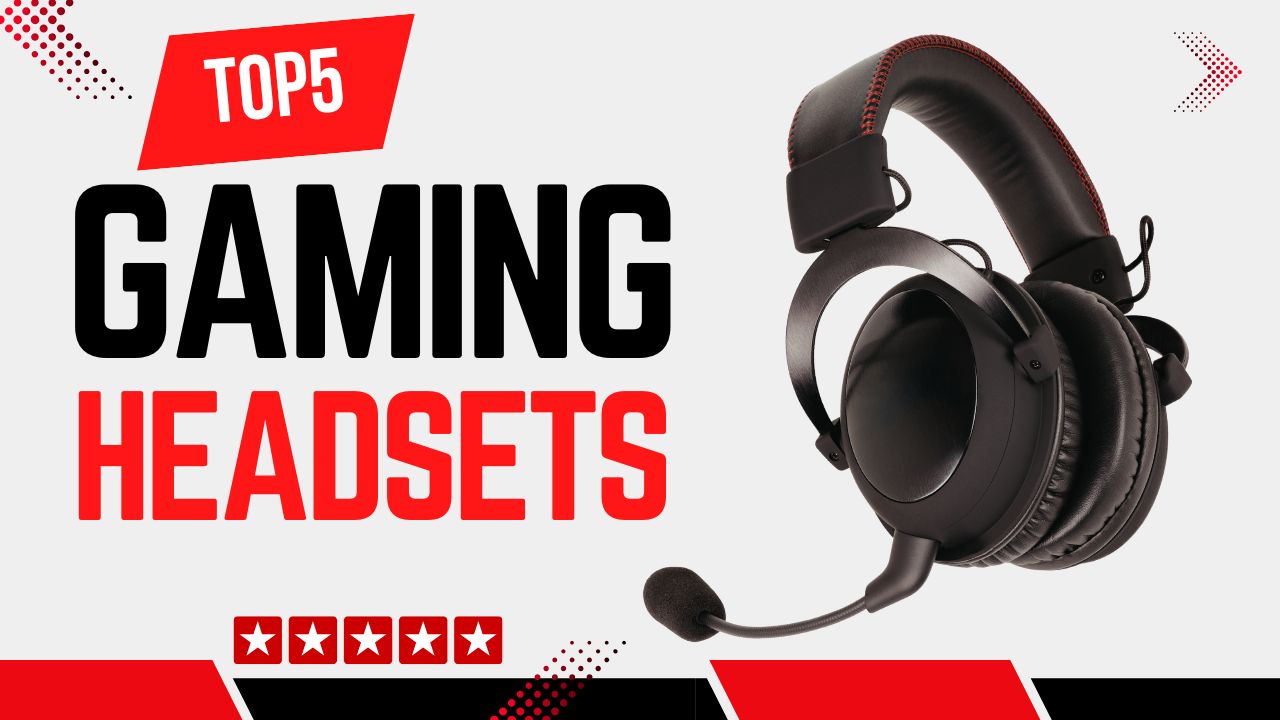
Gaming headsets are essential for immersive gameplay, team communication, and competitive performance. In this roundup, we evaluate the top five gaming headsets based on expert reviews, technical specifications, and user feedback. Whether you’re a casual gamer, esports contender, or content creator, this guide will help you choose the best headset for your needs.
Disclosure: As an Amazon Associate, I earn from qualifying purchases. This means that if you click on a link and make a purchase, I may receive a small commission at no additional cost to you.
Quick Look
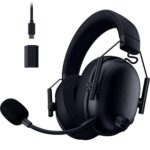
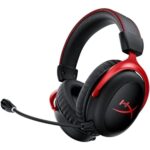
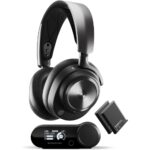
Table of Contents

Why You Need a Gaming Headset
Quick Summary:
• Ideal for competitive, multiplayer, and long-session gamers
• Essential if you rely on voice chat and team communication
• 40mm–50mm drivers improve positional audio (footsteps, directional cues)
• Built-in cardioid microphones reduce background noise
• Designed for comfort (typically 240g–330g with memory foam padding)
• Not necessary if you already use studio headphones + dedicated mic
A gaming headset is more than just headphones with a microphone. It is a purpose-built audio tool designed to improve immersion, communication, and reaction time while gaming.
Who Gaming Headsets Are For (and Who Should Skip Them)
Gaming headsets are ideal for:
• Competitive and multiplayer gamers who rely on voice chat (FPS, MOBA, battle royale games)
• Console gamers who need an all-in-one audio and mic solution
• Gamers who play for long sessions and need comfort-focused design
• Streamers and casual content creators who want clear voice pickup
You should consider skipping a gaming headset if:
• You only play single-player games casually and don’t use voice chat
• You already own high-quality studio headphones and a dedicated microphone
• You mainly use headphones for music production or audiophile listening
Main Benefits and Problems Gaming Headsets Solve
Clear positional audio for competitive advantage
Gaming headsets are tuned to highlight footsteps, reloads, and directional cues. Drivers typically range from 40mm to 50mm, which helps produce wider soundstage and better imaging compared to basic headphones.
Better communication with teammates
Gaming microphones are designed for voice frequencies (roughly 300Hz–3.4kHz). Features like cardioid pickup patterns and noise reduction reduce background sounds such as keyboard clicks or fan noise.
Comfort for long sessions
Most gaming headsets use memory foam ear pads, adjustable headbands, and lightweight frames between 240g–330g to reduce fatigue during long play sessions.
Single-device convenience
Instead of buying separate headphones and microphones, gaming headsets combine audio output, voice input, and sometimes surround processing in one device.
Wired vs Wireless Gaming Headsets: Which Should You Choose?
Choosing between a wired and wireless gaming headset is one of the most important decisions you’ll make as a gamer. The right option depends largely on how you play, what games you play, and where you game. Competitive players often prioritize performance and reliability, while casual players may value convenience and flexibility more.
Let’s break down the key differences so you can decide with confidence.
Latency (Response Delay)
Latency refers to the delay between what happens in the game and when you hear it. In competitive gaming, even small delays can impact performance.
- Wired connection: Near 0ms latency
- 2.4GHz wireless: Approximately 1–20ms latency
- Bluetooth: Often 100ms or more
For competitive FPS titles like Valorant, CS2, or Call of Duty, even a 50ms delay can feel noticeable. Footsteps, gunshots, and directional cues may feel slightly out of sync, which can affect reaction time.
Because of this, serious competitive players typically choose wired or 2.4GHz wireless headsets. Bluetooth-only headsets are not recommended for competitive gaming due to their higher latency and potential audio delay.
Battery Life Expectations (Wireless Only)
If you choose a wireless gaming headset, battery life becomes an important factor. Here’s what you can typically expect:
- 20–22 hours on premium high-performance models
- 30–32 hours on optimized wireless models
- 40+ hours on efficiency-focused headsets
If you game around 3–4 hours per day, a 30-hour battery can last roughly a week per charge.
Some premium models, like the SteelSeries Nova Pro Wireless, reduce battery anxiety by including dual hot-swappable batteries. While one battery powers the headset, the other charges, so you’re never stuck waiting.
Competitive FPS Advantage
If you are:
- A ranked FPS player
- An esports competitor
- Someone highly sensitive to input delay
You should choose wired or 2.4GHz wireless only.
For example:
- The Razer BlackShark V2 X (wired) is a strong low-latency budget option.
- The Logitech G Pro X Wireless uses LIGHTSPEED technology with latency typically in the 1–5ms range, making it suitable for competitive play.
When every millisecond matters, stability and minimal delay should be your priority.
Convenience vs Reliability
Beyond performance, your choice may come down to lifestyle and setup preferences.
Wired Gaming Headsets
Pros:
- No charging required
- Zero latency
- Often lighter (commonly under 300g)
Cons:
- Cable clutter
- Limited movement range
Wired headsets are simple, reliable, and ideal for players who sit at a desk and don’t want to worry about battery life.
Wireless Gaming Headsets
Pros:
- Clean desk setup
- Freedom to move
- Often support dual-device connectivity (2.4GHz + Bluetooth)
Cons:
- Requires charging
- Slightly heavier (typically 300g–370g)
Wireless headsets are great for gamers who value flexibility, move around frequently, or want a cleaner-looking setup.
Buying Tips
What Actually Matters When Buying Gaming Headsets
Driver size and sound tuning
Look for 40mm or 50mm drivers. Bigger is not always better, but 50mm drivers often deliver stronger bass and better spatial awareness for gaming.
Microphone quality
A good gaming mic should have:
• Cardioid or bidirectional pickup
• Frequency response optimized for voice
• Detachable or retractable design if possible
If communication matters, avoid headsets with fixed low-quality microphones.
Comfort and weight
For sessions longer than 2-3 hours, weight matters. Aim for under 320g. Breathable ear pads (fabric or hybrid leather) help reduce heat buildup.
Wired vs Wireless
Wired headsets offer zero latency and are ideal for competitive PC gaming.
Wireless headsets offer freedom and convenience, usually with 2.4GHz connections for low latency. Look for at least 20–30 hours of battery life.
Platform compatibility
Always check if the headset supports your platform:
• PC-only headsets may not work fully on consoles
• Console gamers should look for USB or 3.5mm compatibility
• Bluetooth alone is usually not ideal for gaming due to latency
Specs or Features That Are Mostly Marketing Fluff
“7.1 Surround Sound” labels
Most gaming headsets use virtual surround via software, not real multi-driver surround. It can help positioning, but it is not a replacement for good stereo imaging.
RGB lighting
RGB does not improve audio or mic quality and often reduces battery life on wireless models.
Extremely high frequency response numbers
Values like “20Hz-40kHz” sound impressive but offer little real-world gaming benefit.
Common Buying Mistakes to Avoid
Buying based only on brand name
Even top brands have entry-level models with average performance.
Ignoring mic quality
Many users focus on sound and forget that poor mic clarity affects team communication.
Choosing Bluetooth-only headsets for gaming
Bluetooth introduces noticeable latency. Always prefer 2.4GHz wireless or wired connections.
Overlooking comfort
Great sound means nothing if the headset becomes uncomfortable after one hour.
Usage Tips
How to Get the Best Results from Gaming Headsets
Adjust in-game audio settings
Lower music volume and boost effects or footsteps. This improves positional awareness, especially in shooters.
Use proper EQ presets
Many headsets include software with FPS, balanced, or bass-boosted modes. FPS presets usually reduce bass and enhance mid/high frequencies for footsteps.
Position the microphone correctly
Place the mic 2-3 cm from your mouth, slightly off-center. This improves clarity and reduces breathing noise.
Keep firmware and software updated
Wireless headsets often receive updates that improve mic quality, battery efficiency, or connection stability.
Mistakes Users Make with Gaming Headsets
Using max volume constantly
This causes ear fatigue and long-term hearing damage. Stay below 70-75% volume for extended sessions.
Not charging wireless headsets properly
Avoid fully draining batteries regularly. Keeping charge between 20%-80% extends battery lifespan.
Ignoring mic monitoring settings
Mic monitoring (sidetone) helps prevent shouting during gameplay. Enable it if available.
Using default system audio settings
Always set the headset as the default input and output device to avoid mic or audio issues during gameplay.
Top 5 Gaming Headsets
#1 Razer BlackShark V3
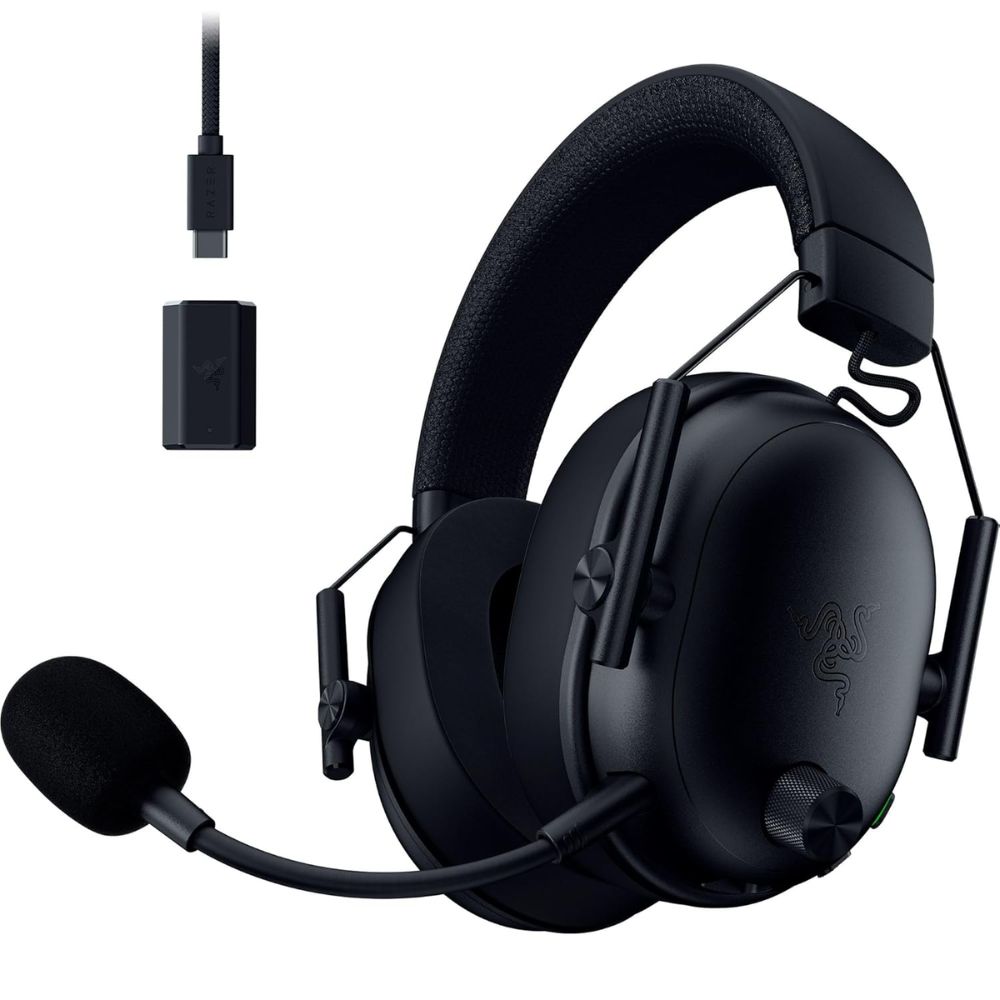
- Designed for esports-focused audio clarity and positional accuracy.
- Razer TriForce 50mm drivers deliver rich, balanced sound.
- HyperClear Cardioid mic enhances voice communication.
- Passive noise isolation keeps you focused in loud environments.
- Ultra-lightweight and comfortable for marathon gaming sessions.
The Razer BlackShark V2 X is a highly regarded wired gaming headset focused on competitive performance. Its TriForce drivers split frequencies for clearer highs, mids, and lows, important for directional audio cues in shooters and fast-paced titles. The HyperClear mic is optimized for team communication with strong pickup and reduced ambient noise. Its lightweight build and plush ear cushions contribute to long-session comfort. Users appreciate how it balances audio fidelity and comfort without the bulk of more feature-heavy models.
Pros:
- Excellent positional audio for esports
- Comfortable over long sessions
- Clear microphone pickup
Cons:
- Lacks wireless connectivity
- Limited advanced features compared to premium models
Ideal for competitive gamers and esports players who prioritize audio precision, lightweight design, and clear team communication.
#2 HyperX Cloud II Wireless
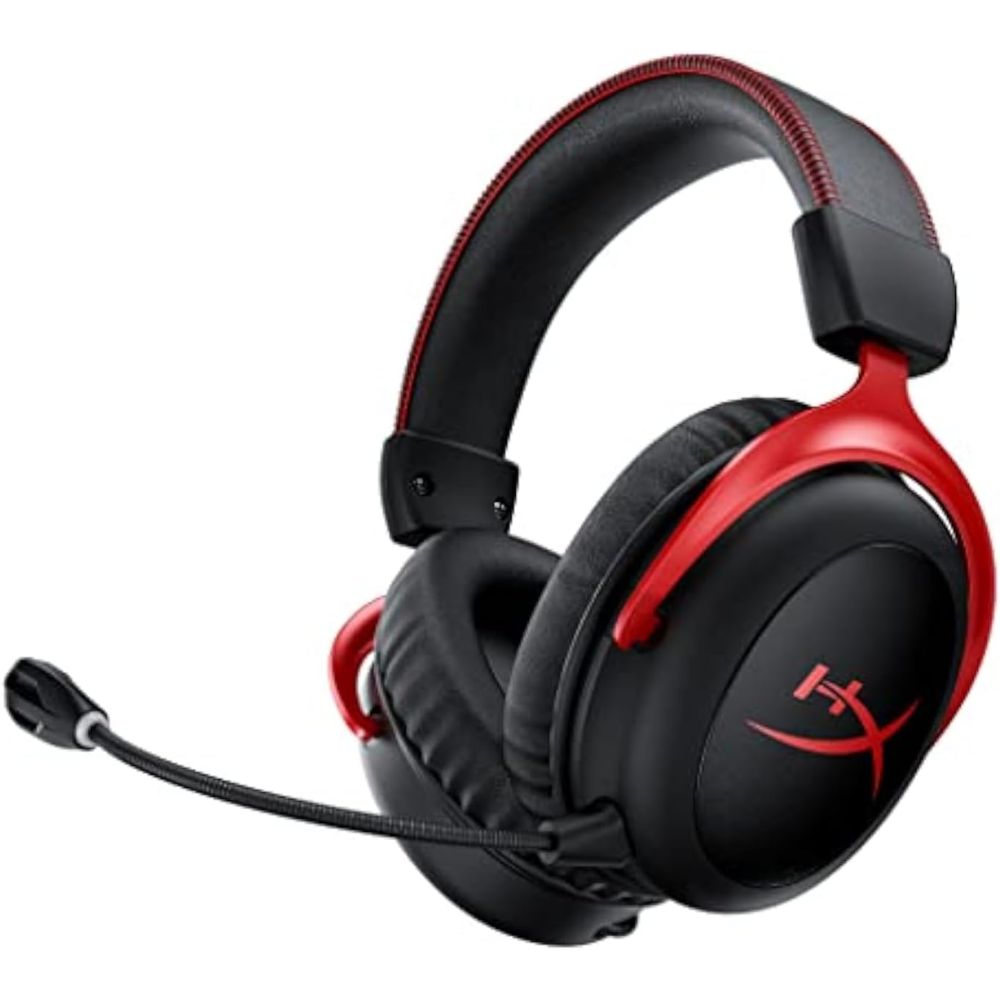
- Trusted wireless gaming headset with reliable performance.
- Balanced sound profile suitable for games, music, and media.
- Comfortable memory foam ear cushions for extended wear.
- Multi-platform compatibility with wireless freedom.
- Solid battery life for uninterrupted play sessions.
The HyperX Cloud II Wireless builds on the lineage of a widely respected wired headset, bringing wireless freedom and dependable performance. It delivers a balanced audio profile, making it versatile across game genres and media types. Comfort is a standout with plush ear cushions and a well-padded headband, appreciated by users during long gaming sessions. Wireless connectivity is stable, with minimal latency over 2.4GHz, and the design is rugged yet not overly heavy. Users often highlight the headset’s reliability, comfort, and solid overall performance.
Pros:
- Stable wireless connection
- Comfortable, versatile design
- Balanced audio enjoyable across content
Cons:
- ANC not present
- Mic quality is good but not class-leading
Perfect for gamers seeking a well-rounded wireless headset that excels in comfort and everyday performance.
#3 SteelSeries Arctis Nova Pro Wireless
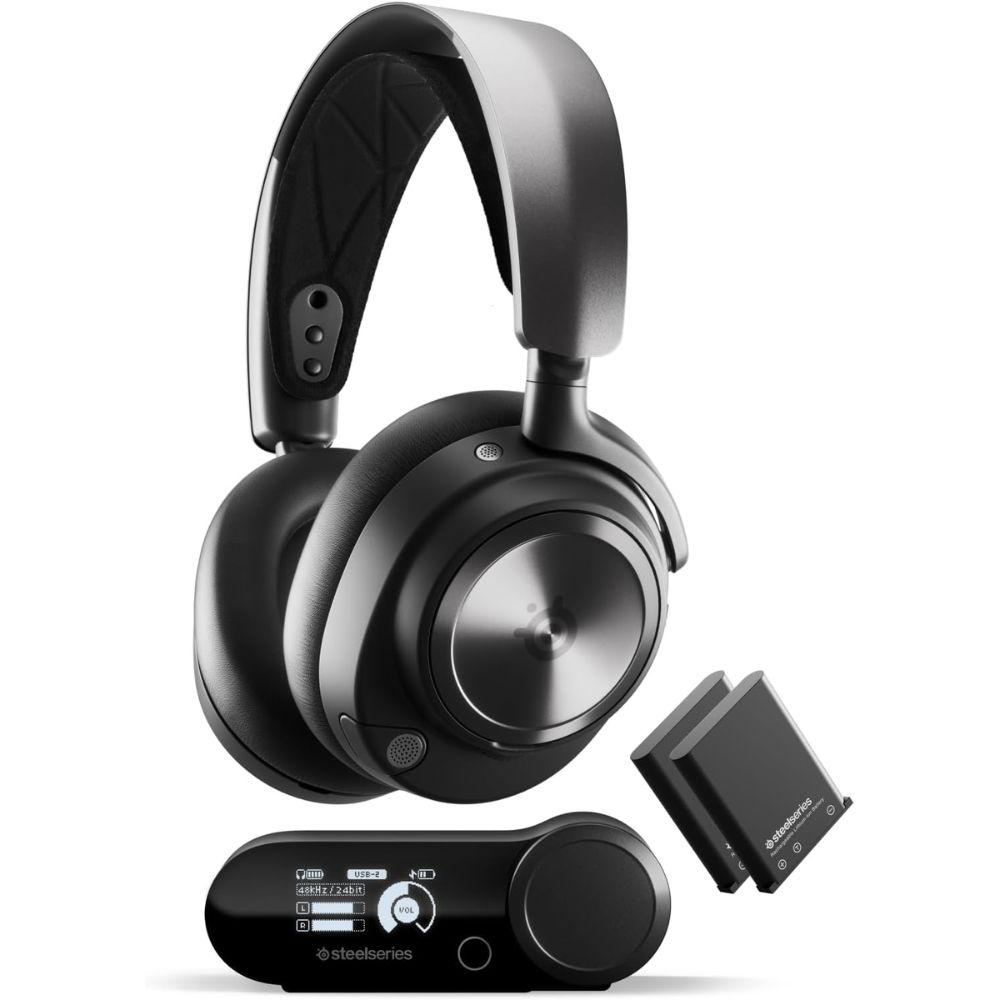
- Hot-swappable dual battery system extends playtime indefinitely.
- Active Noise Cancellation for immersive gameplay.
- Multi-device wireless connectivity (RF + Bluetooth).
- Retractable noise-cancelling microphone.
- 360° spatial audio and surround support for rich game sound.
The Arctis Nova Pro Wireless represents SteelSeries’ flagship wireless gaming headset. Its unique hot-swappable battery system means gamers rarely have to interrupt sessions for charging, simply swap a fresh battery from the base station. Active Noise Cancellation and 360° spatial audio enhance immersion and environmental awareness in-game. The headset’s versatility across multiple devices and simultaneous connections is especially useful for users who juggle PC gaming, console play, and mobile media. Reviews praise its premium feature set and comfortable build, though some note ANC performance can lag behind consumer headphone standards.
Pros:
- Feature-rich and versatile
- Hot-swappable batteries for nonstop play
- Excellent multi-device support
Cons:
- Premium price point
- Base station adds bulk
Best choice for gamers and streamers who want top-tier wireless features, premium comfort, and battery longevity without compromise.
#4 Logitech G Pro X
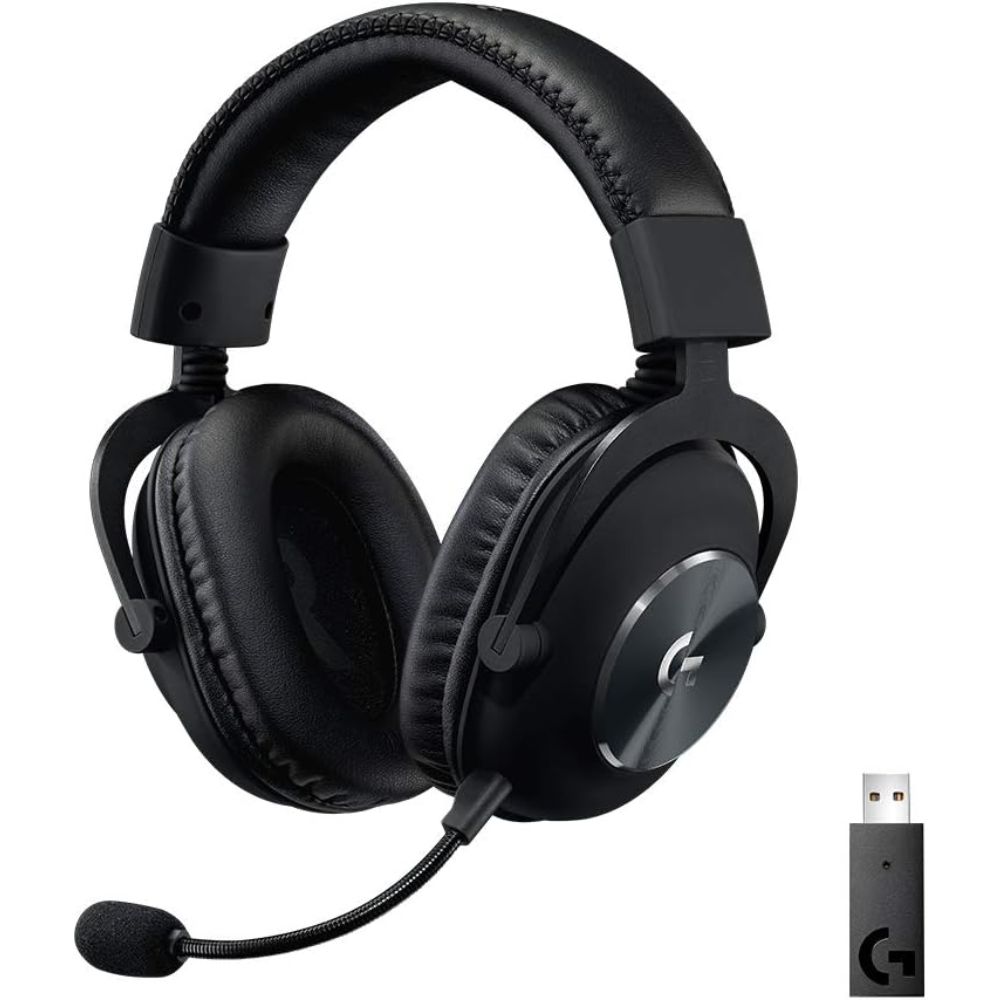
- Tournament-grade microphone with Blue VO!CE tech for crisp voice clarity.
- DTS Headphone:X 2.0 surround sound support.
- Comfortable ear cups and durable build for long sessions.
- LIGHTSPEED wireless for low-latency connectivity.
- Customizable audio via Logitech G Hub.
Logitech’s G Pro X Gaming Headset focuses on communication clarity and competitive gaming performance. The detachable mic with Blue VO!CE processing captures voice with precision, making it a favorite among team-based players and streamers who want others to hear every call with clarity. Comfortable ear cups and a robust build ensure long gaming sessions remain pleasant. Wireless LIGHTSPEED connectivity delivers reliable latency and solid range. While software stability can vary, overall feedback highlights its strong audio and mic quality as key strengths.
Pros:
- Excellent mic quality
- Comfortable and durable
- Good surround sound experience
Cons:
- Software customization can be inconsistent
- Battery life moderate vs premium competitors
Ideal for multiplayer gamers and streamers who prioritize voice clarity and balanced gaming audio.
#5 Sony INZONE H9 Wireless
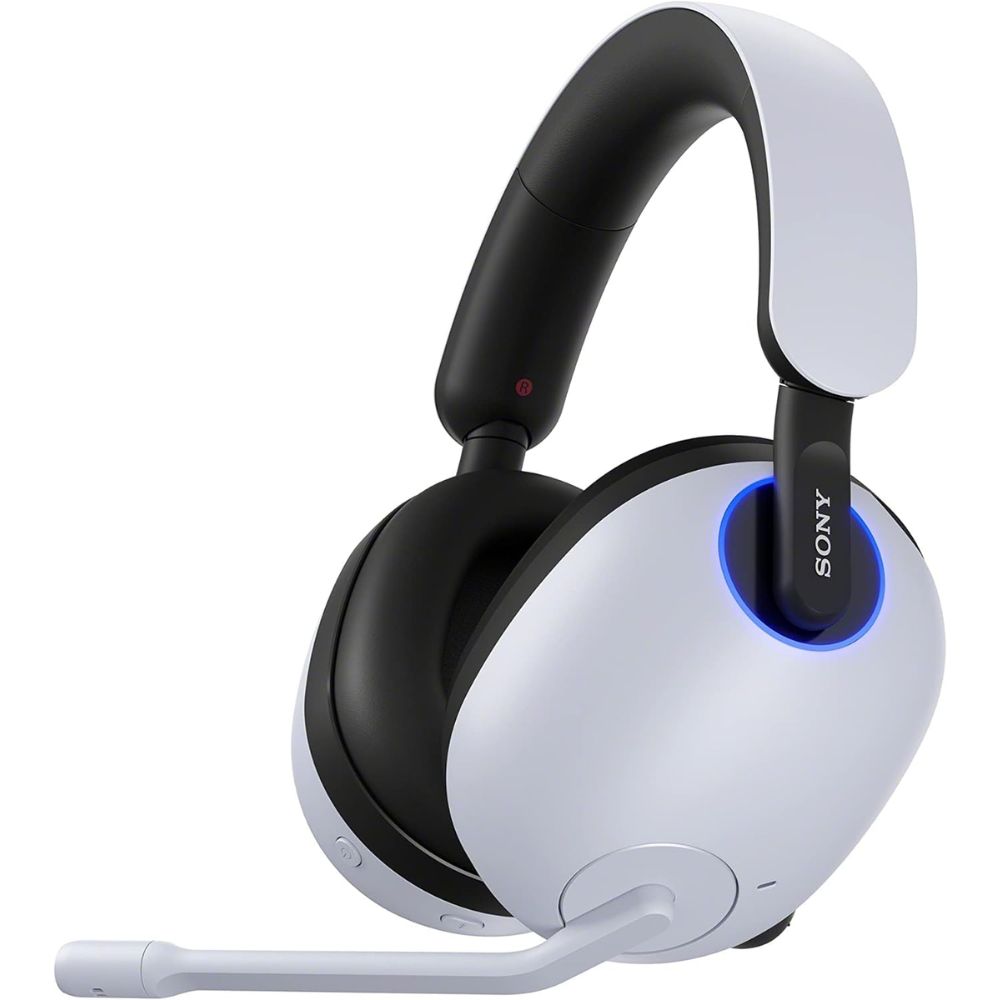
- Active Noise Cancellation tailored for gaming immersion.
- Full-spectrum sound with spatial audio enhancements.
- Lightweight and comfortable design for long sessions.
- Dual connectivity (wireless + Bluetooth).
- Works seamlessly with PlayStation and PC platforms.
Sony’s INZONE H9 Wireless Gaming Headset brings features from Sony’s acclaimed audio lineage into dedicated gaming peripherals. Active Noise Cancellation helps eliminate distractions so players can focus on gameplay, while spatial audio support enhances environmental cues. The comfortable fit and lightweight design make it suitable for extended sessions. Connectivity options are flexible, with both wireless gaming-optimized links and Bluetooth for mobile devices. Feedback emphasizes strong sound quality and effective ANC, though some users observe limitations in EQ control on certain consoles.
Pros:
- Immersive sound and ANC
- Comfortable ergonomic design
- Flexible wireless and Bluetooth connectivity
Cons:
- Occasional lack of fine EQ control
- Mic quality good but not elite
Perfect for immersive gamers who value soundstage depth and noise cancellation during intense sessions.
FAQ
What should I look for in a gaming headset?
Key factors include sound quality (drivers and surround modes), comfort for long sessions, microphone clarity for team communication, wireless vs wired preference, and platform compatibility.
Do gaming headsets need active noise cancellation?
ANC can improve immersion by reducing external noise, but it’s more essential in noisy environments and less critical if you game in quiet spaces
Are wireless gaming headsets worth it?
Wireless headsets offer freedom of movement and fewer cables, often with excellent battery life, ideal for living room or console play. Wired headsets still provide reliable low-latency performance, especially for competitive gaming.
Can gaming headsets double as music headphones?
Many gaming headsets deliver balanced audio suitable for music and movies, though dedicated audiophile headphones may offer superior fidelity.
How important is comfort in a gaming headset?
Very important, plush ear pads, adjustable headbands, and lightweight designs reduce fatigue during long gaming sessions and improve immersion.
Final Verdict
Choosing the right gaming headset depends on your gaming style, platform, and priorities. If you’re a competitive gamer, Razer BlackShark V2 X or BlackShark V3 offer low-latency performance and clear positional audio. For wireless freedom with long battery life, HyperX Cloud II Wireless and SteelSeries Arctis Nova Pro Wireless provide reliable performance and comfort. If you want immersive console gaming with active noise cancellation, the Sony INZONE H9 is an excellent choice.
All five headsets deliver strong sound quality, microphone clarity, and comfort, but the best pick comes down to your specific needs: wired vs wireless, esports focus vs immersion, and whether multi-device connectivity matters.
Ultimately, investing in a quality gaming headset enhances both your gaming performance and overall experience, making every session more immersive, precise, and enjoyable.