
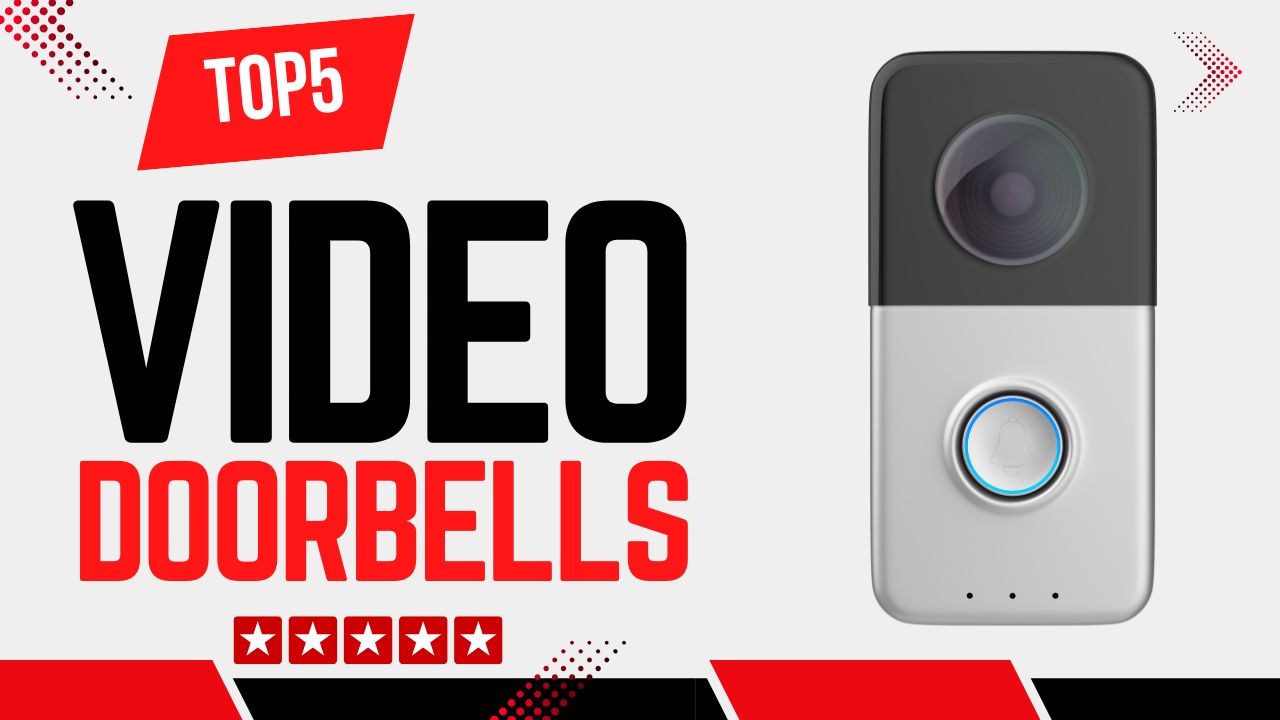
Video doorbells have become essential tools in modern home security, combining smart alerts, real-time video feeds, and two-way communication to keep your entryway safe and informed. This guide breaks down the top 5 video doorbells worth considering, based on performance, reliability, and user experience. Whether you want wide-angle viewing, long battery life, or smart home integration, we’ve got you covered.
Disclosure: As an Amazon Associate, I earn from qualifying purchases. This means that if you click on a link and make a purchase, I may receive a small commission at no additional cost to you.
Quick Look
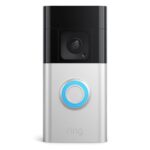
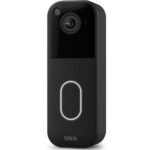
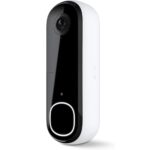
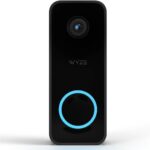
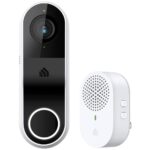
Table of Contents

Why You Need a Video Doorbell
Quick Summary
- Ideal for homeowners, renters (with permission), and apartment dwellers
- Not suitable if you lack stable Wi-Fi or if installation is restricted
- Let’s you see, hear, and talk to visitors from your phone
- Solves missed visitors and unknown door activity
- Helps deter theft and suspicious behavior at your entryway
- Sends instant alerts when motion or doorbell presses occur
- Protects packages and improves delivery communication
- Adds convenience and peace of mind without complex setup
A video doorbell is designed for homeowners, renters (with permission), and apartment dwellers who want to see, hear, and speak to visitors remotely using their smartphone. It is ideal for people who receive frequent deliveries, live alone, work long hours, or want an extra layer of front-door security. You may want to skip a video doorbell if you have no Wi-Fi at home, extremely weak internet speeds (below 2 Mbps upload), or strict building rules that prohibit installing smart devices near entrances.
The main problem a video doorbell solves is lack of visibility and awareness at your front door. Traditional doorbells tell you someone is there, but they don’t show who it is, when they came, or what happened if you missed it. Video doorbells record motion events, send instant alerts to your phone, and allow you to respond in real time, even when you are not at home.
The key benefits of a video doorbell include improved home security, better package protection, and everyday convenience. You can verify visitors before opening the door, deter potential thieves with visible cameras, and communicate with delivery drivers or guests using two-way audio. For many users, the peace of mind alone makes a video doorbell worth having.
Buying Tips
Quick Summary
- Choose at least 1080p resolution; 2K is better for face and package clarity
- Look for a wide field of view (150°–180°) to see people head-to-toe
- Battery models are easier to install but need recharging every 2–6 months
- Wired models offer constant power and faster live view performance
- Ensure your Wi-Fi supports 2.4 GHz with at least 2 Mbps upload speed
- Don’t overpay for “AI” features that require subscriptions to be useful
- Check whether storage is cloud-only or includes local microSD support
- Avoid models that trigger frequent false motion alerts
When buying a video doorbell, a few specs matter far more than others. Video resolution is one of the most important factors. Look for at least 1080p Full HD, which is enough to recognize faces clearly. If you want sharper details like package labels or clearer zoom, 2K resolution (2048 x 1536 or similar) is a noticeable upgrade. Anything below 1080p is not recommended for security use.
Field of view is another critical spec. A good video doorbell should offer at least 150 degrees horizontally or diagonally. Wider angles (160-180 degrees) allow you to see head-to-toe views, which helps with identifying visitors and spotting packages placed on the ground. Narrow fields of view can miss important activity near your door.
Power type also matters more than many buyers realize. Battery-powered video doorbells are easier to install and suitable for homes without doorbell wiring, but they require recharging every 2 to 6 months, depending on usage. Wired video doorbells provide constant power and usually faster live view performance, but they require existing wiring and a compatible transformer (typically 16-24V AC).
Some features are mostly marketing fluff for beginners. Extremely high megapixel counts sound impressive, but don’t always translate to better real-world clarity. AI detection labels like “advanced intelligence” may still require paid subscriptions and can be inaccurate without proper setup. Also, flashy app features don’t matter if the doorbell has slow notifications or unreliable connectivity.
Common buying mistakes include ignoring Wi-Fi requirements and subscription costs. Most video doorbells require a stable 2.4 GHz Wi-Fi connection and at least 2 Mbps upload speed for smooth video. Another mistake is not checking storage options; some models rely entirely on cloud storage, while others support local storage using a microSD card. Buyers also often overlook the mounting location, which can affect motion detection accuracy and video quality.
Wired vs Battery Video Doorbells (Which Should You Choose?)
When you’re shopping for a video doorbell, one of the first big decisions is choosing between wired and battery‑powered models. Both have advantages and trade‑offs, and understanding them will help you pick the right one for your home.
What Wired Video Doorbells Offer
A wired video doorbell is connected to your home’s existing doorbell wiring and uses constant electricity. This means:
• Always‑on power: No need to recharge batteries, so the device stays live 24/7.
• Faster responsiveness: Live view and alerts often load quicker because the device doesn’t need to preserve battery life.
• Stable performance in cold or hot weather: Wired power is less affected by temperature extremes.
Examples of wired video doorbells include models like the Kasa Smart Video Doorbell, which needs a compatible transformer (usually 16–24V AC) to work properly.
However, installation is more complex; you may need to turn off the power and connect the wires correctly. If your home doesn’t already have a wired doorbell, installation may require drilling and electrical work.
What Battery Video Doorbells Offer
Battery video doorbells run on internal rechargeable cells or replaceable batteries. Features include:
• Easy, no‑wiring installation: Mount on any wall or surface without electrical work.
• Great for renters: Ideal when you cannot modify wiring.
• Flexible placement: You can adjust angles or move the device without rewiring.
Popular battery options include the Ring Battery Doorbell Plus and Blink Video Doorbell, both of which can also be used with optional wiring if you decide later to hard‑wire them.
Downsides? You’ll need to recharge batteries periodically, typically every 2 to 6 months, depending on motion frequency and weather conditions. Cold climates can drain batteries more quickly.
Which Should You Choose?
If you want set‑and‑forget reliability, wired is your best choice, especially if you already have existing doorbell wiring. If you want a simple installation with no electrical work, a battery video doorbell wins. Some models even support both power options, giving you the best of both worlds.
Subscription Plans Explained (What You Get and What You Don’t)
Many video doorbells offer basic features for free, but also include optional subscription plans that unlock more advanced capabilities. Understanding what costs extra, and what you get without payin, helps you avoid surprises.
What You Usually Get for Free
Most video doorbells let you:
• Receive motion alerts on your phone
• View live video anytime from the app
• Use two‑way audio to speak to visitors
• Basic video recording for short clips, in some cases
For example, with a Ring Battery Doorbell Plus without a subscription, you can still view live video and get motion alerts. However, video history is limited or unavailable without a plan.
What Subscription Plans Typically Add
Paid plans often add these higher‑value features:
• Cloud video storage: Saves recordings for several days (e.g., 30 days).
• Advanced motion detection: Person, package, or vehicle alerts that reduce false alarms.
• Longer recorded clips: More storage and better indexing of events.
• Multiple user access: Shared access with family members.
For instance, brands like Ring and Arlo use subscription tiers to provide AI‑filtered alerts and extended video history. Without it, you may only see notifications and live view, but not saved footage.
When You Don’t Need a Subscription
If your priority is just seeing live video and receiving alerts, you may not need any plan. Some devices, like the Kasa Smart Video Doorbell, offer:
• Local storage via microSD card: No recurring fee needed
• Basic recording and playback: From your own storage
This makes it a great choice if you want control over your video without ongoing payments.
Bottom Line on Subscriptions
Free features cover the essentials for most daily use. Paid plans are worth it if you want detailed event history, smart detection filters, and longer storage. Always check subscription requirements before buying, so you know what features cost extra.
Video Doorbell Installation Guide (Beginner‑Friendly)
Installing a video doorbell can seem technical, but with the right steps and tools, most beginners can complete it in about 15-30 minutes. Below is a clear, step‑by‑step guide.
What You’ll Need Before You Start
• Screwdriver (usually Phillips)
• Drill and bits (for masonry or stucco walls)
• Level tool (to make sure the camera is straight)
• Stable Wi‑Fi (2.4 GHz recommended, +2+ Mbps upload)
• Smartphone with the brand’s app installed
Step‑By‑Step Installation (Battery Model)
- Choose your spot: About 48 inches (120 cm) above the ground gives the best view.
- Mark your holes: Use the mounting template that comes with your video doorbell.
- Drill holes: If you’re installing on brick or stucco, use anchors.
- Mount the bracket: Secure it firmly with screws.
- Attach the doorbell: Snap or screw the doorbell onto the bracket.
- Connect in app: Follow the app’s prompts to join your Wi‑Fi network.
Battery models like the Blink Video Doorbell are simple because there’s no wiring — just mount and connect.
Step‑By‑Step Installation (Wired Model)
- Turn off power: At your circuit breaker for safety.
- Remove existing doorbell: Detach the old button and wires.
- Connect wires: Attach the existing two doorbell wires to your video doorbell’s terminals.
- Mount the bracket and doorbell.
- Turn power back on.
- Setup in app: Enter Wi‑Fi credentials and complete setup.
For a wired model like the Kasa Smart Video Doorbell, make sure your transformer supports around 16–24V AC before you start.
Common Installation Mistakes to Avoid
• Mounting too high or low; aim for ~48 inches.
• Not checking Wi‑Fi signal strength at the door; weak signals cause lag.
• Forgetting to secure anchors on uneven surfaces.
• Skipping the app setup steps,;you won’t get alerts without completing it.
Pro Tips for Best Results
• Test your Wi‑Fi signal at your door location before drilling.
• Adjust motion sensitivity after installation instead of using defaults.
• Keep your video doorbell firmware updated via the app.
• If you see false alerts from cars or pets, create activity zones that focus only on walkway and door areas.
Top 5 Video Doorbells
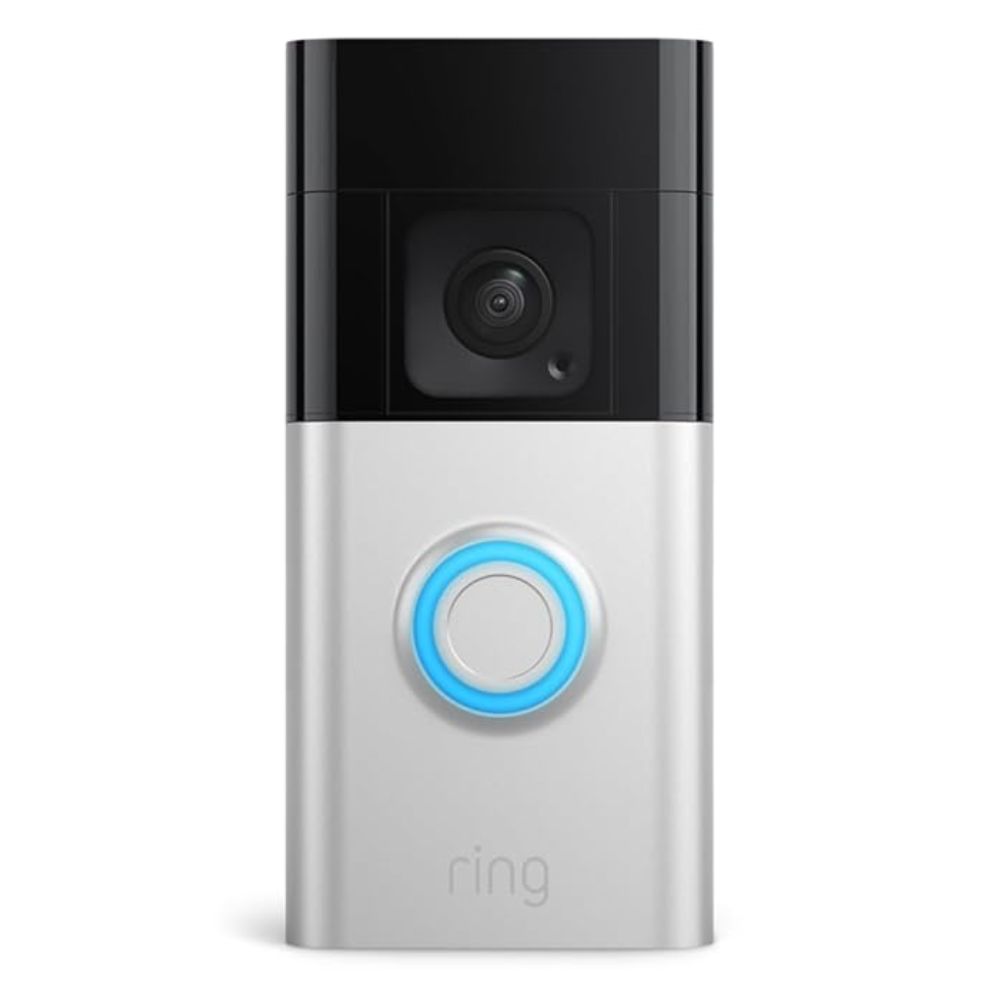
#1 Ring Battery Doorbell Plus
- Wireless battery-powered design for easy DIY installation with optional wired support
- Head-to-toe HD video with a wide field of view for better porch visibility [expert reviews]
- Motion alerts with customizable zones
- Two-way talk for direct communication with visitors
- Compatible with major smart speakers and hubs
The Ring Battery Doorbell Plus stands out for its dependable performance across varied home setups. It’s 1536p HD+ video provides clear visuals, and the wide field of view helps capture visitors and parcels alike. Motion alerts are customizable, and native integration with popular smart home platforms adds versatility. Some features, such as advanced object detection, come via cloud subscription; however, the core experience remains strong even at the basic level.
Pros:
- Easy installation, reliable picture quality, broad smart home compatibility, two-way communication
Cons:
- Subscription needed for full motion intelligence, cloud storage only, rechargeable battery needs occasional charging
Ideal for most homeowners seeking a balanced, user-friendly video doorbell that works with Alexa and offers strong overall performance.
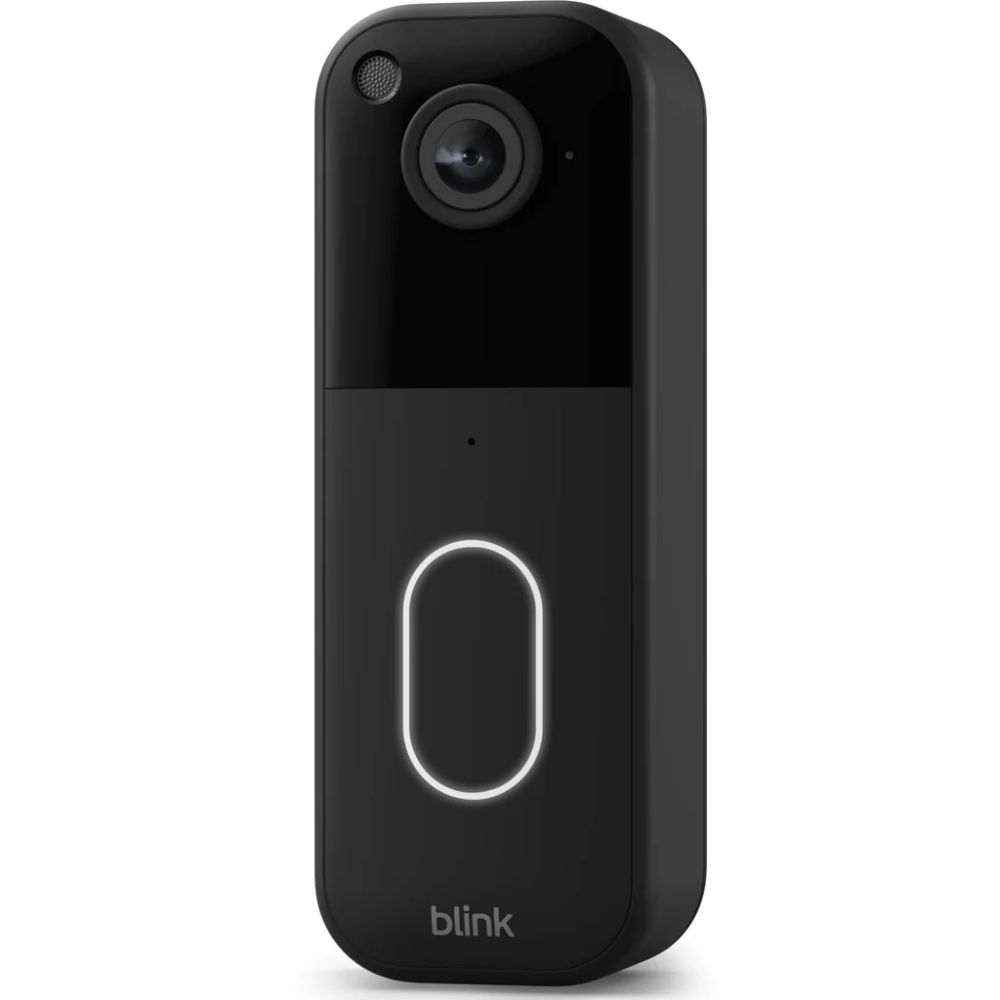
#2 Blink Video Doorbell
- Ultra-long battery life (up to 2 years on AA batteries)
- Lightweight design with quick setup
- 1080p HD video and 150° field of view
- Basic motion and press alerts to mobile devices
- Works with smart assistants
The Blink Video Doorbell prioritizes simplicity and endurance. Its standout feature is exceptionally long battery life using standard batteries, often lasting up to two years on a single set. This reduces maintenance and makes it ideal for busy households. Video quality and notification basics are solid, though advanced features like person detection often require a subscription. Despite its budget-leaning feature set, it delivers dependable performance for everyday use.
Pros:
- Exceptional battery life, easy installation, simple user experience
Cons:
- Feature limitations without subscription, less advanced detection tech, basic video quality
Perfect for renters, first-time smart doorbell buyers, and users who want low-maintenance operation with fundamental security features.
#3 Arlo Video Doorbell 2K (2nd Gen)
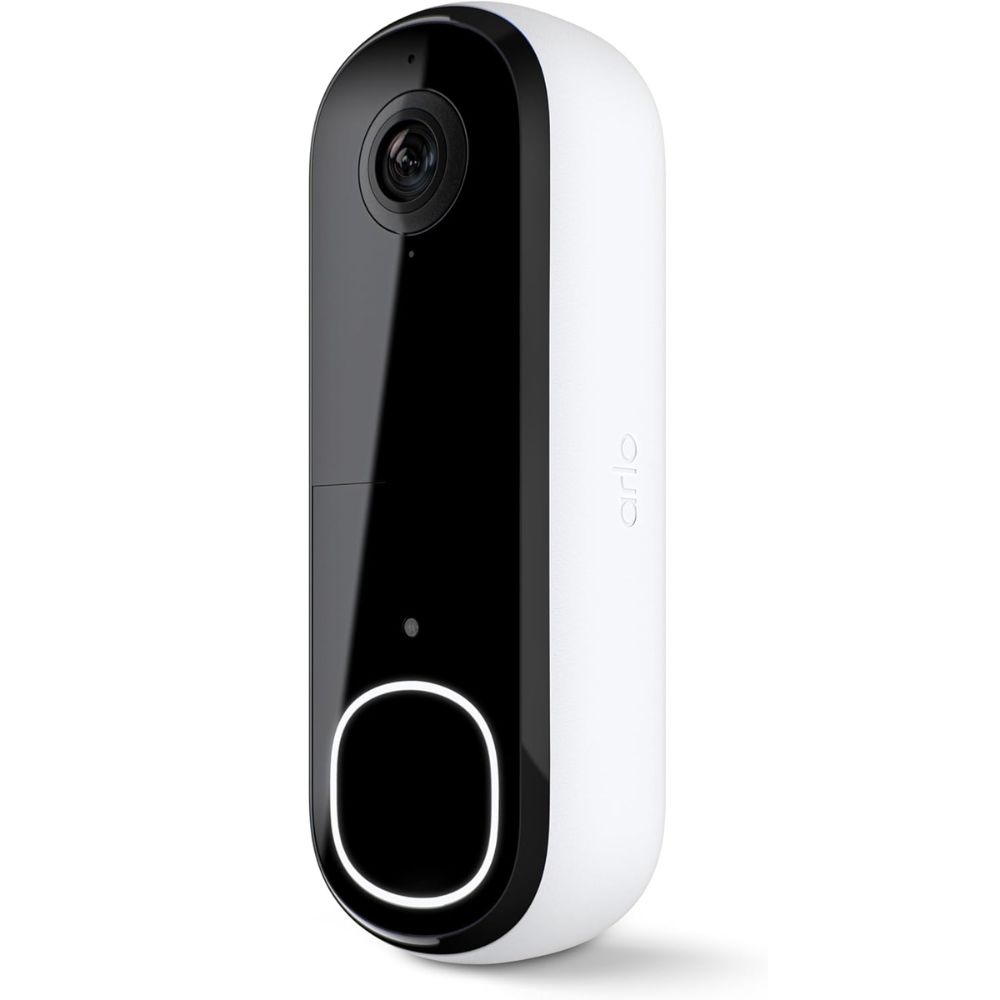
- High-resolution 2K video for sharp imagery and improved detail
- Extra wide 180° field of view for full porch coverage
- Motion alerts with AI-based detection filters
- Two-way audio communication
- Flexible installation: wired or wireless
The Arlo Video Doorbell 2K sets a high bar for visual clarity and detection coverage. Its expansive 180° field of view captures more of your doorway and surrounding areas, while crisp 2K resolution enhances detail, especially on larger displays. AI smart detection helps filter notifications, a big plus for busy households. Users also appreciate flexible mounting options and reliability in everyday use.
Pros:
- Excellent video quality, wide coverage angle, flexible installation, and intelligent alerts
Cons:
- Advanced features behind subscription, occasional notification delays
Best suited for users seeking detailed video and wide-angle coverage, particularly in larger entry areas or homes with regular package deliveries.
#4 WYZE Doorbell Camera v2
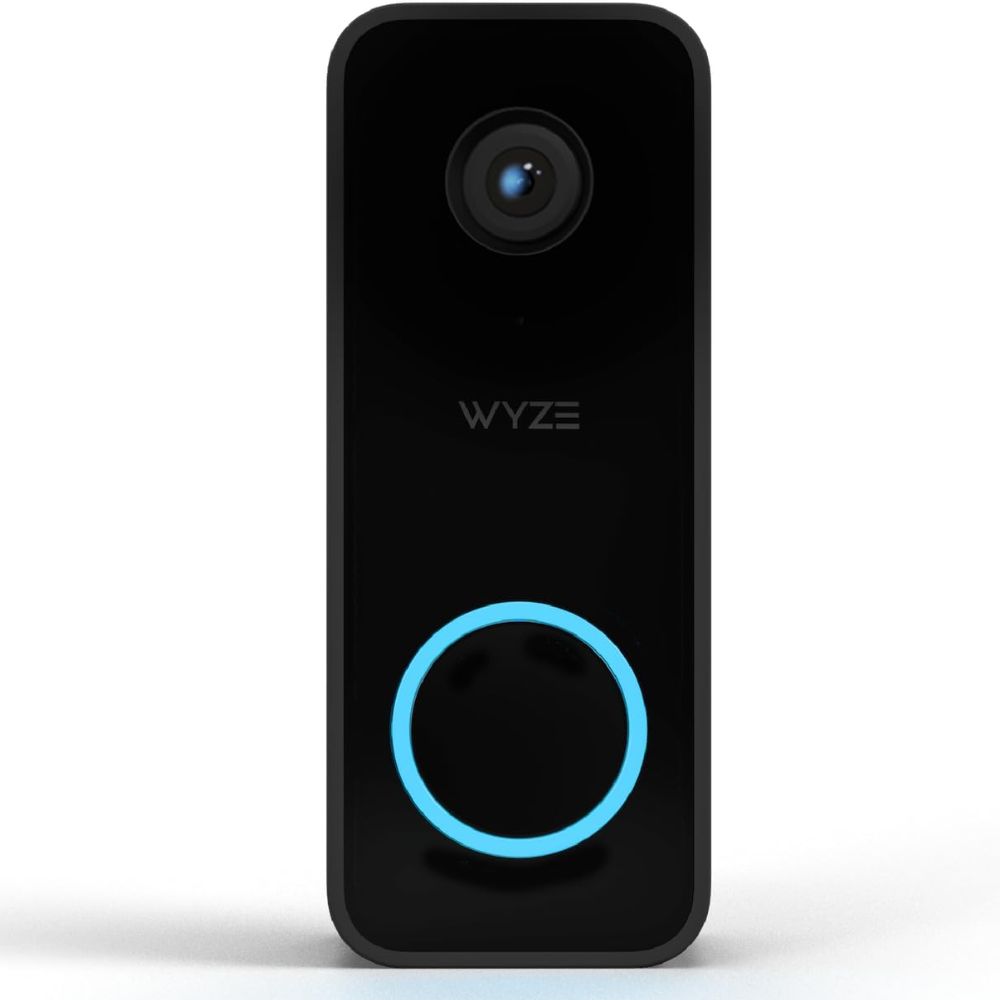
- 2K HD video for clearer captures than many budget models
- Fast live view and responsive app performance
- Two-way audio with smart announcements on compatible devices
- Alexa integration for in-home alerts
- Sleek, modern design
The WYZE Doorbell Camera v2 punches above its weight with crisp 2K video and intuitive app performance. Users note the rapid live feed response, an often underrated advantage when answering the door remotely. Integration with smart speakers like Echo devices adds convenience, making it feel like part of a connected home. Some firmware and connectivity quirks have been reported, but many users are impressed with the overall value.
Pros:
- Great value, 2K image quality, fast app responsiveness, smart speaker alerts
Cons:
- Needs subscription for some features, occasional network hiccups
Ideal for tech-savvy owners on a budget who still want high-resolution video and responsive performance.
#5 Kasa Smart Video Doorbell
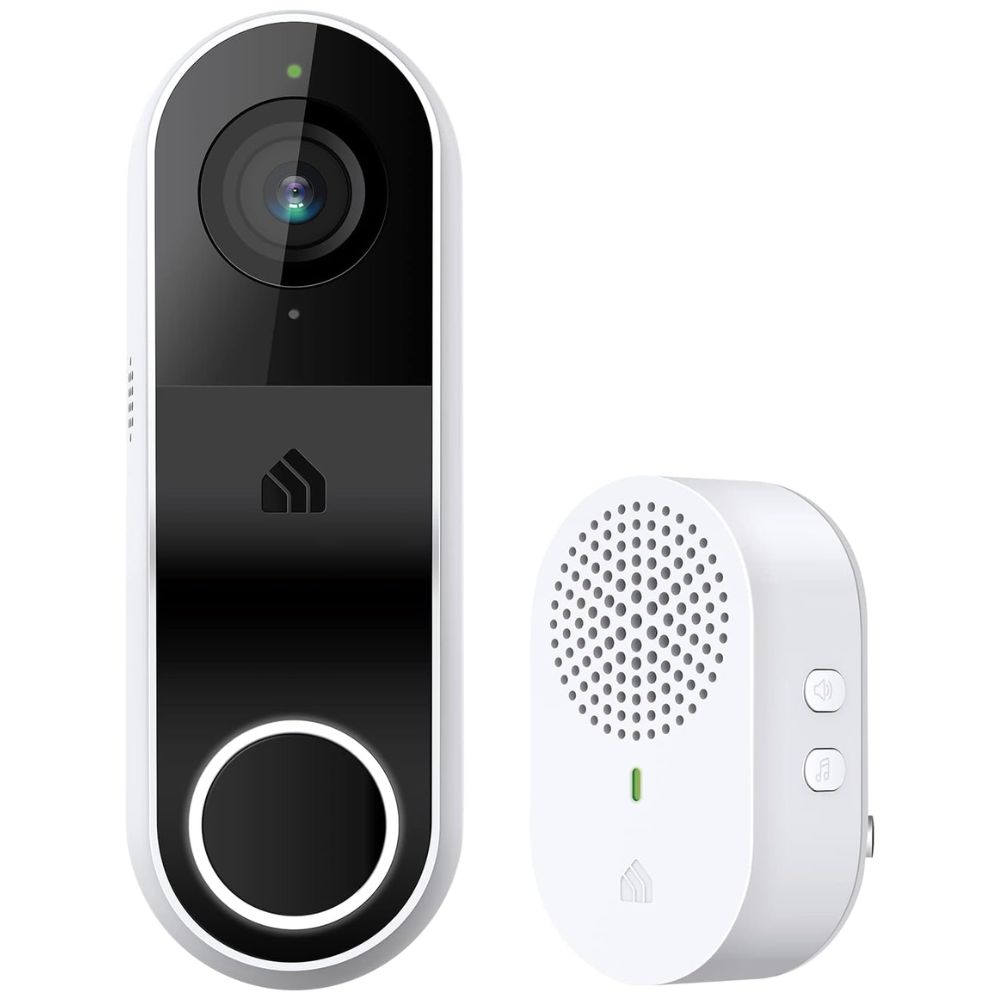
- Full 2K resolution with crisp, detailed imagery
- Local storage support with microSD card (up to capacity limits)
- Activity zones and app notifications without requiring a subscription
- Broad smart home support, including Alexa and Google Assistant
- Live streaming and two-way audio built in
The Kasa Smart Video Doorbell delivers strong fundamentals without forcing you into a monthly fee. Its 2K resolution and generous viewing angle ensure detailed video with fewer blind spots. Local storage support via microSD gives greater control over your footage and helps avoid ongoing costs, a notable advantage over many competitors. Most baseline features like activity zones and push notifications work without a subscription, making it a compelling choice for privacy-conscious users.
Pros:
- No subscription required, robust local storage, broad smart home support
Cons:
- Wired only, lacks the most advanced detection algorithms
Perfect for users who want a full-featured video doorbell without recurring fees or cloud commitments.
Usage Tips
Quick Summary
- Mount the video doorbell about 48 inches (120 cm) from the ground
- Angle the camera slightly downward for better face and package capture
- Reduce motion sensitivity to avoid alerts from cars and shadows
- Set custom activity zones focused only on walkways and door areas
- Clean the camera lens regularly for clear video quality
- Monitor battery levels, especially in extreme weather
- Use snapshot previews to quickly review motion events
- Schedule notifications to stay alerted only when it matters most
To get the best results from a video doorbell, proper installation is key. Mount the device at about 48 inches (120 cm) from the ground, angled slightly downward. This height provides the best balance for face recognition and package detection. Avoid pointing the camera directly at the street or reflective surfaces, as this can trigger false motion alerts.
One common beginner mistake is leaving motion sensitivity at default maximum levels. This often results in constant alerts from passing cars, pets, or tree shadows. Adjust motion sensitivity and create activity zones that focus only on walkways and door areas. Most users find better results when sensitivity is set to medium and zones are tightly defined.
Another mistake is forgetting to maintain the device. Battery-powered models should be checked every few months, especially in hot or cold weather, which can reduce battery life. Cleaning the camera lens with a soft cloth every few weeks also helps maintain clear video quality.
Pro tips most users don’t know include enabling snapshot previews if available, which lets you see motion events quickly without loading the full video. If your model supports it, use package detection selectively rather than always on, as it can drain the battery faster. For homes with frequent visitors, setting custom motion schedules can reduce unnecessary notifications while keeping security active during key hours.
Used correctly, a video doorbell becomes more than just a camera; it becomes a smart front-door assistant that improves safety, awareness, and everyday convenience.
FAQ
What should I look for in a video doorbell?
Focus on video resolution (1080p or higher for clarity), field of view (wider is better for full porch coverage), power options (battery vs wired), motion detection intelligence, and smart home compatibility.
Do video doorbells require a subscription?
Many models offer basic alerts and live view without subscription, but advanced features like cloud storage and smart alerts often require a plan. Some models like the Kasa doorbell, support robust features without ongoing fees.
Can video doorbells work without existing doorbell wiring?
Yes. Battery-powered models like Blink and Ring make installation easy without existing wiring, though wired models can provide continuous power for always-on monitoring.
Is local storage better than cloud storage?
Local storage gives you control and avoids monthly fees, but cloud storage provides off-site backup, so footage is safe even if the device is tampered with.
Will a video doorbell work with smart assistants?
Most leading models integrate with Amazon Alexa and Google Assistant, letting you view feeds on smart displays and get voice or in-home alerts.