
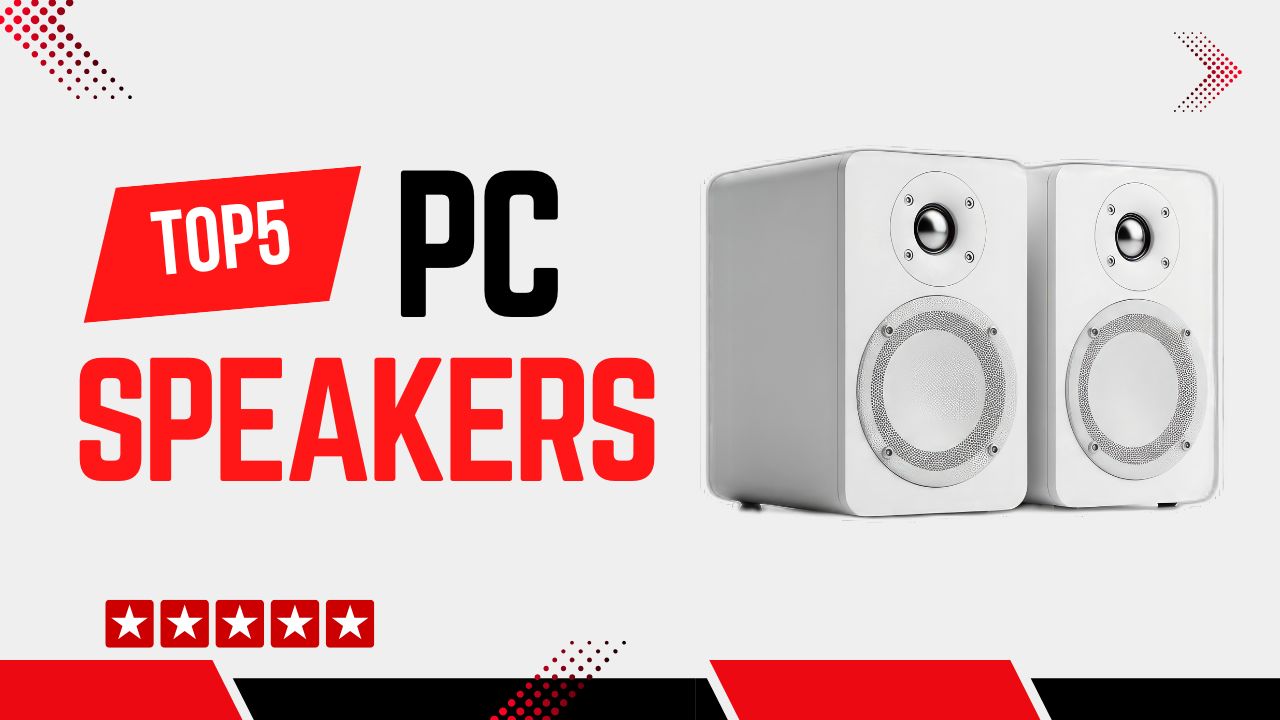
PC speakers are essential for anyone who wants great audio from their computer setup, whether for music listening, gaming, movies, or video calls. In this guide, we’ve researched expert reviews, user feedback, and technical specifications to bring you the top five PC speakers available today. These options span from compact desktop models to powerful 2.1 systems, ensuring there’s something for every need.
Disclosure: As an Amazon Associate, I earn from qualifying purchases. This means that if you click on a link and make a purchase, I may receive a small commission at no additional cost to you.
Quick Look
Table of Contents

Why You Need PC Speakers
PC speakers are one of the most underrated upgrades for a desktop or laptop setup. Many new users rely on built-in monitors or laptop speakers without realizing how much sound quality they are missing.
Who PC Speakers Are For and Who Should Skip Them
PC speakers are ideal for users who spend several hours a day at their computer and regularly watch videos, listen to music, attend online meetings, or play games. If your current audio sounds thin, quiet, or distorted above 60-70% volume, dedicated PC speakers will be a noticeable improvement.
They are especially useful for students, remote workers, casual gamers, content consumers, and anyone using an external monitor with weak or no speakers.
You may skip PC speakers if you exclusively use high-quality headphones or already have an external home audio system connected to your PC.
Key Problems PC Speakers Solve
Built-in speakers typically have very small drivers, usually under 1 inch, which limits volume and bass. PC speakers use larger drivers (commonly 2–3 inches for 2.0 systems) that move more air, resulting in clearer sound.
They also solve poor voice clarity during calls by improving mid-range frequencies (around 300 Hz to 3 kHz), which is where human speech lives.
Another issue is volume inconsistency. PC speakers provide stable output without distortion even at higher listening levels, often up to 80–90 dB in a small room.
Main Benefits of PC Speakers
The biggest benefit is better overall sound clarity. Even entry-level PC speakers produce cleaner highs and fuller mids than built-in audio.
You also get improved immersion for movies and games, especially with 2.1 systems that add a dedicated subwoofer for bass below 100 Hz.
Finally, PC speakers offer convenience, such as front-mounted volume controls, Bluetooth connectivity, and consistent audio quality regardless of screen size or laptop model.
Buying Tips
Choosing PC speakers can be confusing for beginners because spec sheets often emphasize numbers that don’t matter for everyday use. Here’s what actually counts.
What Actually Matters When Buying PC Speakers
The first thing to decide is speaker type. A 2.0 system (two speakers, no subwoofer) is best for desks with limited space and users who prioritize clarity over bass.
A 2.1 system adds a subwoofer and is better for movies and games where low-frequency sound matters.
Power output is another key factor. For a desk setup, 8–16 W RMS is enough for small rooms, while 30–60 W RMS suits larger rooms or louder listening. RMS matters more than peak wattage because it reflects sustained output.
Connectivity should match your setup. USB or USB-C speakers are simple and reduce cable clutter. Bluetooth is useful for switching between PC and phone, while a 3.5 mm analog input ensures compatibility with almost any device.
Specs or Features That Are Mostly Marketing Fluff
Extremely high peak wattage numbers (like 200 W peak) are often misleading and rarely reflect real-world performance.
“Virtual surround sound” in compact speakers rarely creates true directional audio without physical rear channels.
RGB lighting and oversized control apps add visual appeal but do not improve sound quality.
Common Buying Mistakes to Avoid
One common mistake is buying very small speakers with driver sizes under 2 inches and expecting strong bass. Physics limits low-frequency performance at that size.
Another mistake is ignoring desk space. Subwoofers need floor placement, and rear-ported speakers need space behind them to avoid muffled sound.
Many beginners also overlook control placement. Rear-mounted volume knobs become annoying for daily use.
Usage Tips
Even good PC speakers can sound disappointing if they are set up incorrectly. Proper placement and basic tuning make a big difference.
How to Get the Best Results from PC Speakers
Position the speakers at ear level and keep them roughly 60-90 cm apart to form a triangle with your head. This improves stereo separation.
Keep speakers at least 5-10 cm away from walls unless they are front-ported. Rear-ported speakers need more space to let bass breathe.
Set your system volume to around 70-80% and control loudness using the speaker’s volume knob. This reduces digital distortion.
Beginner Mistakes
Many users place one speaker much closer than the other, which collapses the stereo image.
Another mistake is setting software equalizers to extreme bass or treble boosts, which can cause distortion and listener fatigue.
Some users leave Bluetooth speakers connected while also using wired audio, causing delays or audio dropouts.
Pro Tips Most Users Don’t Know
If your speakers support it, use USB audio instead of analog for cleaner signal and lower noise.
For 2.1 systems, place the subwoofer near a wall or under a desk to enhance bass response, but avoid corners where bass can become boomy.
Adjust your operating system’s audio enhancement settings carefully; disabling unnecessary effects often results in more natural sound.
Used correctly, PC speakers can transform your everyday computing experience without requiring complicated setup or technical knowledge.
Top 5 PC Speakers
#1 Creative Pebble V3
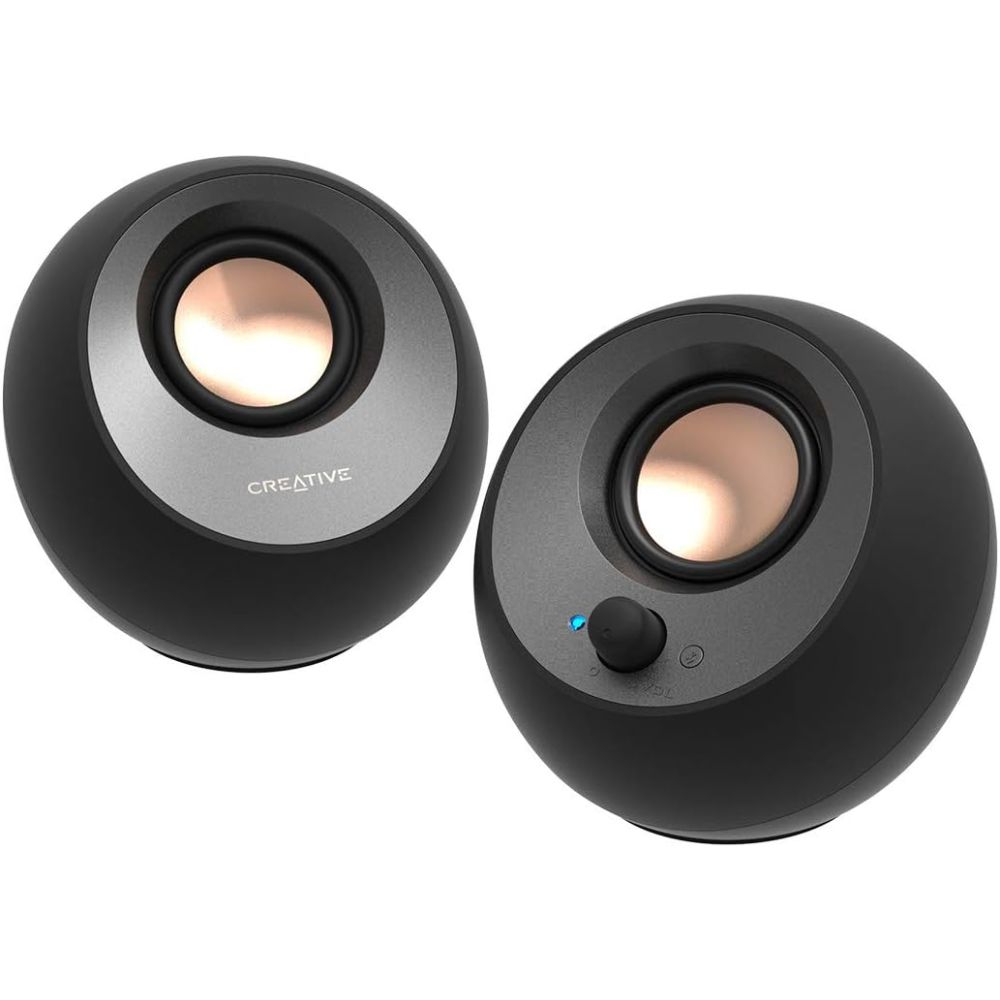
The Creative Pebble V3 stands out in the PC speaker category for its ingenious blend of simplicity and performance. Expert reviews consistently highlight the V3’s ability to deliver clear, bright audio from a very compact chassis, making it perfect for smaller desks or minimalist setups. The inclusion of both Bluetooth and USB-C connectivity sets it apart from typical budget speakers, while the angled driver design helps fill your listening space despite the modest size. Users particularly appreciate the clarity it brings to podcasts, videos, and casual music listening. Although the bass is limited due to the absence of a larger driver or subwoofer, the overall balance is impressive for what these little speakers deliver.
Pros:
- Excellent connectivity options (Bluetooth + USB-C)
- Strong clarity for vocals and everyday use
- Stylish and compact design
Cons:
- Limited low-end bass response
- Not ideal for large rooms
Best suited for users with limited desk space who want a versatile speaker solution that works for music, video streaming, and conference calls without compromising connectivity options.
#2 Logitech Z407
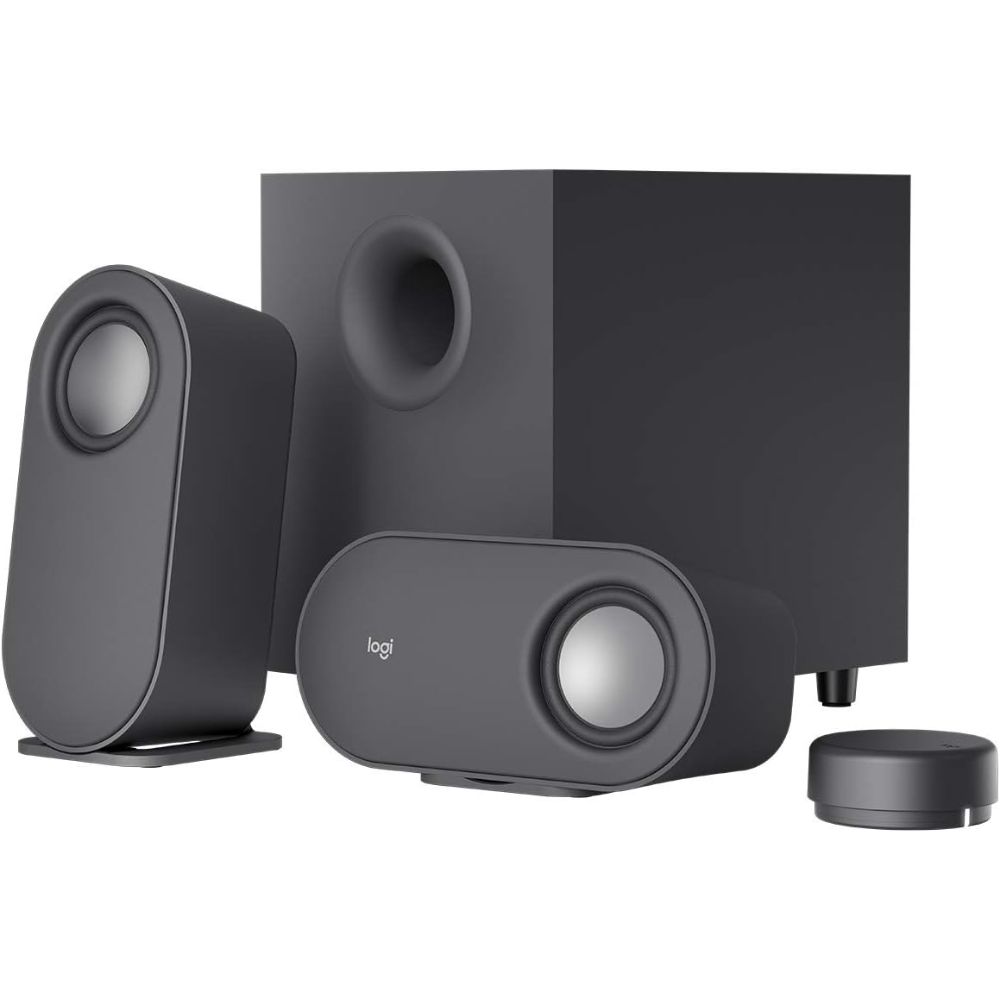
The Logitech Z407 is praised by reviewers and users alike for delivering a compelling combination of performance and convenience. With its wireless control puck, adjusting volume and bass feels fluid and intuitive compared to traditional speaker knobs. Connectivity is generous, giving you Bluetooth for convenience and wired options when latency or audio quality matters. While competing 2.1 systems may produce deeper bass with a subwoofer, the Z407’s satellite speakers provide a lively and enjoyable soundstage that works well for music, games, and movies. Users consistently praise the system for its simplicity and versatility.
Pros:
- Versatile connectivity and wireless control puck
- Balanced sound signature
- Easy setup and use
Cons:
- Lacks dedicated subwoofer bass depth
- Micro-USB rather than USB-C in modern setups
Ideal for users seeking a reliable all-around speaker system that handles everyday audio tasks with ease and convenience.
#3 Audioengine A2+
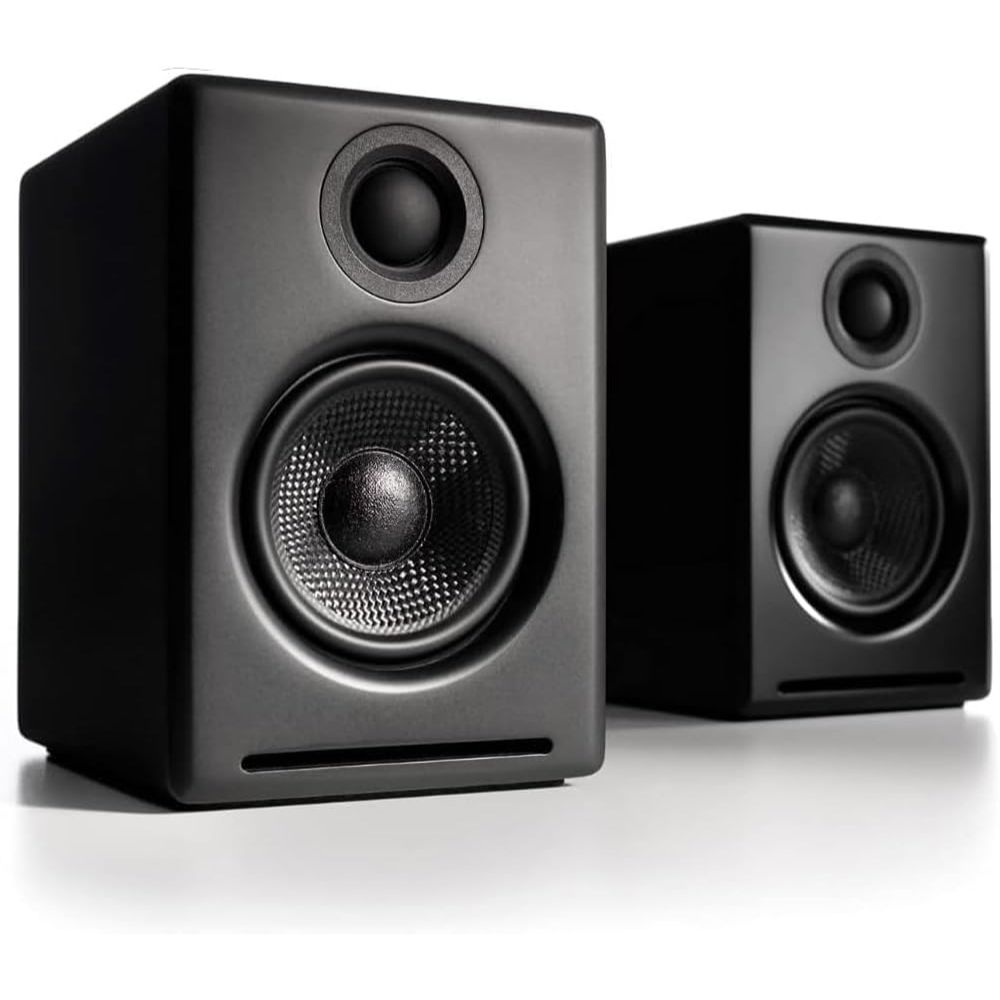
Among compact PC speakers, the Audioengine A2+ Wireless represents a premium choice, consistently highlighted by tech outlets for its refined audio performance. These speakers deliver significantly richer and more detailed sound than typical budget options, making them a favorite for audiophiles and serious listeners who still need a compact setup. The range of inputs ensures compatibility with virtually any desktop audio source, and Bluetooth adds wireless convenience without significantly sacrificing quality. While not as bass-heavy as larger 2.1 systems, the A2+ strikes an impressive balance of clarity, presence, and musicality that most users find highly satisfying.
Pros:
- Exceptional overall sound quality
- Flexible connectivity options
- Elegant and durable build
Cons:
- No dedicated subwoofer for deep bass
- Higher-end positioned
Perfect for discerning listeners and multimedia creators who want premium audio without bulky speakers, and appreciate rich sound for music, movies, and content creation.
#4 Klipsch ProMedia 2.1
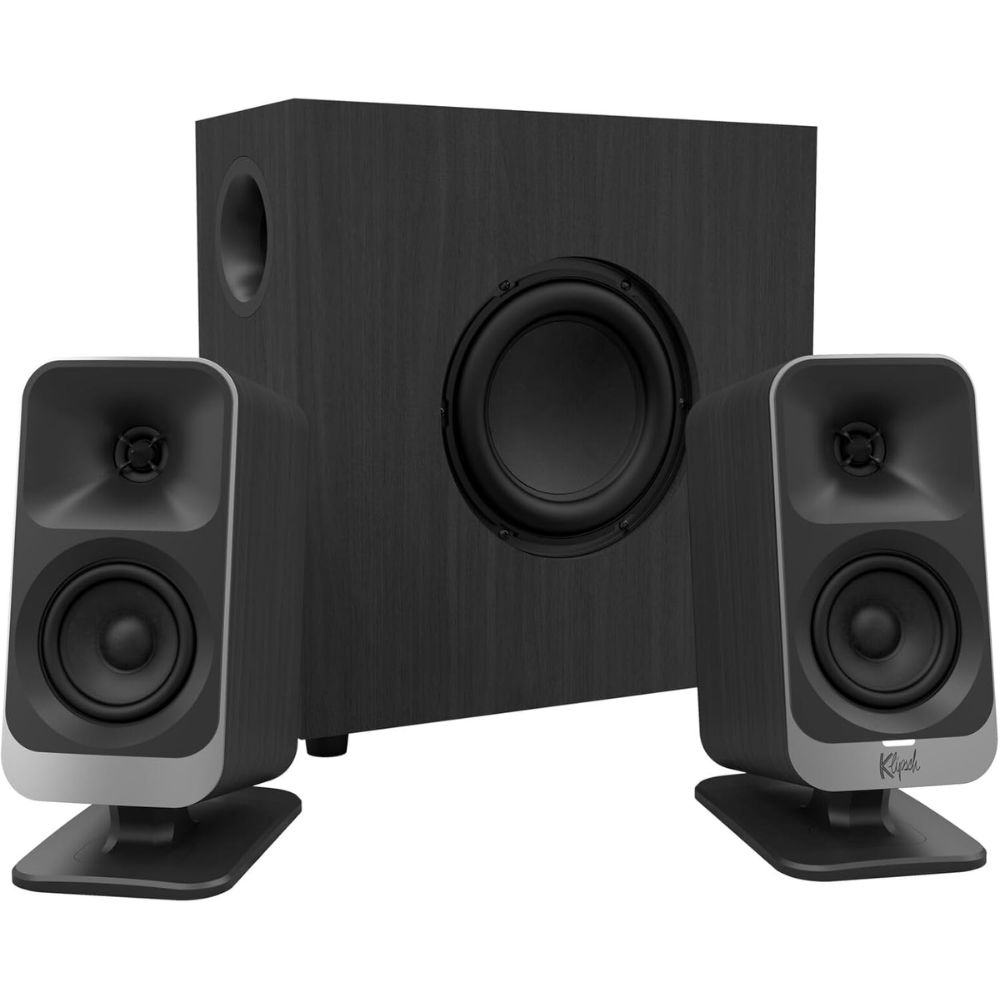
The Klipsch ProMedia 2.1 has been a staple in PC audio for decades, known for bringing a level of power and punch that simple 2.0 systems can’t match. With THX certification, these speakers deliver a robust audio experience that spans rich mids and highs alongside impactful low frequencies courtesy of the subwoofer. While connectivity is limited to analog inputs, users praise the system’s ability to fill a room and provide immersive sound for games, movies, and music. Some users note occasional distortion at very high volumes, but for most desktop uses the ProMedia remains a reliable and exciting choice.
Pros:
- Deep and powerful bass
- Timeless and rugged design
- Great for immersive multimedia
Cons:
- Limited connectivity options
- Occasional distortion at very high volumes
Best suited to users who want a full and rich 2.1 audio experience on a desktop or small room setup without needing advanced connectivity features.
#5 Bose Companion 2 Series III
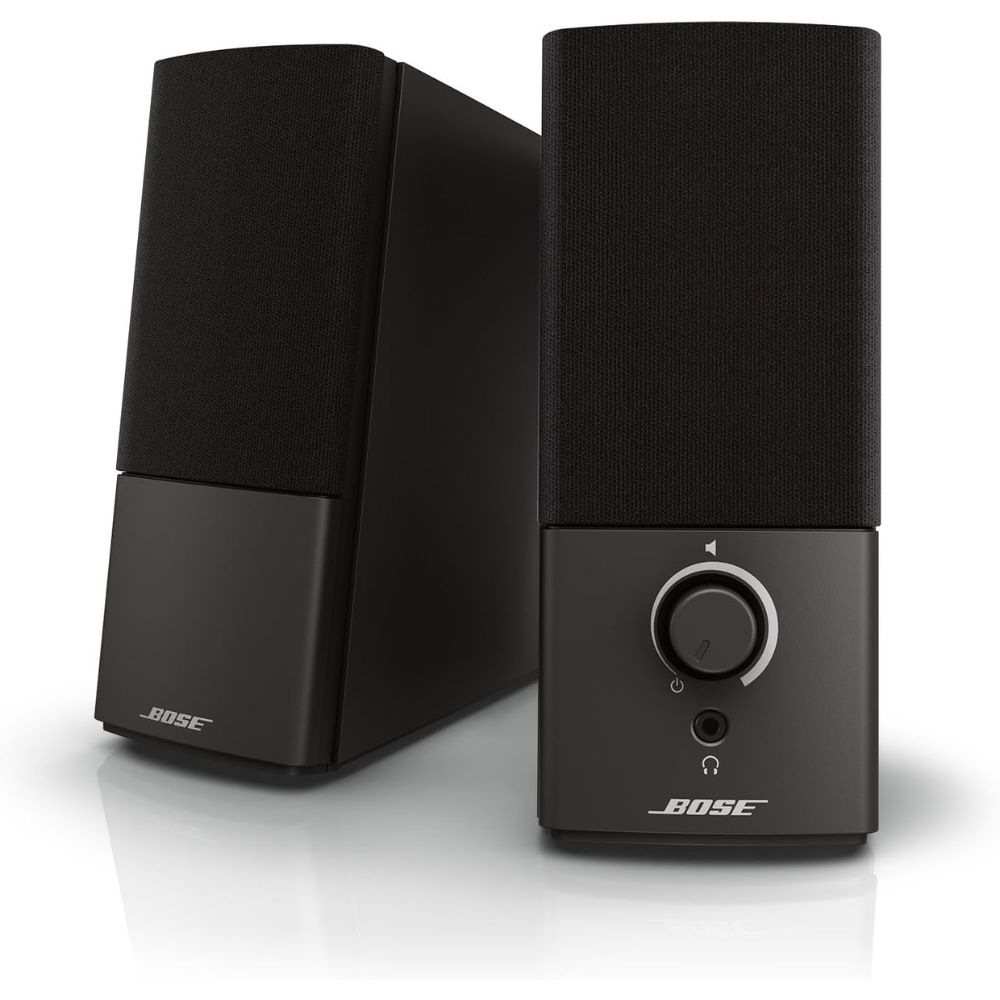
The Bose Companion 2 Series III has long been recommended as a reliable and balanced pair of multimedia speakers for PCs and laptops. Expert analysis shows that these speakers deliver a well-rounded sound that emphasizes vocals and instrument separation, making them great for everyday listening and video calls. While they don’t hit deep bass levels without a subwoofer, the balanced profile ensures that music, movies, and spoken content all come through cleanly and without distortion at moderate volumes. Compatibility is straightforward thanks to the analog connection, though some users may miss modern wireless options.
Pros:
- Balanced sound suitable for general content
- Compact, unobtrusive design
- Easy volume control placement
Cons:
- No Bluetooth or digital inputs
- Limited bass extension
Excellent for users who want dependable, everyday speakers that complement general PC use, especially for video, podcasts, and background music.
FAQ
What should I look for in PC speakers?
Focus on audio quality (clarity and balance), connectivity options that match your devices (Bluetooth, USB, analog), and whether you need a subwoofer for deeper bass.
Are 2.1 systems better than 2.0?
2.1 systems include a subwoofer, which generally produces richer bass and a more immersive soundstage, while 2.0 systems are usually more compact and simpler to set up.
Can Bluetooth PC speakers match wired ones?
Bluetooth adds convenience but may introduce slight latency and compression. Wired connections often deliver more stable and high-fidelity audio.
Do more expensive PC speakers always mean better sound?
Higher price often correlates with better components and build quality, but room size, placement, and use case (music vs movies vs gaming) also affect perceived performance.
Are compact speakers worth it for desktop setups?
Yes, compact speakers can deliver surprisingly good audio while saving space, especially when the room size is small and deep bass is not a priority.